
Lock It Down How Switch Port Security Keeps Your Network Safe
Search optical fiber, connectivity, cable management and network infrastructure references.
-
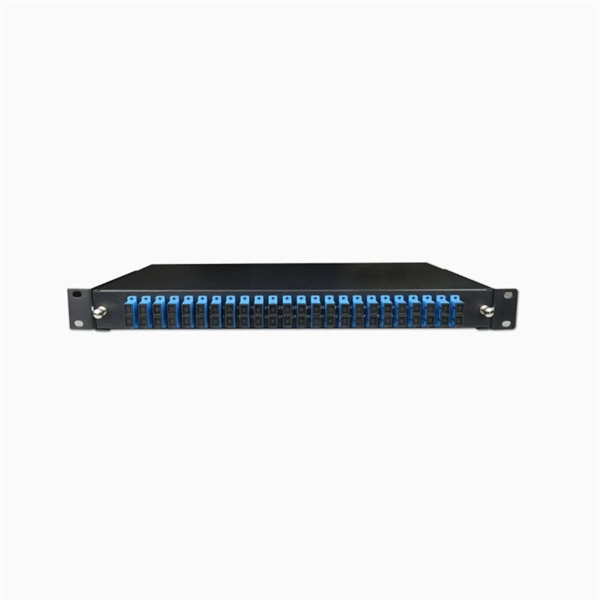
How many pins are connected to the optical port of the switch
Common on cassettes and patch cords. Rule: Male must mate with female. Note: For the three models of IE 4000 switch that support PoE, connector pins 4 and 5 supply +48 VDC and pins 7 and 8 are the DC voltage return lines. The following figure shows the pinouts. It transmits...
-
How to connect the fiber optic cable to the switch port
How do you connect a switch to fibre? By following these steps and considerations, you can effectively connect a switch to a fiber optic network, ensuring.
[PDF Version]
-
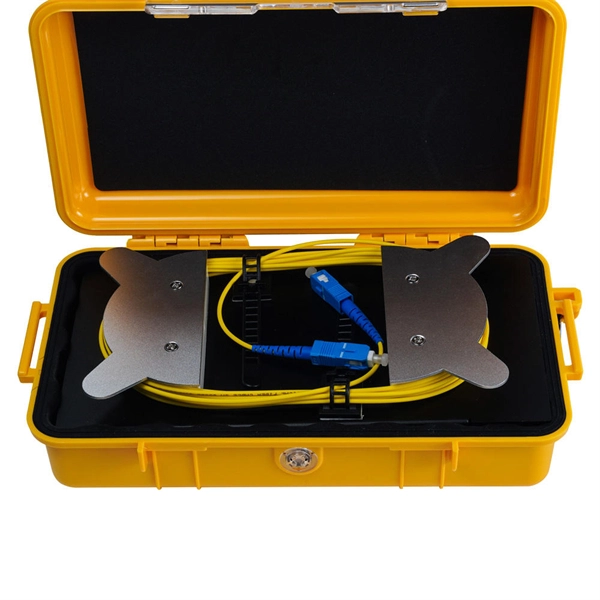
How to connect a 2-to-4 optical fiber switch
Most modern fiber-enabled network switches require an SFP transceiver module featuring a duplex (two strand) multimode OM3 or duplex single mode OS2 connection with LC connectors. Direct attach cables with pre-terminated SFP connections may also be used. Download the...
-
How many watts does a fiber optic switch have
These switches, commonly featuring 5 to 8 ports, consume an average of 3 to 15 watts, making them energy-efficient choices for basic connectivity needs. It is essential for high-speed networking, offering extended reach and bandwidth capabilities. Understanding the typical...
[PDF Version]
-
How to replace the battery in an optical switch
Press and hold the battery cover with your thumb. Secure the battery . Slide the lock to the OPEN position, then hold both sides of the faceplate and pull it away from the back. Here's a handy list to ensure you have everything you need: Safety goggles (To avoid debris...
-
All-optical port i-fiber optic switch
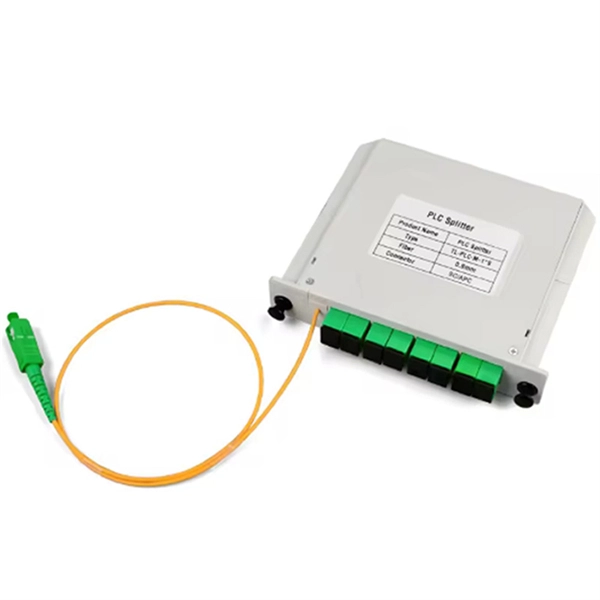
This switch provides 16 x 10/100/1000BASE-T ports, ports 1 to 8 PoE/PoE+ supported, 2 x 1GE SFP uplink ports, rich interfaces, supporting full service expansion. This compact switch comes with various mounting brackets to suit different environments. They can function as...
[PDF Version]
-
Configure the switch s gigabit optical port
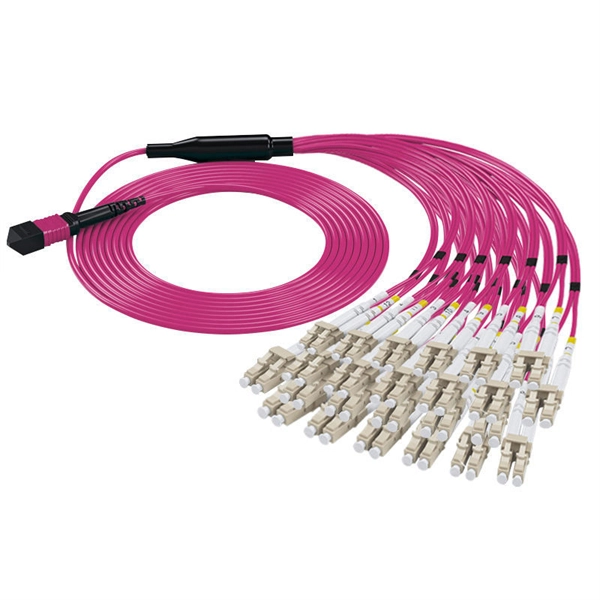
Connect an Ethernet cable to the RJ45 port of a computer, printer, network storage, or other network devices. Plug the compatible SFP transceiver into the SFP port. Connect a fiber optic . ExtremeXOS allows you to specify the medium as copper or fiber when configuring...
[PDF Version]
-
How to change the IP address provided by the fiber optic switch
You can configure the device with a static IP address, or you can use a Dynamic Host Configuration Protocol (DHCP) server to set the IP address of the switch. The device supports both IPv4 and IPv6 addresses. Connect the included Power Cord to the Power port. Proceed to the...