
A Canadian company serving Africa
Fiber Optic Network
Equipment for Africa
Specify fiber distribution, cabling and connectivity for access networks, campuses and equipment rooms. Start with the ports, the cable route and the conditions on site.
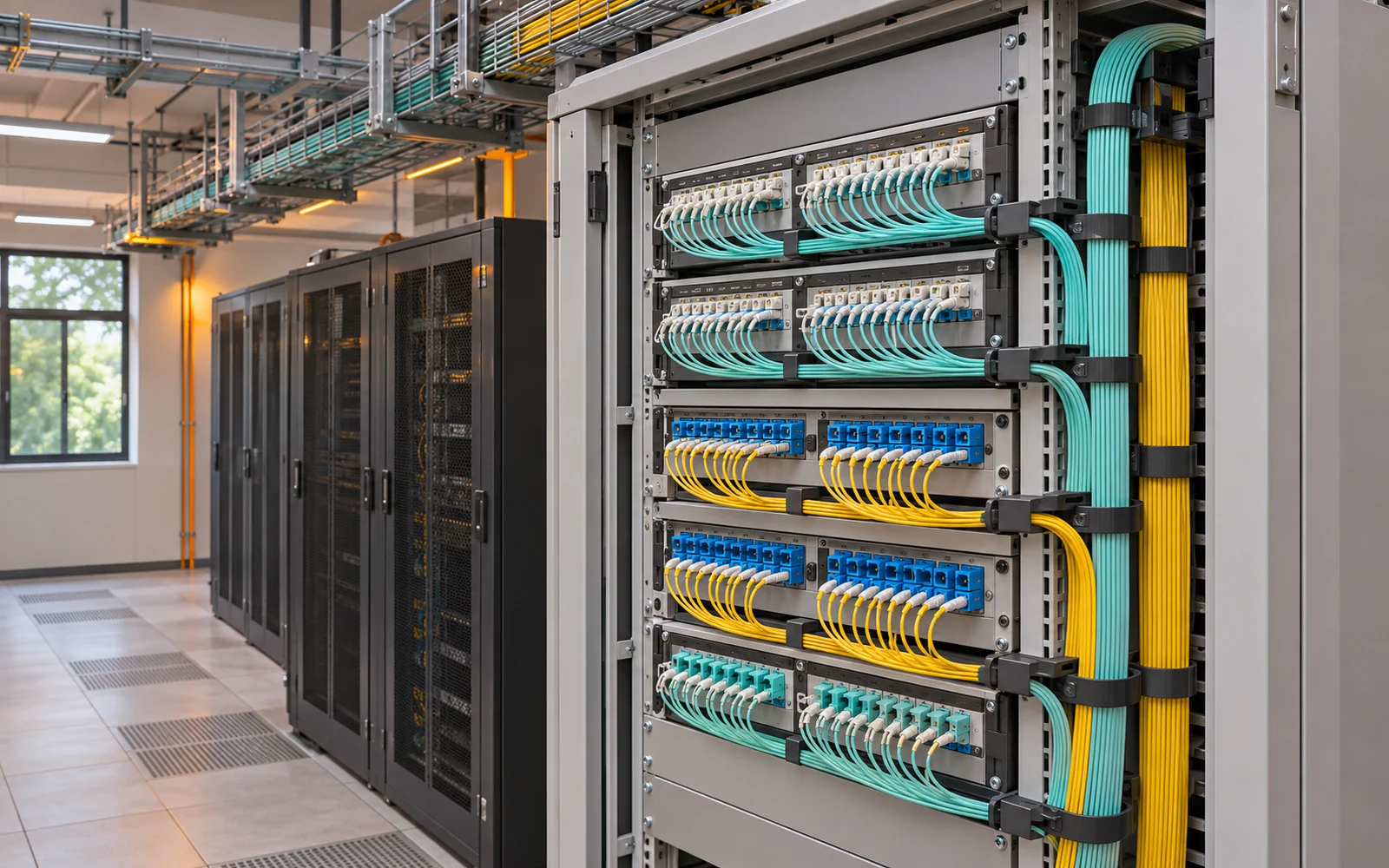
Equipment for each part of the link
The cable carries the signal. Enclosures and panels make the fibers accessible, while splitters and patch cords shape how the link connects.
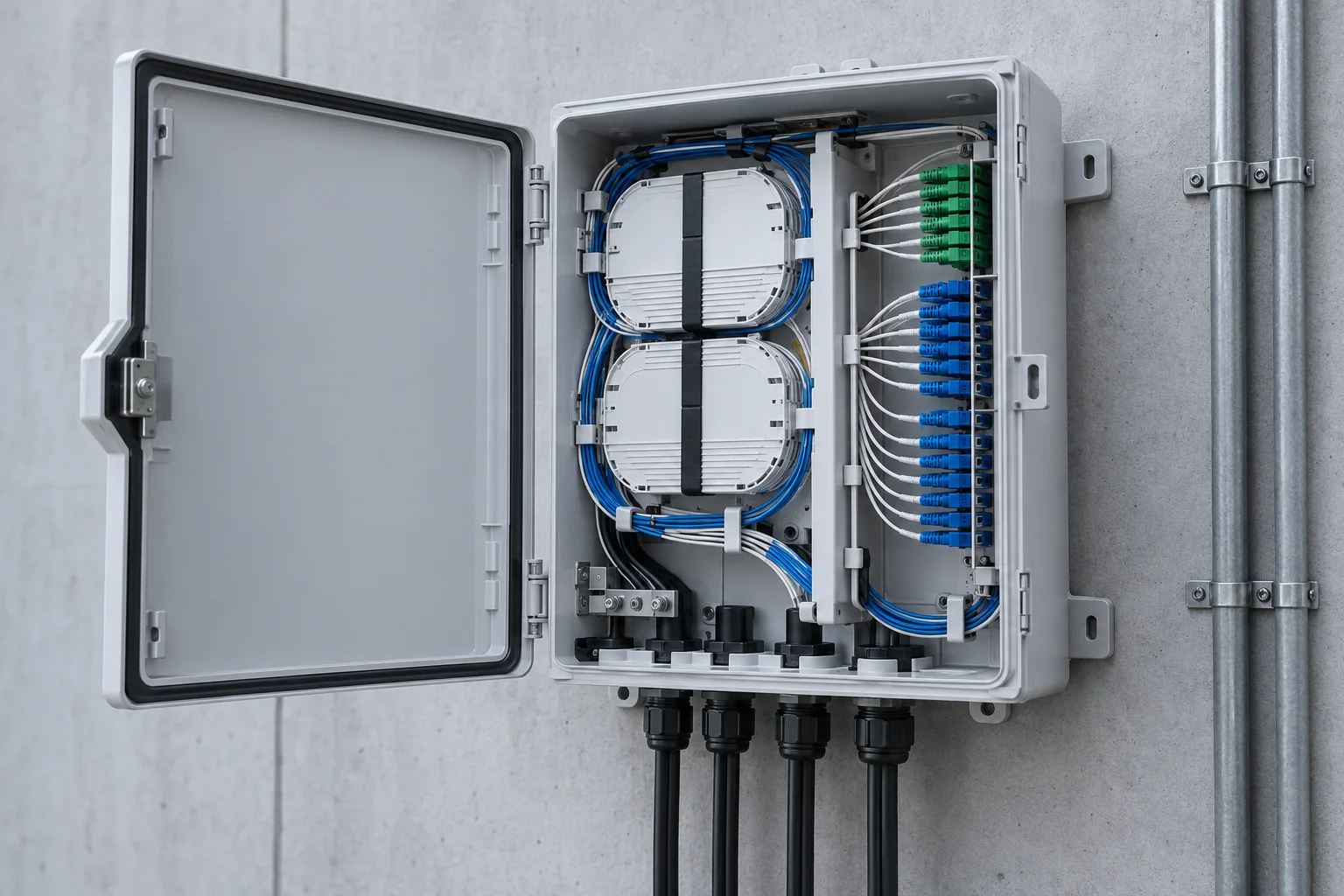
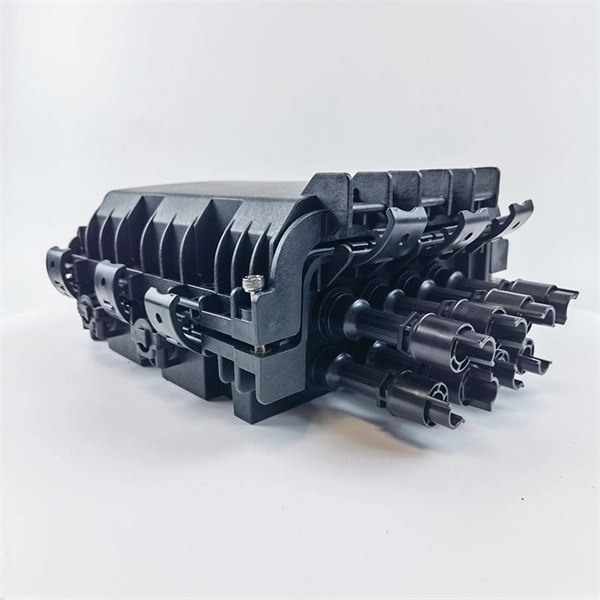
Fiber distribution boxes
Terminate incoming fiber and manage the outgoing drops. Size the enclosure for working and spare ports, then check splice capacity, cable entries and exposure at the mounting point.
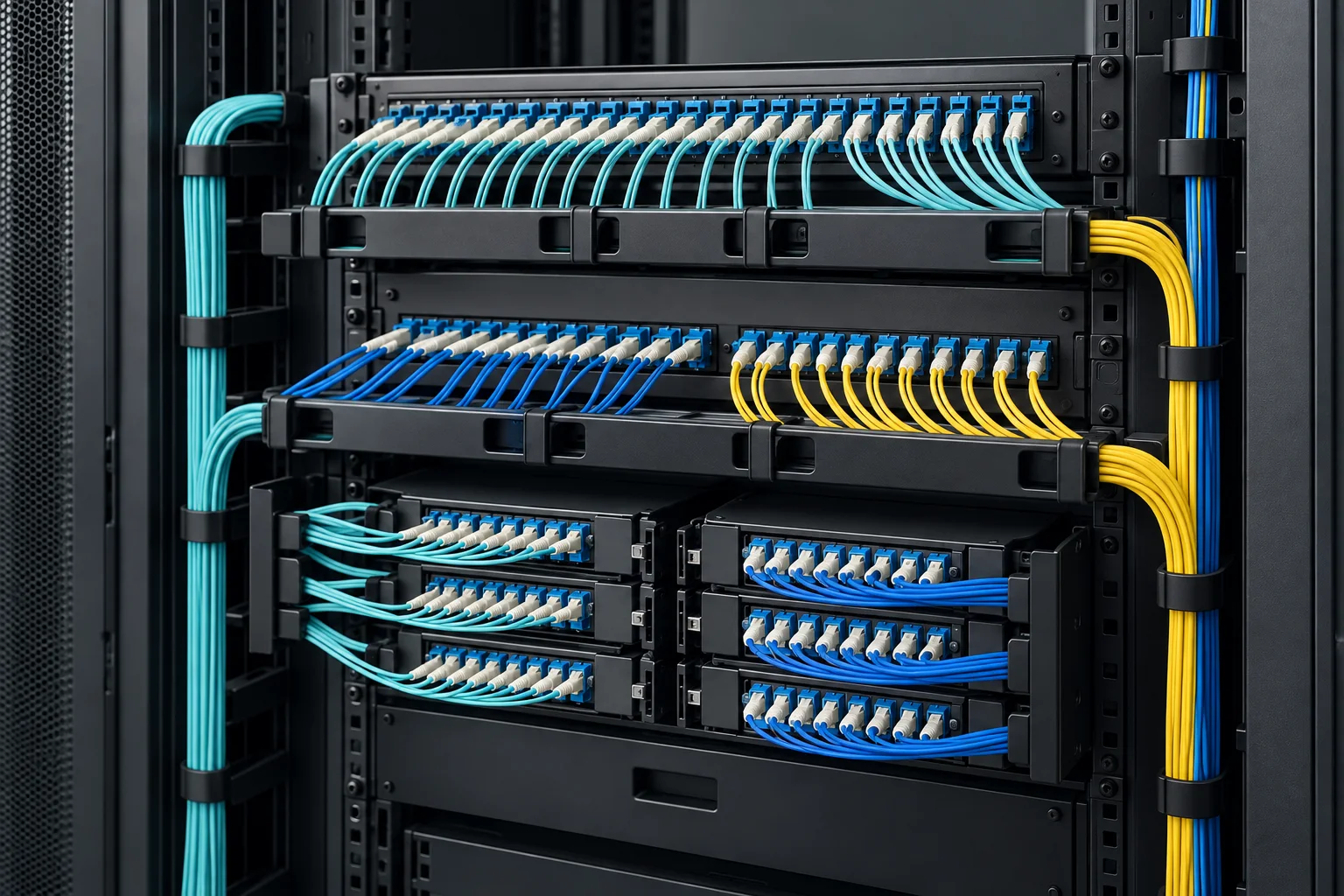
ODF patch panels
Terminate backbone fiber in an optical distribution frame. Confirm rack space, adapter type and access to ports and splice trays.
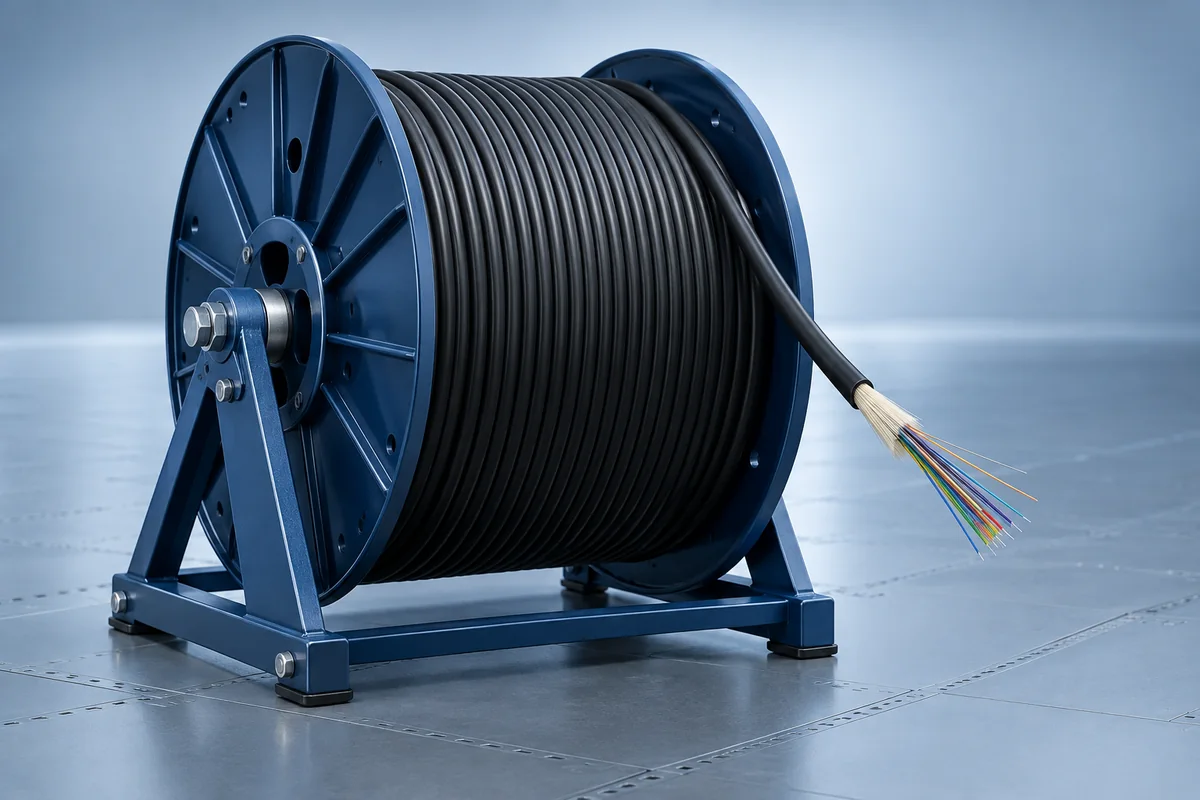
Optical fiber cables
Choose the fiber type for the link and the cable construction for its route. Check pulling limits and bend radius during installation.
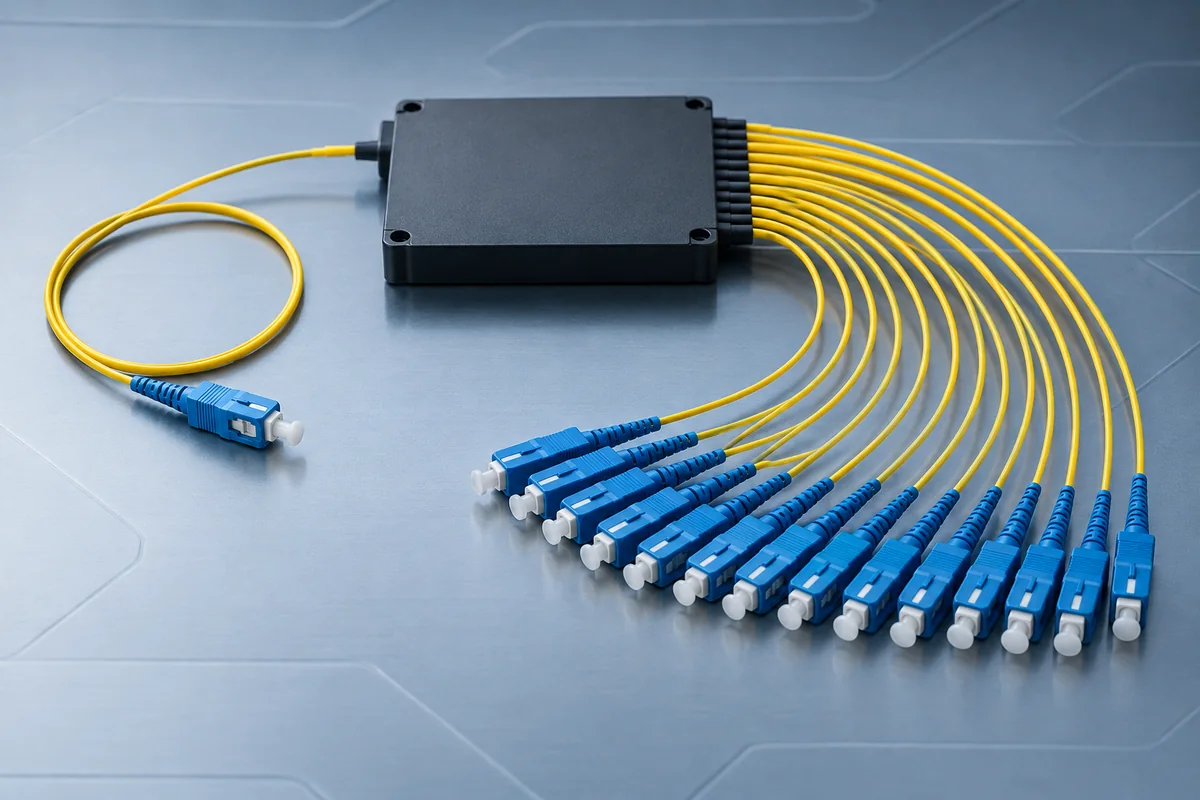
PLC splitters
Distribute optical power to multiple branches in a passive optical network. Include splitter insertion loss in the budget for each branch.
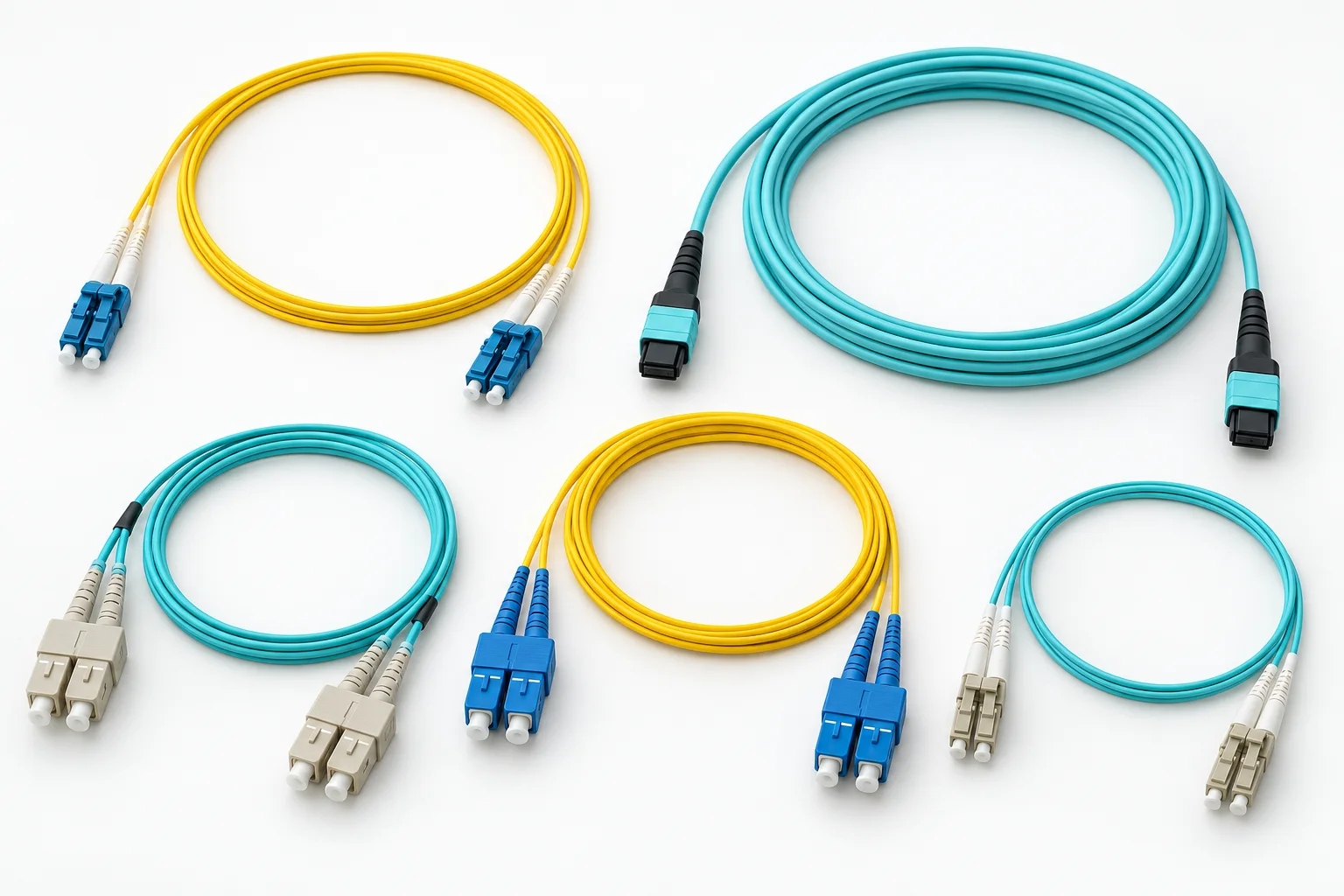
Fiber patch cords
Join panels and equipment. Match the fiber type, connector interface and polish at each end, and check polarity where applicable.
Plan the link from both ends
Map each connection before selecting components. Mark where the cable enters buildings, changes installation method or branches to other endpoints.
Open the installation planning guide- Ports and fiber type
- Identify the interfaces at both ends and schedule the working and spare fibers. Match the specified fiber type, adapter and connector polish at every handoff.
- Route, exposure and loads
- Confirm indoor, duct, aerial or buried segments, moisture and UV exposure, and the supports available. Check rack and pathway loads alongside the cable's pulling tension and minimum bend radius.
- Optical loss budget
- Use the route length, connector and splice counts and passive component losses to estimate attenuation at the operating wavelengths. Compare each path against the equipment's allowable loss and agreed design margin.
- Installation and acceptance
- Set the test method, limits and report format before installation. At handover, link cable labels, port schedules and measured results to the same fiber identifiers.
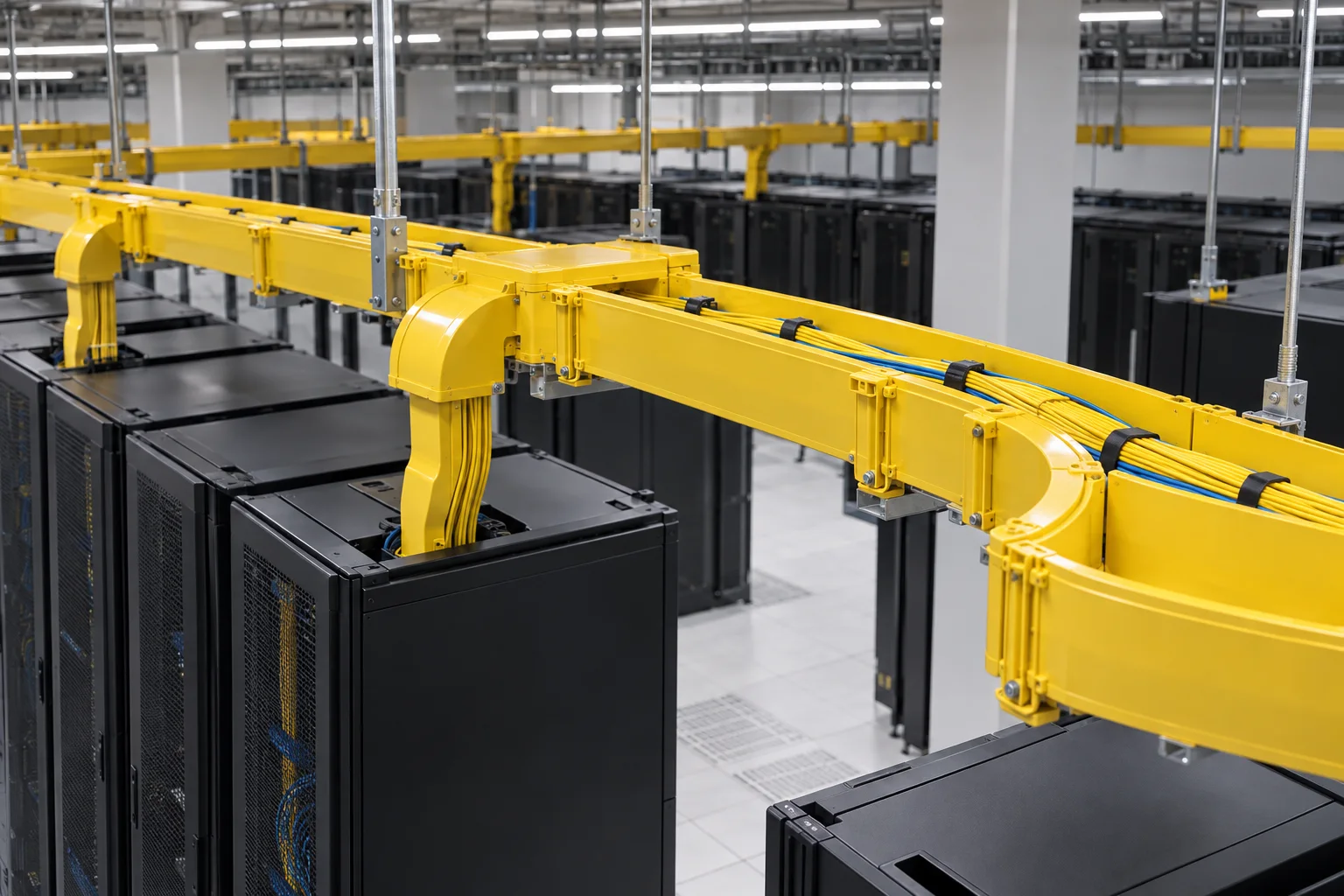
Make room for the fiber route
In an equipment room, lay out panels, pathways and slack storage so technicians can reach the ports and trace a fiber without disturbing its neighbours.
At building entries and outdoor distribution points, check the enclosure mounting, access for splicing and the transition to the next cable segment.
Explore network spacesFiber equipment and handover questions
What is the difference between a fiber distribution box and an ODF patch panel?
A fiber distribution box typically protects the fibers and organizes splices, adapters and drops at a wall or pole. An ODF patch panel organizes fiber terminations and patching in a rack or frame. Choose the format by mounting location, cable entries, port capacity and the access technicians need.
Which fiber patch cord should I select?
Start with the interfaces on the two ports. Specify the fiber type, connector and polish at each end, then check the required polarity and the length along the managed path. For a duplex or multifiber assembly, verify the end-to-end fiber mapping against the port schedule.
What should a fiber installation handover include?
Agree on acceptance criteria before installation. Capture as-built routes and port labels, record end-to-end insertion loss at the agreed wavelengths, and include OTDR traces when the project requires event or splice information. Match the results to individual fibers and link identifiers.
Reference Library
Read about fiber components, installation and testing. Use the documentation for your selected equipment to confirm specifications.

Is it necessary for optical distribution boxes to have handholes
Handholes are frequently used to provide access to cable splices and slack storage coils. Handhole & Manhole in Fiber Optic Networks Fiber optic networks form the backbone of modern teleco…
How is the sheath of a communication optical cable separated
This flexible insulating material is also called a sheath, typically a soft plastic material. On single-fiber cables (as diagramed above), this jacket OD is usually 2-3mm in diameter and c…
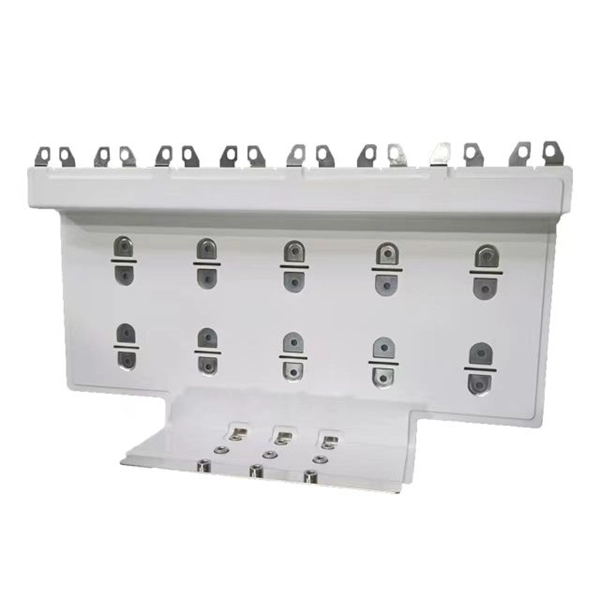
Dual-uplink aggregation switch
In the dual-uplink solution for passive aggregation modules, dual-link backup is achieved between PEN central switches and passive aggregation modules. Uplink. The following information pr…
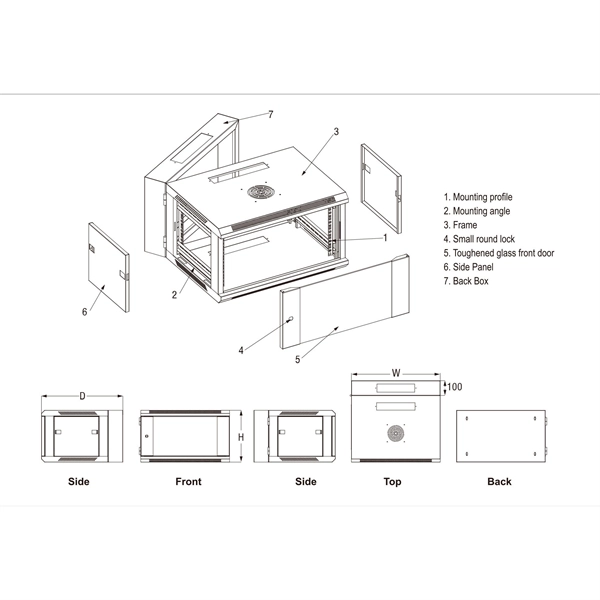
Recommended Upgrade Solutions for Fiber Optic Cables
Businesses can choose a hybrid approach to upgrade high-demand areas first, opt for a full replacement for maximum performance, or phase upgrades over time to fit their budget. Key steps i…
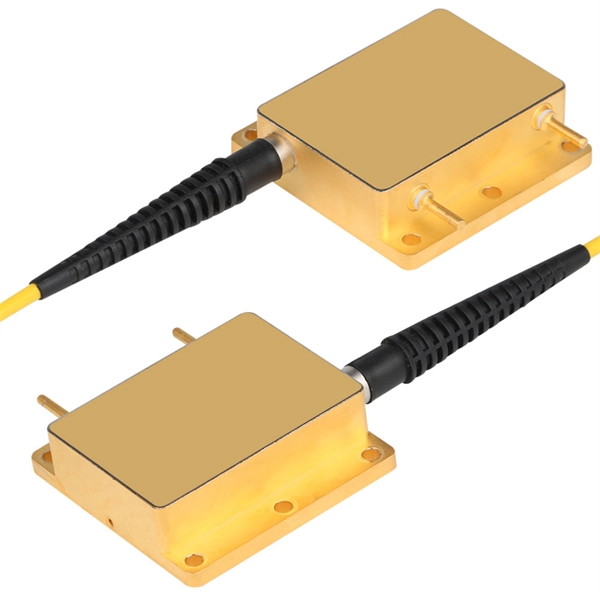
What to do if there aren t enough cables in the distribution box
When circuit wiring is too short or the panel is being relocated consider installing a junction box at the old panel location and make all your splices with approved wire connectors or wir…
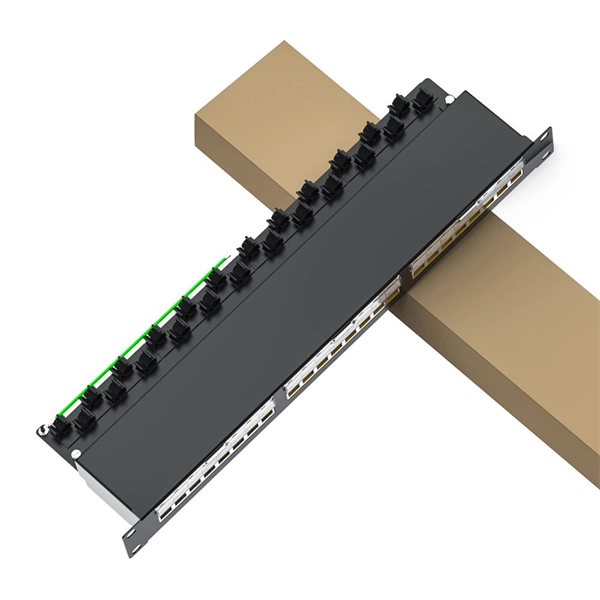
Dali dimming distribution box
Distribution boxes for light controls. AK2 DALI.Distribution boxes for light controls. AK2 DALI. Wieland gesis® CLASSIC GST18® snap-in connector 5-pin for.
Engineering cable tray connection
This guide covers the critical steps, from selecting the right electrical cable tray and performing accurate cable fill calculations to managing a safe cable pull through and ensuring all…
Start a fiber project enquiry
Share your endpoints, route and port schedule or the equipment list you already have. Include the site location and any compatibility or installation questions.
Send your project brief