
Kvm Over Ip How To Extend Your Keyboard Mouse
Search optical fiber, connectivity, cable management and network infrastructure references.
-
How to change the IP address provided by the fiber optic switch
You can configure the device with a static IP address, or you can use a Dynamic Host Configuration Protocol (DHCP) server to set the IP address of the switch. The device supports both IPv4 and IPv6 addresses. Connect the included Power Cord to the Power port. Proceed to the...
-
How to extend a cable tray in CAD
On the Cabling tab, in the Cable Tray group, click Route (Alt+T). extend a cable tray or conduit run at a specified elevation use Add grips () as described in Adding Conduit or Cable Tray Using Grips. The new segment inherits the elevation and other properties of the original...
[PDF Version]
-
How much do KVM switchers typically cost
When choosing a KVM switch, several brands are known for reliability and quality. Here are some you might consider: 1. Aten:Offers a wide range of models, known for their robust build and user-frie.
-
How to view IP traffic on Huawei core switches
To view MAC address table information, you can use the command display mac-address. This command can check if there are any packet errors on the ports and whether the negotiation modes and half-duplex modes on both sides are the same. To view port configurations, you. This...
-
KVM Switch IP Settings
This tutorial introduces the steps to set a static IP for your GL. iNet KVM directly on the console when its upstream router can't allocate one. Log in to your Comet's console, and navigate to Settings -> Network -> Modify. This guide walks you through six simple steps to set...
[PDF Version]
-
How to use an automatic KVM switcher
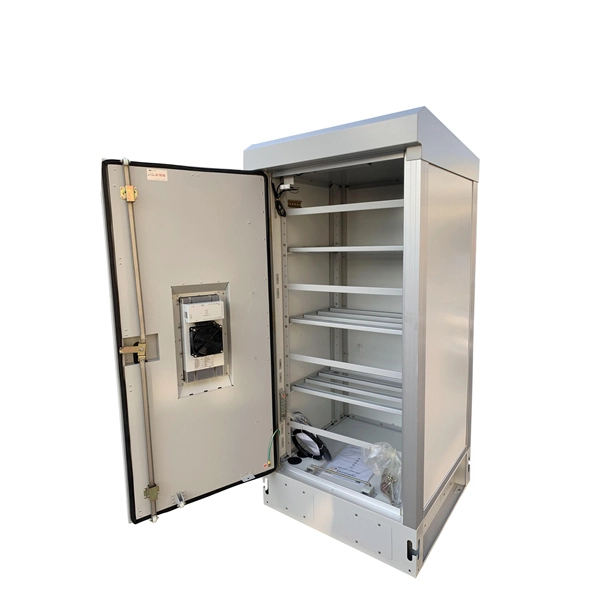
Synergy automatically swaps keyboard keys to match different computers. You can set up key bindings and shortcuts however you want. No hardware KVM can do anything like this. This software is targeted people who has a physical multi-way KVM switch (for multiple computers, one...
-
How to extend fiber optic cables network cables
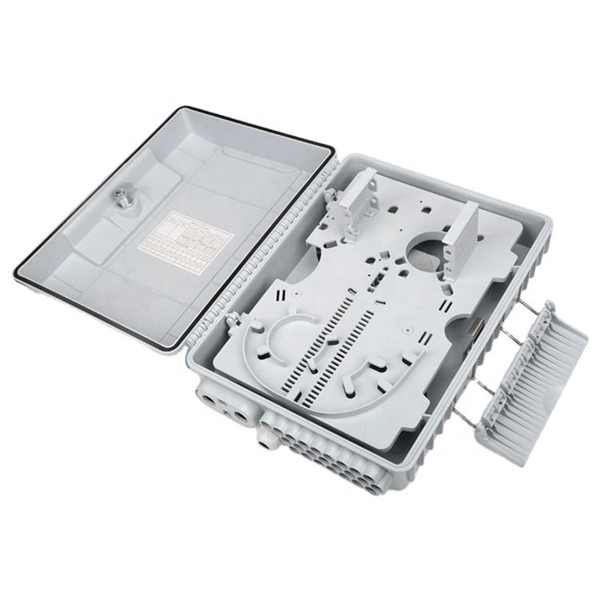
How to Extend your Network Using Fiber Optic CablesThis blog post explains how to extend your network over long distances, exceeding the limitations of cop.
[PDF Version]
-
How to resolve IP conflicts on fiber optic routers
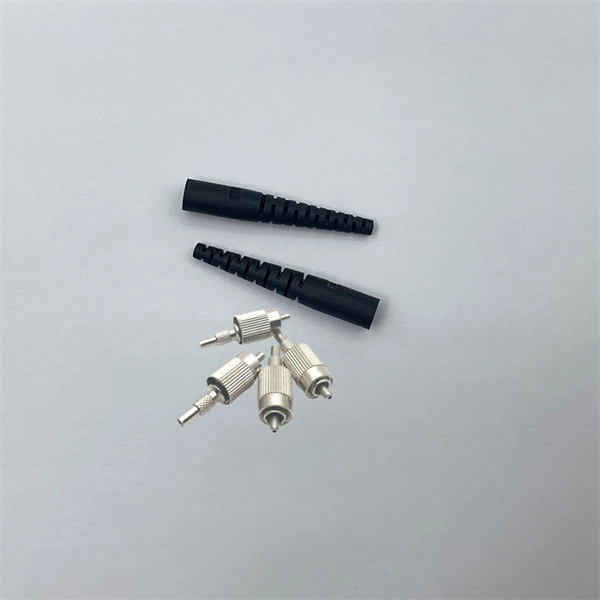
Restarting devices is the fastest way to clear temporary IP address conflicts. Turn off the modem, router, computer, and connected devices. Wait at least 30 seconds before powering them back on. Mastering how to resolve an IP address conflict. When issues like signal loss...
[PDF Version]
-
How is the sheath of a communication optical cable separated
This flexible insulating material is also called a sheath, typically a soft plastic material. On single-fiber cables (as diagramed above), this jacket OD is usually 2-3mm in diameter and can be stripped using common wire strippers of the appropriate gauge. The sheath is...
[PDF Version]
-
How to cut a cable tray at an angle
If the cut needs to be precise at a specific angle, use a protractor or angle finder to mark the correct angle. Oglaend System manufacture and deliver Multidiscipline modular bolted support systems, cable trays, cable ladders and accessories for complete installation and...
[PDF Version]