
How To Set Up A Kvm Switch Step By Step
Search optical fiber, connectivity, cable management and network infrastructure references.
-
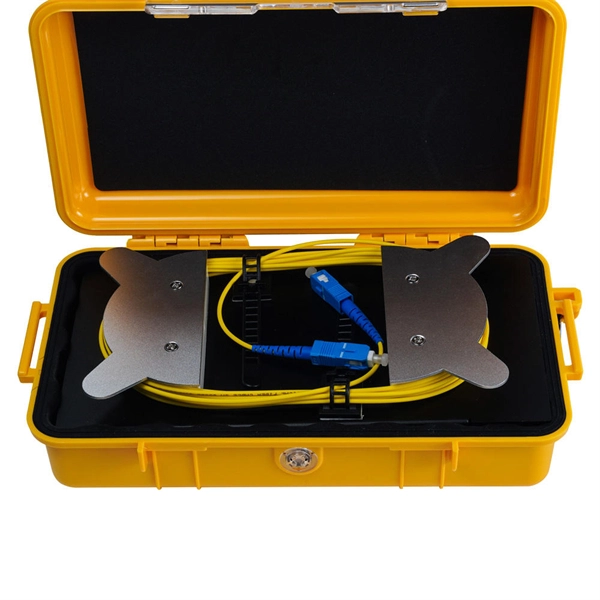
How to connect a 2-to-4 optical fiber switch
Most modern fiber-enabled network switches require an SFP transceiver module featuring a duplex (two strand) multimode OM3 or duplex single mode OS2 connection with LC connectors. Direct attach cables with pre-terminated SFP connections may also be used. Download the...
-
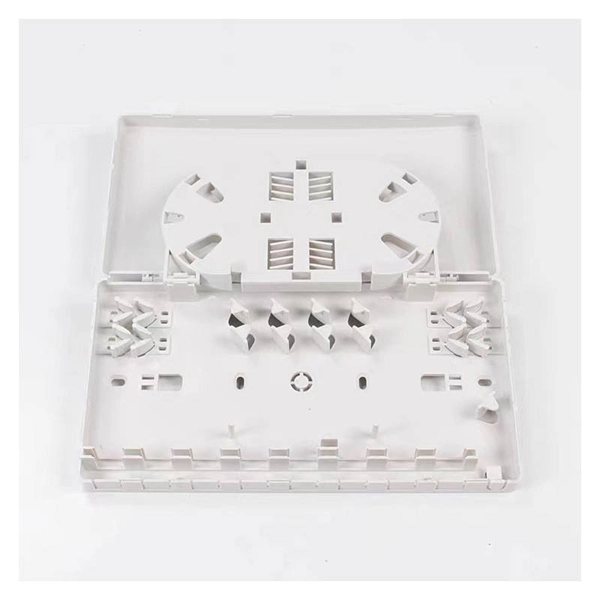
KVM switch cannot shut down
Solution: First, check if the switch's power indicator light is on and ensure the power source is properly connected. If there's a power switch, make sure it's in the “On” position. What Do You Need? Administrator privileges. Name of the inactive KVM instance. For remote KVM...
[PDF Version]
-
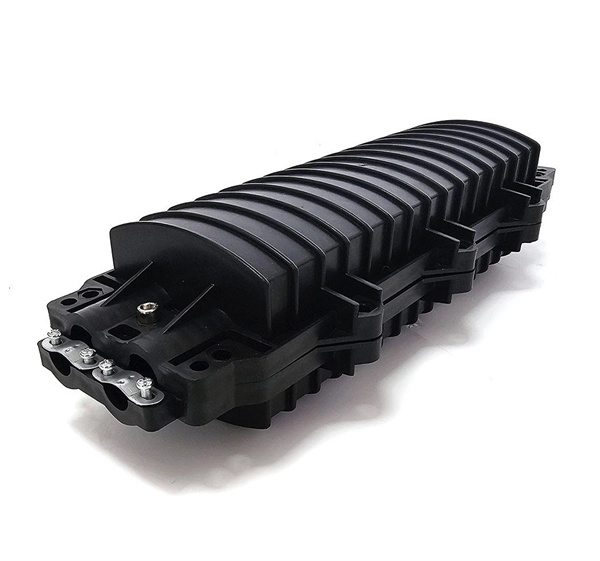
How many watts does a fiber optic switch have
These switches, commonly featuring 5 to 8 ports, consume an average of 3 to 15 watts, making them energy-efficient choices for basic connectivity needs. It is essential for high-speed networking, offering extended reach and bandwidth capabilities. Understanding the typical...
[PDF Version]
-
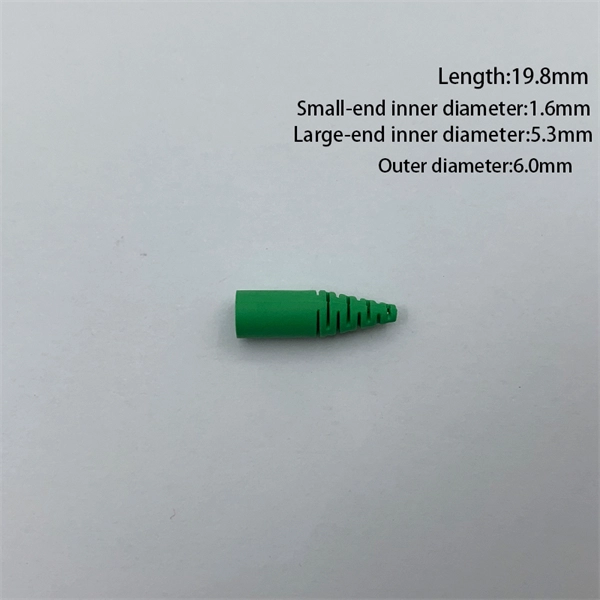
How to replace the battery in an optical switch
Press and hold the battery cover with your thumb. Secure the battery . Slide the lock to the OPEN position, then hold both sides of the faceplate and pull it away from the back. Here's a handy list to ensure you have everything you need: Safety goggles (To avoid debris...
-
How to set up a 403 optical sensor amplifier
Get detailed instructions for the SICK M4000 UE403 switching amplifier. Learn how to install, configure, commission, and troubleshoot this device, including its key features, connections, and error displays. Fit the rear part of the mounting section of the amplifier on a 35mm...
[PDF Version]
-
How to change the IP address provided by the fiber optic switch
You can configure the device with a static IP address, or you can use a Dynamic Host Configuration Protocol (DHCP) server to set the IP address of the switch. The device supports both IPv4 and IPv6 addresses. Connect the included Power Cord to the Power port. Proceed to the...
-
How far can a PoE industrial switch transmit data
In PoE (Power over Ethernet) technology, the Ethernet link between the Power Sourcing Equipment (PSE) and the Powered Device (PD) has a clearly defined maximum distance limit—328 feet (100 meters). This limitation is not arbitrary; it is defined by the IEEE Ethernet standards...
[PDF Version]
-
How to set up a Huawei HG83242 fiber optic router
To set up your router for fiber internet quickly, connect the router to your fiber modem, access the router's settings via a web browser, and input the provided ISP credentials. Make sure to update the firmware, configure Wi-Fi security, and customize your network name for...
[PDF Version]
-
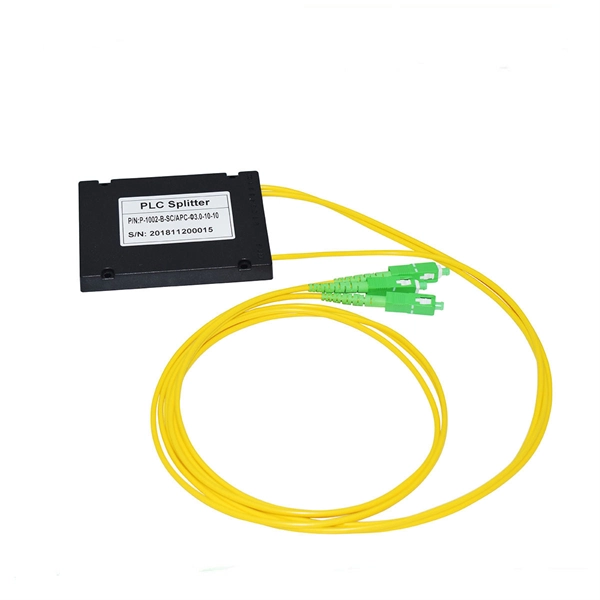
How much do KVM switchers typically cost
When choosing a KVM switch, several brands are known for reliability and quality. Here are some you might consider: 1. Aten:Offers a wide range of models, known for their robust build and user-frie.
-
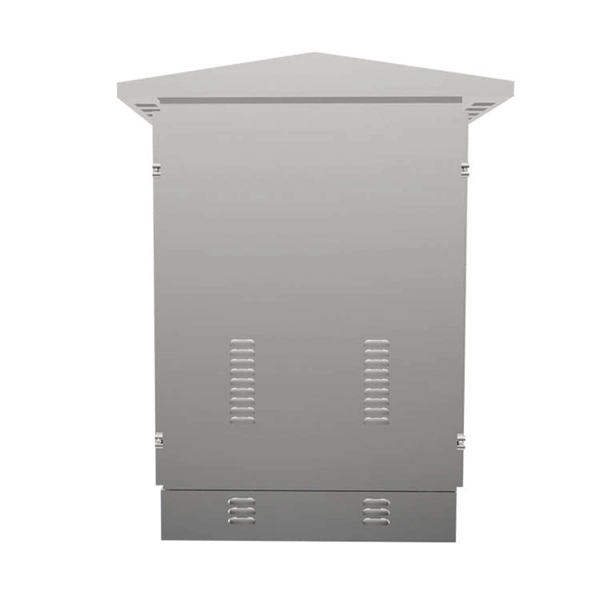
Does a KVM switch not require a power supply
Many KVM switches draw power from the connected computers and do not require an external power source. The term “KVM” refers to the ability to manage keyboard inputs, video display, and mouse controls from one central setup, eliminating the need for. I do have a slight...
[PDF Version]