
How do I change my WiFi router channel?
To change WiFi channel on your router, you need to log in to the router's admin interface and go to wireless settings. Since most routers protect t...
Search optical fiber, connectivity, cable management and network infrastructure references.
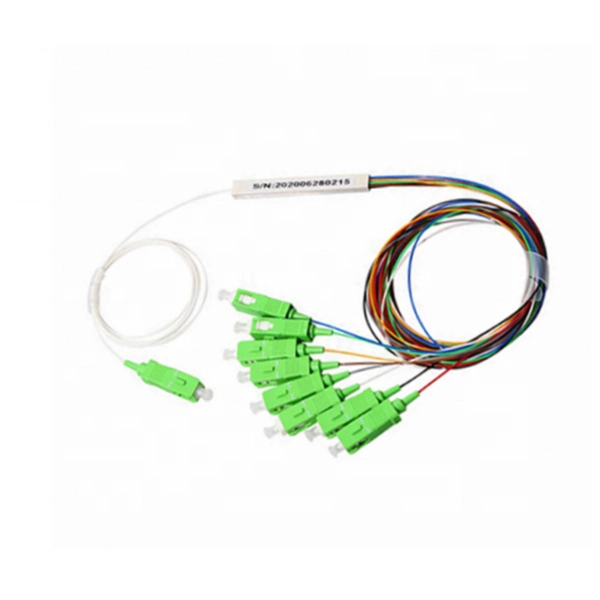
This guide walks you through a complete TP-Link router setup using the browser-based web management page. net once your device is connected to the router. Often, your Internet Service Provider ISP will supply a. To connect your fiber optic cable to a router, ensure you have...
[PDF Version]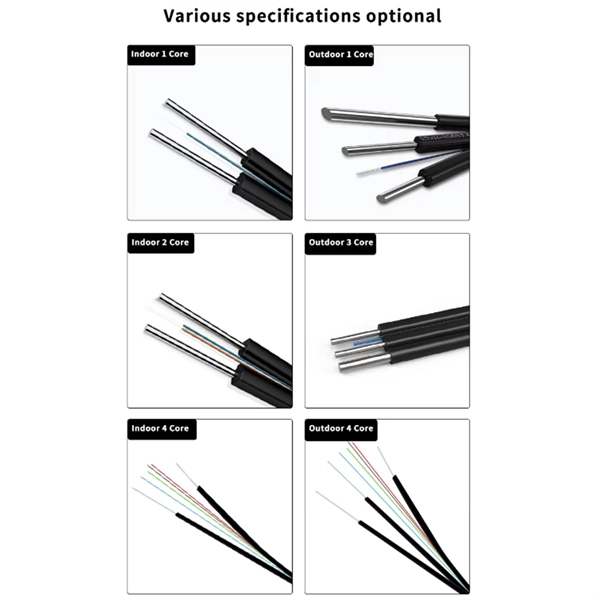
Login to your router — access the admin panel at your router's IP address. Select a new channel — for 2. Using the most suitable WiFi channel is a key to unlocking fast internet speeds, and this article explains how to change the default WiFi channel on your router with the...
[PDF Version]To change WiFi channel on your router, you need to log in to the router's admin interface and go to wireless settings. Since most routers protect t...
Changing the WiFi channel can improve your WiFi performance, but only if you pick a less busy channel. If you don't, your WiFi performance will lik...
There's no such thing as the best WiFi channel since all non-overlapping channels in the 2.4 GHz band (channels 1, 6, and 11) are capable of delive...
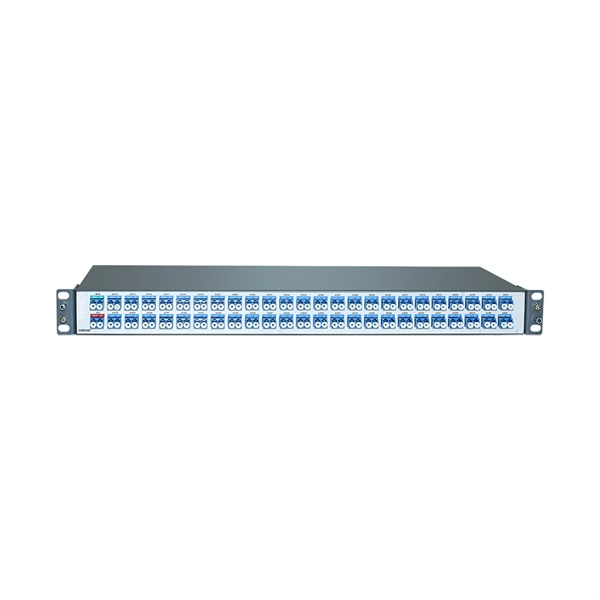
Position your router in a central, open location, avoiding corners, windows, and floors, and areas with bulky furniture and objects around it. Avoid placing the router near other electronics or water sources as these can interfere with or absorb the Wi-Fi signal. This article...
[PDF Version]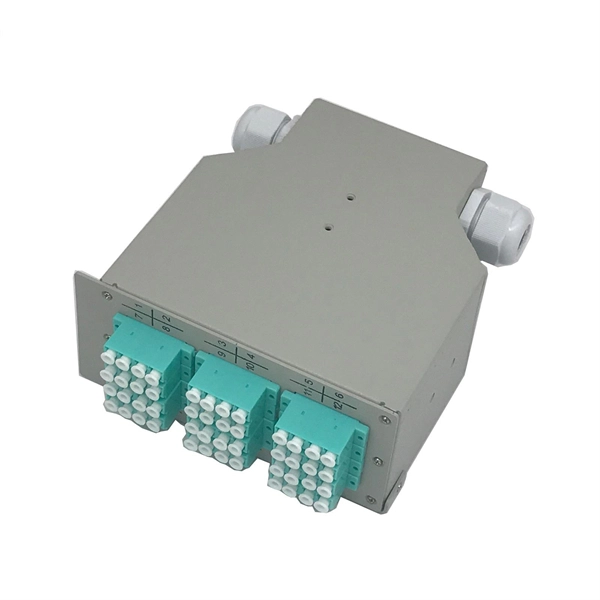
First, plug one end of the fiber optic cable into the transceiver and the other end into the fiber optic network. Low latency for. The process to connect fiber optic cable to router requires careful attention to detail, but I'll walk you through every critical step with the...
To set up your router for fiber internet quickly, connect the router to your fiber modem, access the router's settings via a web browser, and input the provided ISP credentials. Make sure to update the firmware, configure Wi-Fi security, and customize your network name for...
[PDF Version]
Go to your router's settings in a web browser, and navigate to the "Home/Wireless network/WLAN" page. Uncheck the option to broadcast the SSID to hide your network. 5/10 Gbps ports and 8 x 1 Gbps ports (These are useful for devices that don't need more than that). Don't...
[PDF Version]
Picking up the best router for fiber internet isn't just about going to the market and choosing one of the best wireless routers. Instead, you need to carefully look at its specs, performance, and the type of security features it offers. Here are a few things to consider...
[PDF Version]
Selecting a single router can be challenging, as there are most likely many that fit the requirements you want. We've done the research for you and put together this in-depth guide that lists multiple options, thei.
This Huawei router setup tutorial is perfect for beginners and works on most Huawei models including HG series, AX3, 4G/5G routers, and fiber connections. ✅ What you'll learn in this video: Huawei router login (admin panel) Internet setup (PPPoE, DHCP, Static IP) WiFi...
[PDF Version]
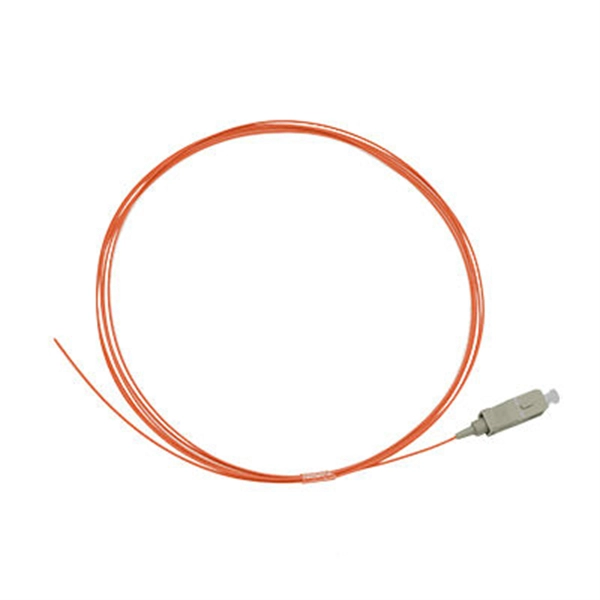
Fiber Connection: Locate the optical port on your router and carefully insert the fiber cable's connector, ensuring a snug fit. Click it into place if it has a locking mechanism. Low latency for. The process to connect fiber optic cable to router requires careful attention to...
Share the fiber interfaces, termination capacity, cable route and evidence required for handover.