
How To Master Huawei Switch Stacking Best Practices And
Search optical fiber, connectivity, cable management and network infrastructure references.
-
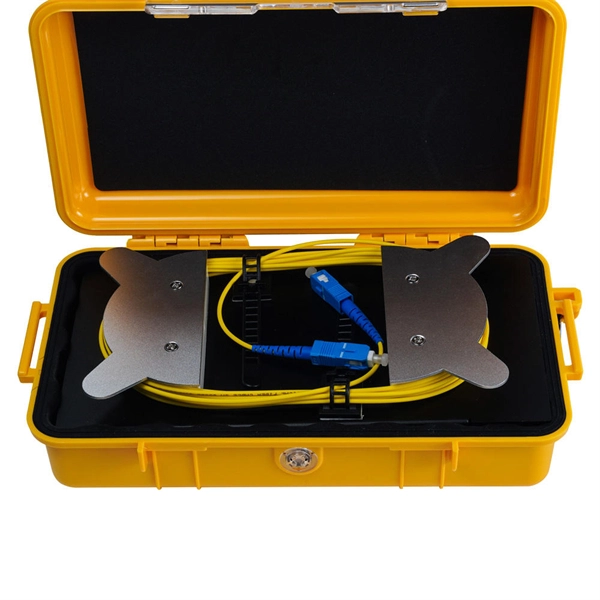
How to connect a 2-to-4 optical fiber switch
Most modern fiber-enabled network switches require an SFP transceiver module featuring a duplex (two strand) multimode OM3 or duplex single mode OS2 connection with LC connectors. Direct attach cables with pre-terminated SFP connections may also be used. Download the...
-
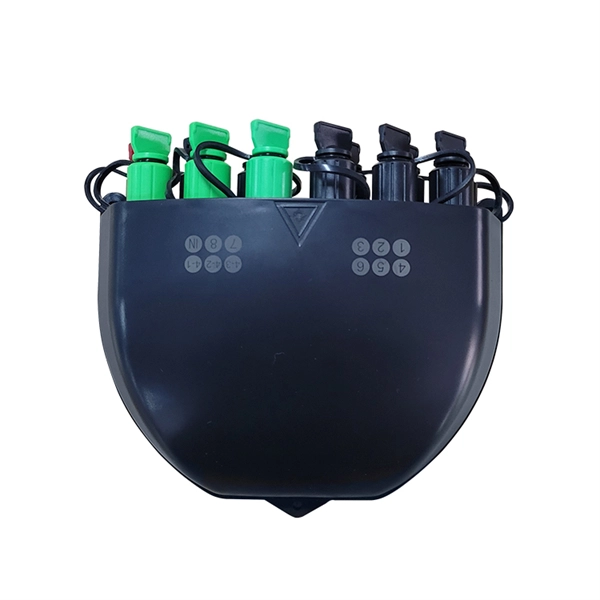
Huawei Switch Fiber Cascading
HUAWEI OceanStor SNS2124, 2224, and 2248 are Fibre Channel (FC) switches oriented to small-scale independent SANs and edge topologies of large-scale core switching networks. In a world where every millisecond counts, this hardware is the unsung architect behind everything...
[PDF Version]
-
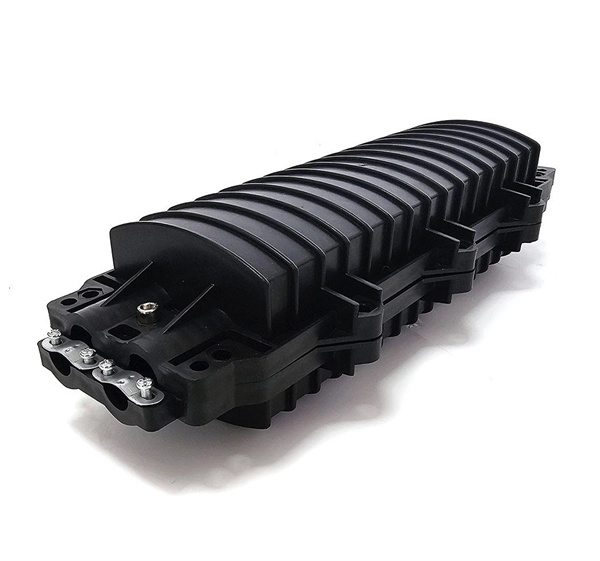
How many watts does a fiber optic switch have
These switches, commonly featuring 5 to 8 ports, consume an average of 3 to 15 watts, making them energy-efficient choices for basic connectivity needs. It is essential for high-speed networking, offering extended reach and bandwidth capabilities. Understanding the typical...
[PDF Version]
-
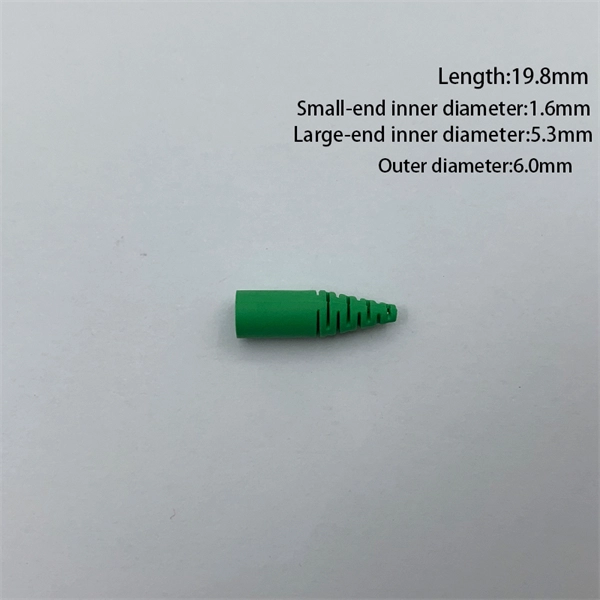
How to replace the battery in an optical switch
Press and hold the battery cover with your thumb. Secure the battery . Slide the lock to the OPEN position, then hold both sides of the faceplate and pull it away from the back. Here's a handy list to ensure you have everything you need: Safety goggles (To avoid debris...
-
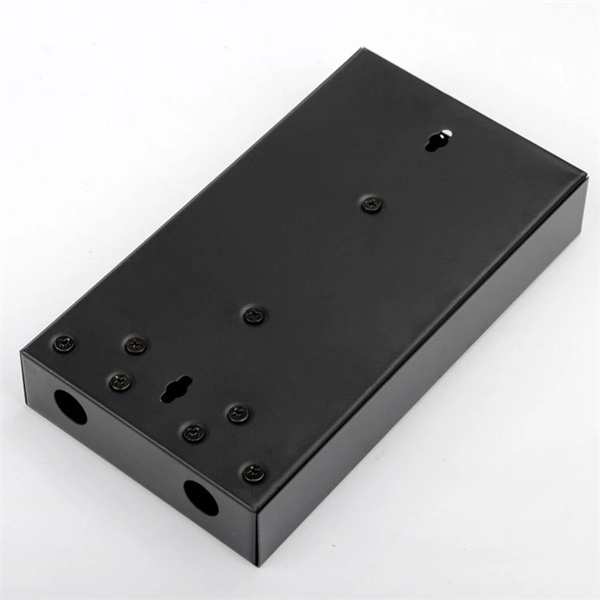
How is Huawei s gigabit optical splitter
The Huawei OSPL43201 is a highly efficient optical splitter designed for even splitting of optical signals at a 1:4 ratio. Featuring an SC/APC termination with a compact size of 60x7x4mm, this product is an excellent choice for high-performance fiber optic network deployment...
[PDF Version]
-
How to change the IP address provided by the fiber optic switch
You can configure the device with a static IP address, or you can use a Dynamic Host Configuration Protocol (DHCP) server to set the IP address of the switch. The device supports both IPv4 and IPv6 addresses. Connect the included Power Cord to the Power port. Proceed to the...