
How To Configure Multiple Spanning Tree Protocol Mstp On Hp Switches
Search optical fiber, connectivity, cable management and network infrastructure references.
-
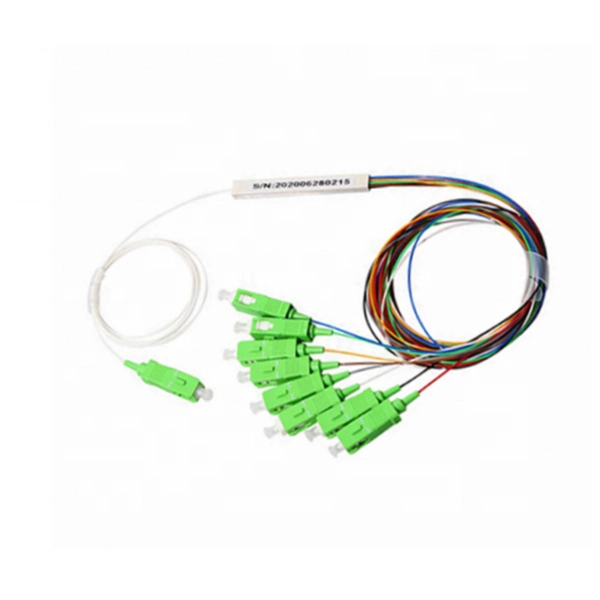
How to configure a TP-Link router after switching to fiber optic internet
This guide walks you through a complete TP-Link router setup using the browser-based web management page. net once your device is connected to the router. Often, your Internet Service Provider ISP will supply a. To connect your fiber optic cable to a router, ensure you have...
[PDF Version]
-

How to connect multiple optical cables into a fiber optic spool
Learn how to splice fiber optic cable using fusion splicing with this complete step-by-step guide. Includes tools, best practices, loss standards (ITU-T G. 652), cost analysis, and FAQs for network engineers and installers. Ensure Your Splicing Tools are Clean – #2. Through...
-
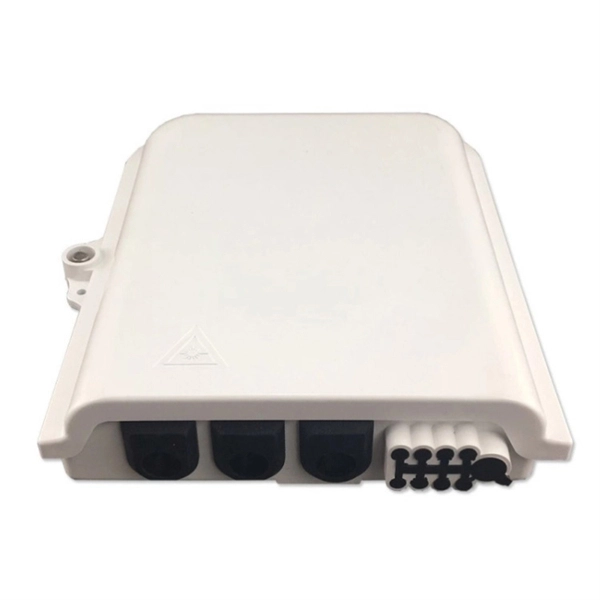
How to configure a router to hide a 10 Gigabit fiber optic connection
Go to your router's settings in a web browser, and navigate to the "Home/Wireless network/WLAN" page. Uncheck the option to broadcast the SSID to hide your network. 5/10 Gbps ports and 8 x 1 Gbps ports (These are useful for devices that don't need more than that). Don't...
[PDF Version]
-
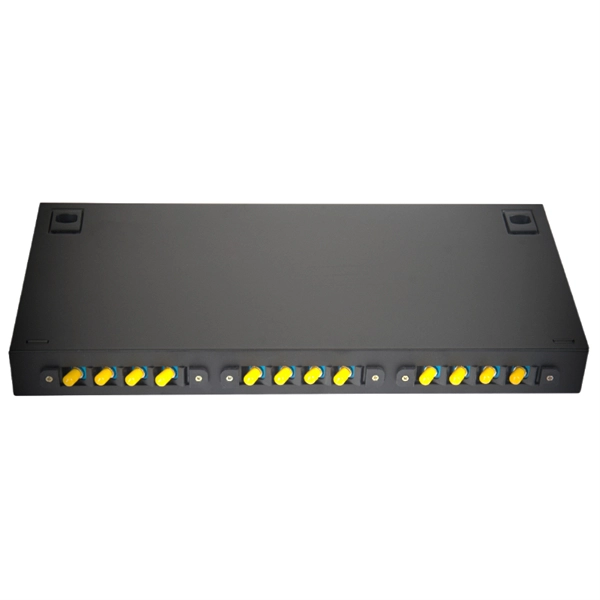
How to configure a smart patch panel
How To Configure Patch Panel By organizing your cables, labeling them, choosing the right patch panel, installing the patch panel, and testing your connect.
[PDF Version]
-
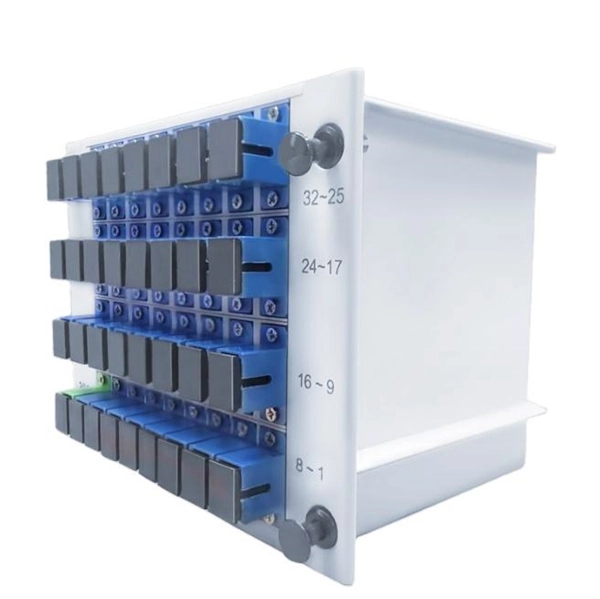
How to configure an industrial switch for network operation
How to Select, Configure, and Apply Industrial Switches for the. As a senior research and development engineer specializing in the Industrial Internet of.
[PDF Version]
-
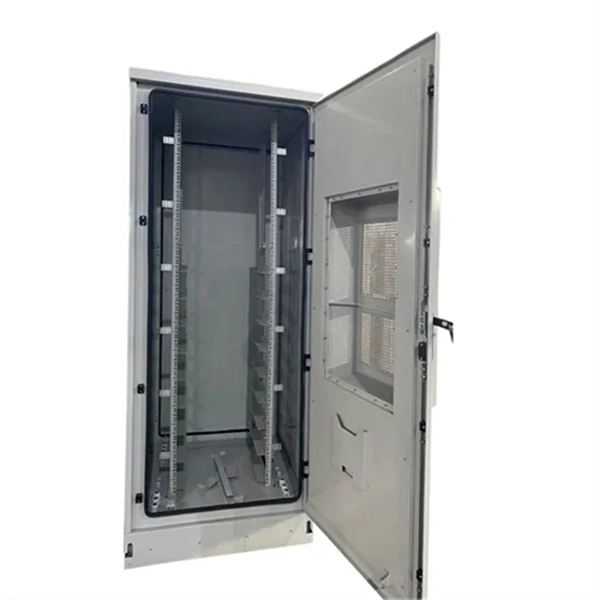
How do I configure a router for fiber optic connections
How to Connect Fiber Optic Cable to Router: A Step-by-Step GuideHowever, setting up a fiber optic connection to your router can seem daunting if you're unf.
[PDF Version]
-
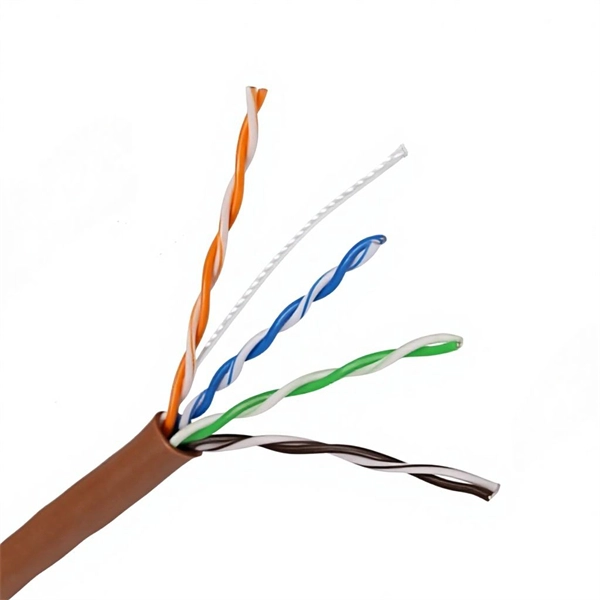
How to configure a router connected to a fiber optic transceiver
How to Connect Fiber Optic Cable to Router: A Step-by-Step GuideHowever, setting up a fiber optic connection to your router can seem daunting if you're unf.
[PDF Version]