
How To Configure A Switch For Network Segmentation
Search optical fiber, connectivity, cable management and network infrastructure references.
-
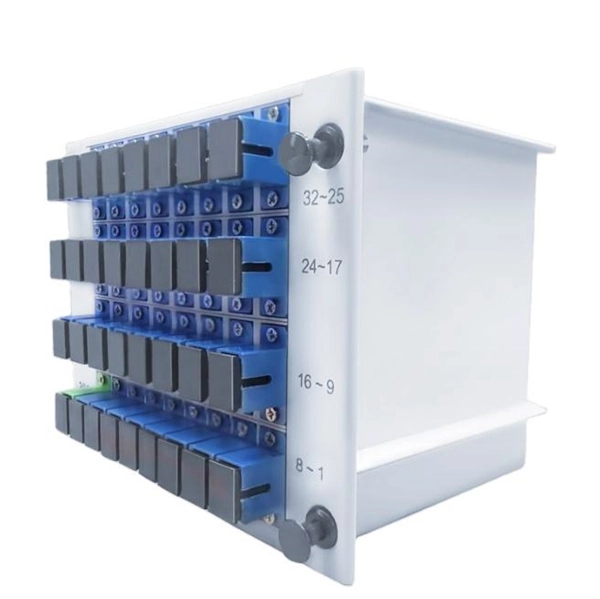
How to configure an industrial switch for network operation
How to Select, Configure, and Apply Industrial Switches for the. As a senior research and development engineer specializing in the Industrial Internet of.
[PDF Version]
-
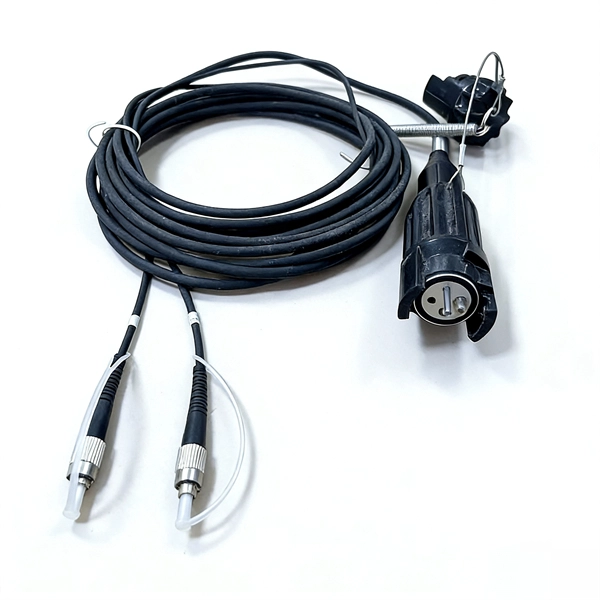
Configure the switch via network cable connection
You'll learn how to: 🔹 Connect to your Cisco switch using a console cable 🔹 Perform basic configuration commands (hostname, interfaces, IP setup) 🔹 Save and verify your configuration This tutorial will guide you through everything you need to know to get started. You'll learn...
[PDF Version]
-
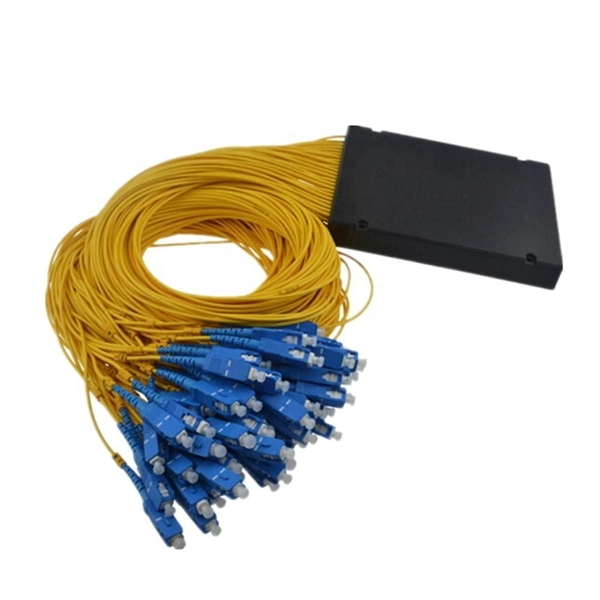
How to connect a switch to the network
How to Use a Network Switch: Beginner's Easy Step-by Learn how to use and set up network switch easily! A practical, beginner-friendly guide for choosing.
[PDF Version]
-
How to configure a 10 Gigabit industrial switch
IES210GPP | Omada 10-Port Gigabit Industrial Easy In the latest v6.2.10 Controller, we have made partial changes to the switch port configuration logic. Th.
[PDF Version]
-
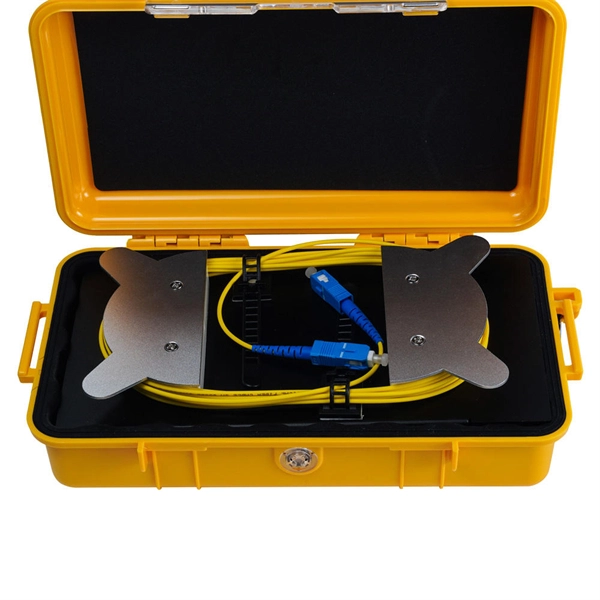
How to connect a 2-to-4 optical fiber switch
Most modern fiber-enabled network switches require an SFP transceiver module featuring a duplex (two strand) multimode OM3 or duplex single mode OS2 connection with LC connectors. Direct attach cables with pre-terminated SFP connections may also be used. Download the...
-
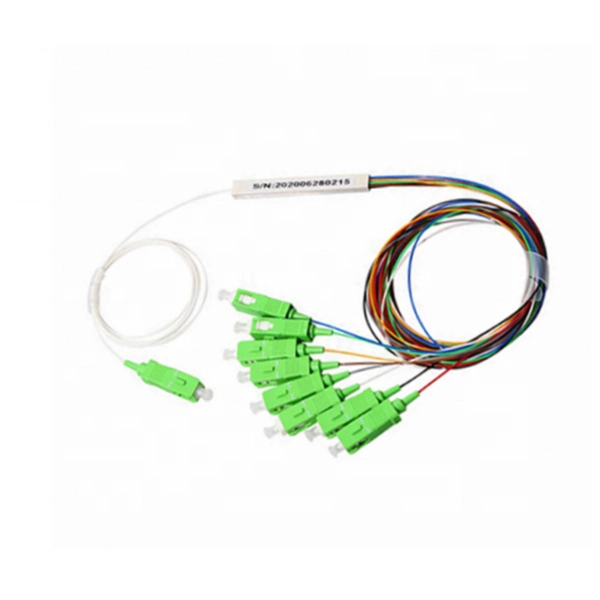
How to configure a TP-Link router after switching to fiber optic internet
This guide walks you through a complete TP-Link router setup using the browser-based web management page. net once your device is connected to the router. Often, your Internet Service Provider ISP will supply a. To connect your fiber optic cable to a router, ensure you have...
[PDF Version]
-
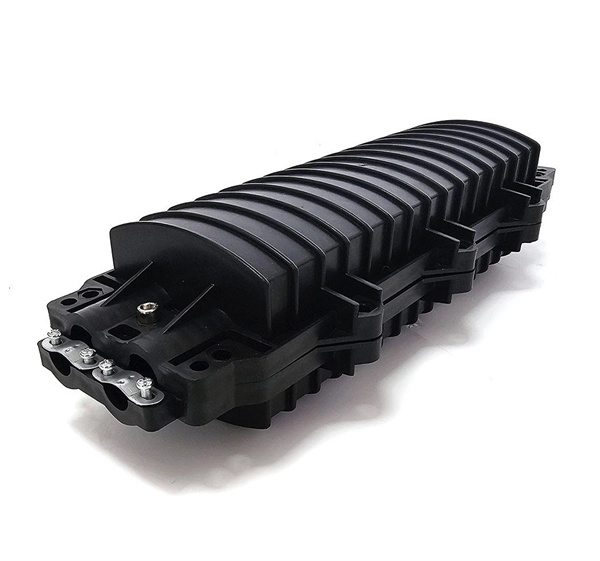
How many watts does a fiber optic switch have
These switches, commonly featuring 5 to 8 ports, consume an average of 3 to 15 watts, making them energy-efficient choices for basic connectivity needs. It is essential for high-speed networking, offering extended reach and bandwidth capabilities. Understanding the typical...
[PDF Version]
-
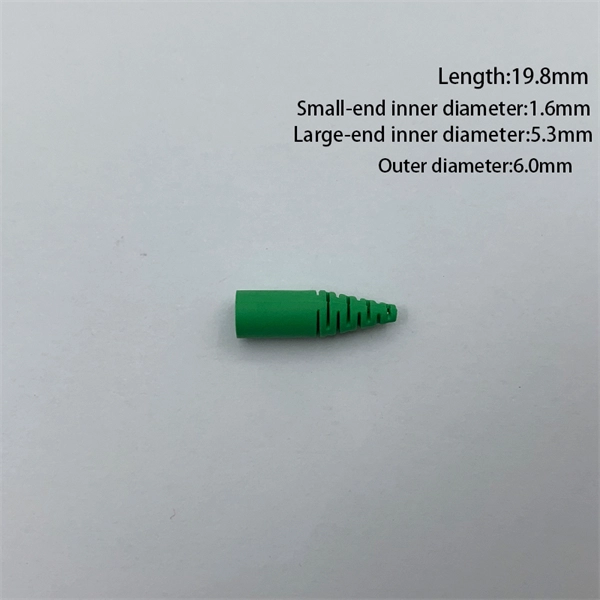
How to replace the battery in an optical switch
Press and hold the battery cover with your thumb. Secure the battery . Slide the lock to the OPEN position, then hold both sides of the faceplate and pull it away from the back. Here's a handy list to ensure you have everything you need: Safety goggles (To avoid debris...
-
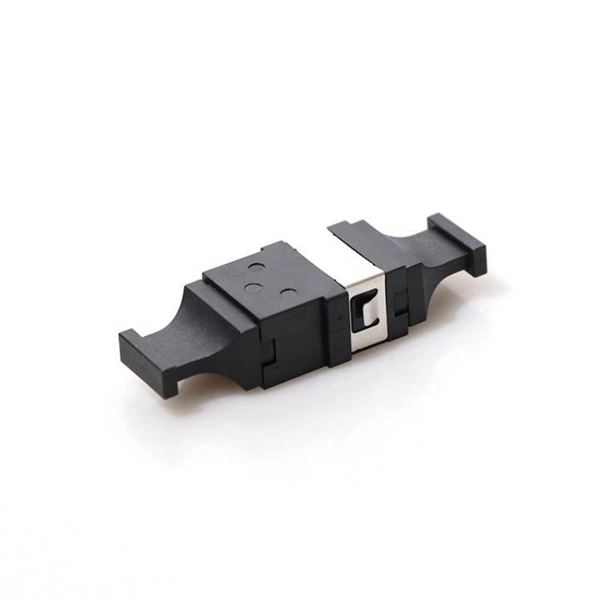
How to use a network multi-connector cassette
The cassettes manage polarity to maintain, transmit, and receive connections between parallel optics and SFP connectivity. For most network teams, the real question is not whether patch panels. Method C allows for the use of single patch cables and cassettes but lacks...