
How To Configure A Cisco Layer 3 Switch Intervlan
Search optical fiber, connectivity, cable management and network infrastructure references.
-
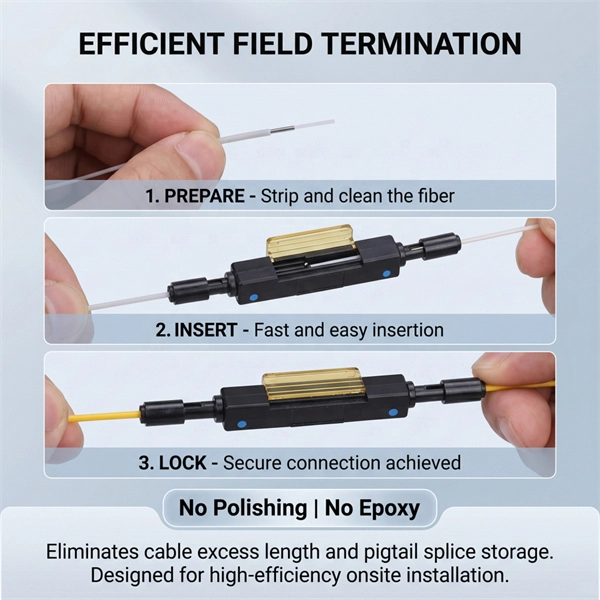
Configure the optical port of a Layer 2 switch
Step1: Open your browser and log in the web interface of you switch. Step2: please go to Switching->Port->Port Isolation->Port Isolation Config. Forward Portlist: choose ports to which packets. See the Cisco Nexus 9000 Series NX-OS Interfaces Configuration Guide, for...
[PDF Version]
-
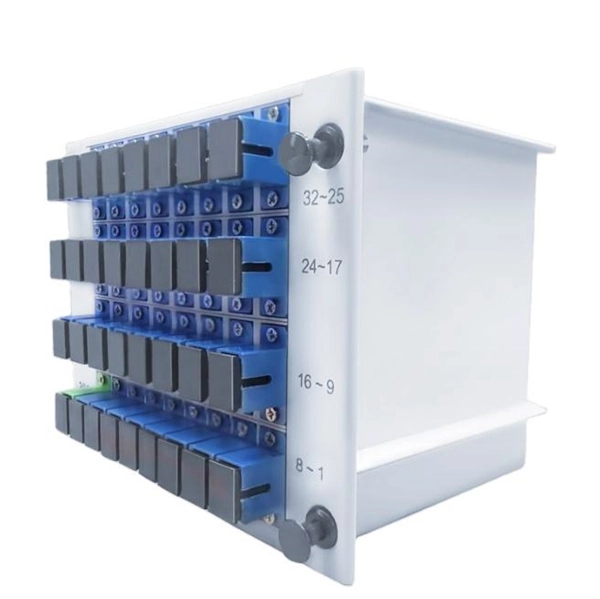
How to configure an industrial switch for network operation
How to Select, Configure, and Apply Industrial Switches for the. As a senior research and development engineer specializing in the Industrial Internet of.
[PDF Version]
-
How to configure a 10 Gigabit industrial switch
IES210GPP | Omada 10-Port Gigabit Industrial Easy In the latest v6.2.10 Controller, we have made partial changes to the switch port configuration logic. Th.
[PDF Version]
-
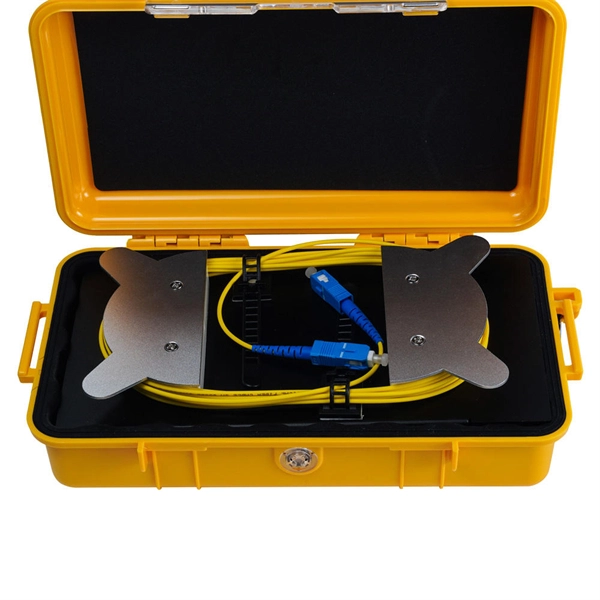
How to connect a 2-to-4 optical fiber switch
Most modern fiber-enabled network switches require an SFP transceiver module featuring a duplex (two strand) multimode OM3 or duplex single mode OS2 connection with LC connectors. Direct attach cables with pre-terminated SFP connections may also be used. Download the...
-
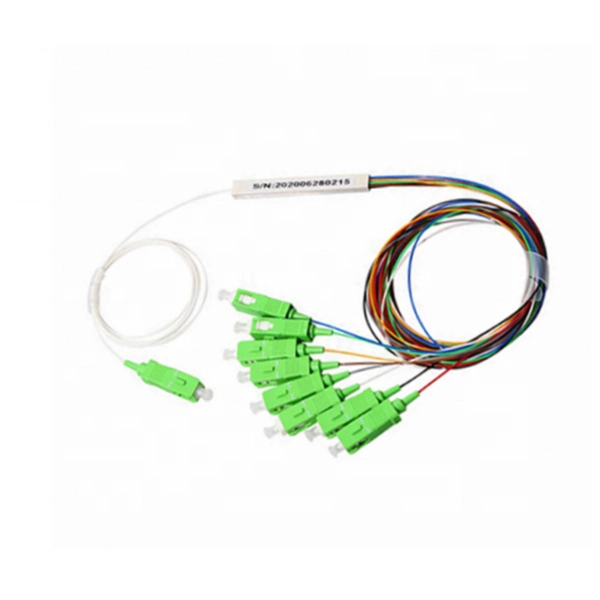
How to configure a TP-Link router after switching to fiber optic internet
This guide walks you through a complete TP-Link router setup using the browser-based web management page. net once your device is connected to the router. Often, your Internet Service Provider ISP will supply a. To connect your fiber optic cable to a router, ensure you have...
[PDF Version]
-
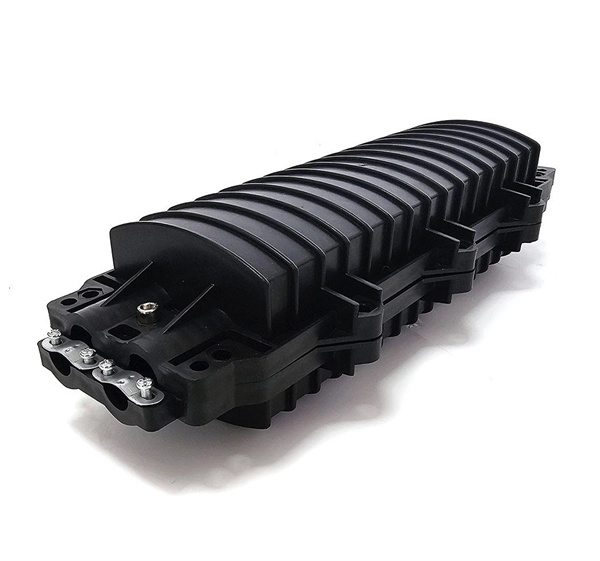
How many watts does a fiber optic switch have
These switches, commonly featuring 5 to 8 ports, consume an average of 3 to 15 watts, making them energy-efficient choices for basic connectivity needs. It is essential for high-speed networking, offering extended reach and bandwidth capabilities. Understanding the typical...
[PDF Version]
-
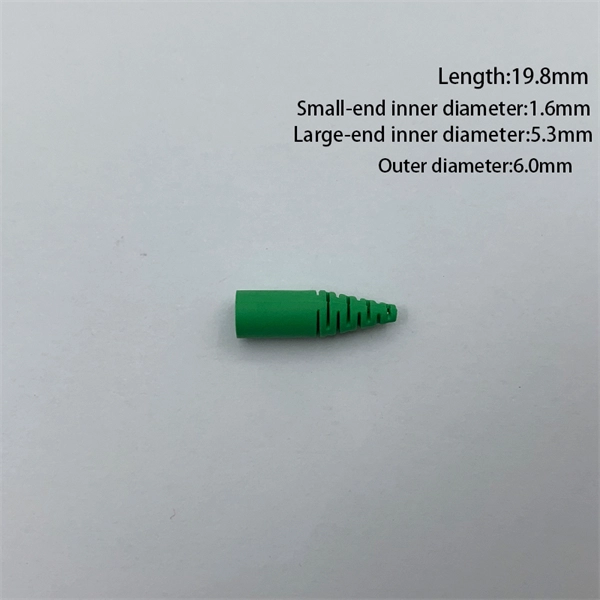
How to replace the battery in an optical switch
Press and hold the battery cover with your thumb. Secure the battery . Slide the lock to the OPEN position, then hold both sides of the faceplate and pull it away from the back. Here's a handy list to ensure you have everything you need: Safety goggles (To avoid debris...
-
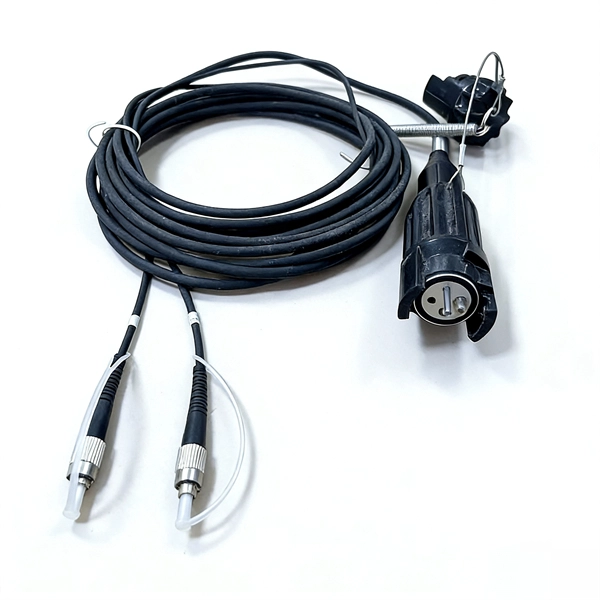
Configure the switch via network cable connection
You'll learn how to: 🔹 Connect to your Cisco switch using a console cable 🔹 Perform basic configuration commands (hostname, interfaces, IP setup) 🔹 Save and verify your configuration This tutorial will guide you through everything you need to know to get started. You'll learn...
[PDF Version]
-
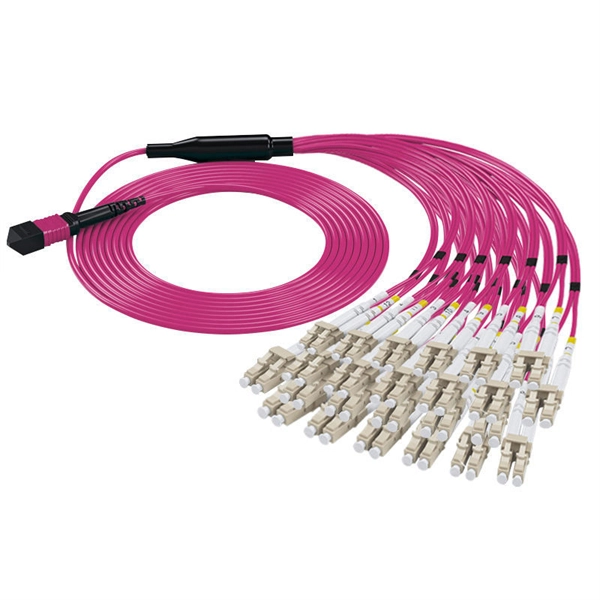
Configure the switch s gigabit optical port
Connect an Ethernet cable to the RJ45 port of a computer, printer, network storage, or other network devices. Plug the compatible SFP transceiver into the SFP port. Connect a fiber optic . ExtremeXOS allows you to specify the medium as copper or fiber when configuring...
[PDF Version]