
Grid Connected Photovoltaic System Impression On
Search optical fiber, connectivity, cable management and network infrastructure references.
-
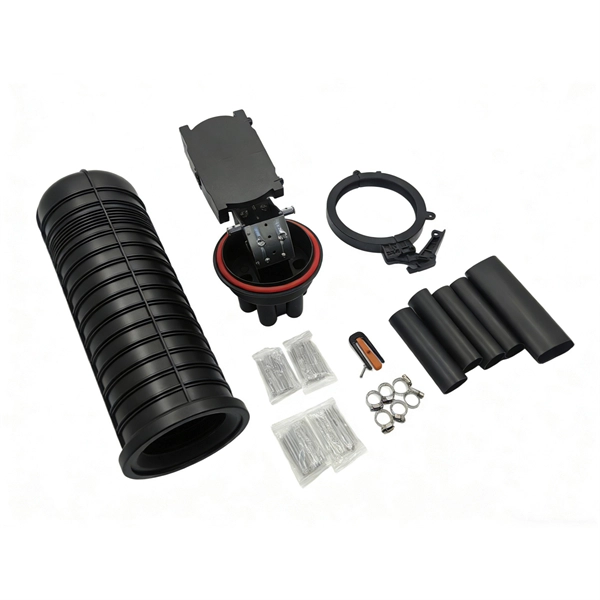
Surplus Electricity Grid Connected Photovoltaic Distribution Box
Our PV on-grid distribution box is the ideal solution for establishing a solar power station in close proximity to your location. This innovative structure enables you to harness the power of solar energy for your daily needs while seamlessly sending any surplus electricity...
-
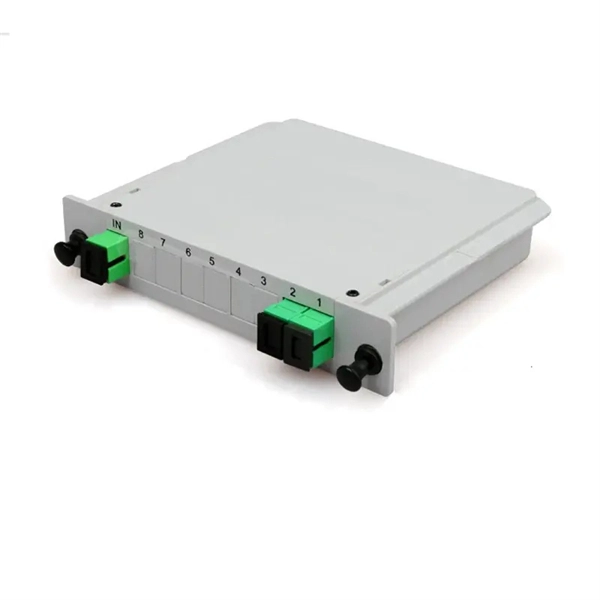
The fiber optic terminal box is directly connected to the server
The wall-mounted FTB is designed for direct connection (procedures like splicing, fusion, terminating will be done before installation) while the rack-mounted enclosures are for cross-connect or interconnect architecture. A Fiber Termination Box, also known as an optical...
[PDF Version]
-
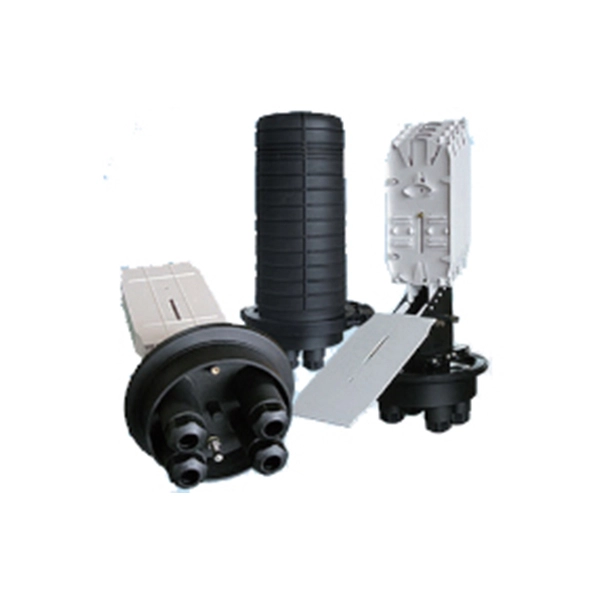
Can dual networks be connected to a switch
A common question that arises is: can two networks use the same switch? The answer is not a simple yes or no. In fact, most modern networks, from your home setup to enterprise-level infrastructures, rely on a hierarchical network architecture. When you connect switches, you...
[PDF Version]
-
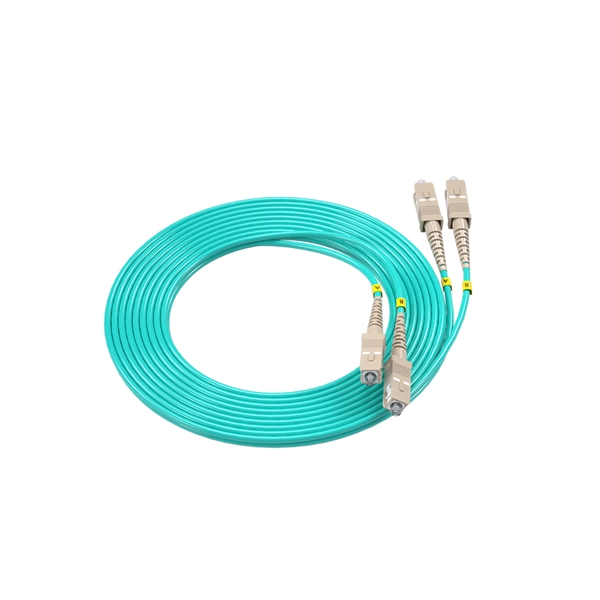
The ground wire in the home s electrical distribution box is not properly connected
This problem can stem from a broken or loose wire, a bad connection in a push-in connection, a stripped terminal screw, or even at the bus bar inside the panel. Likewise, you may not know what happens when a system ground is not properly grounded to the earth, or a neutral...
[PDF Version]
-
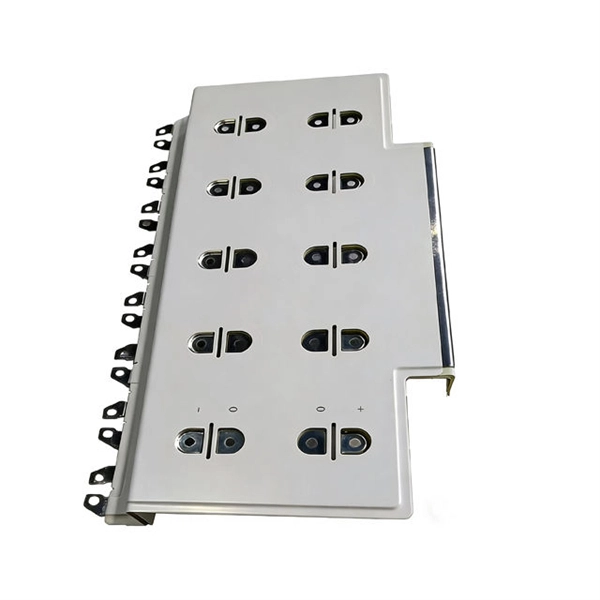
Principle of Measuring Photovoltaic Panel Power with a Multimeter
Testing solar panels is easy with a multimeter! To test the current, simply connect the multimeter to the panel's output. Measuring their power output helps identify underperforming units, diagnose wiring issues, and maximize ROI. Here's what you'll need: Let's break down the...
-
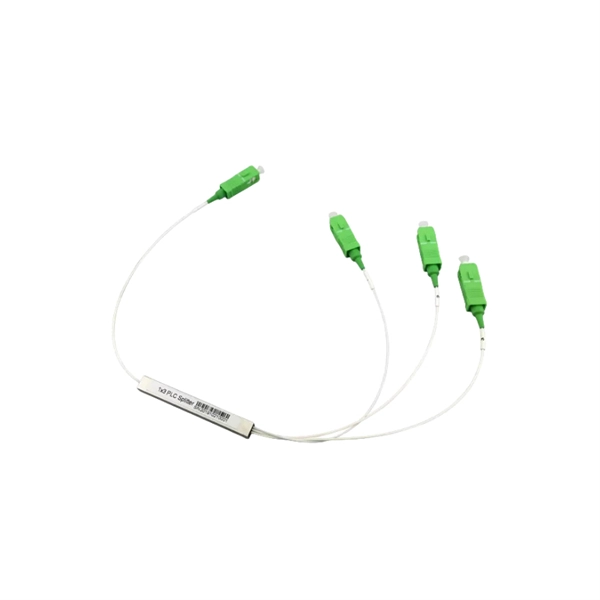
Monitoring splitter cannot be connected
The issue with an HDMI splitter not working can be attributed to various factors, including the lack of a fully HDCP-compliant setup, faulty HDMI cables, or compatibility issues with the source devices and the TV or monitor. HDCP, or High-bandwidth Digital Content Protection...
[PDF Version]