
Ftth Terminal Box Selection Guide Rack Wall
Search optical fiber, connectivity, cable management and network infrastructure references.
-
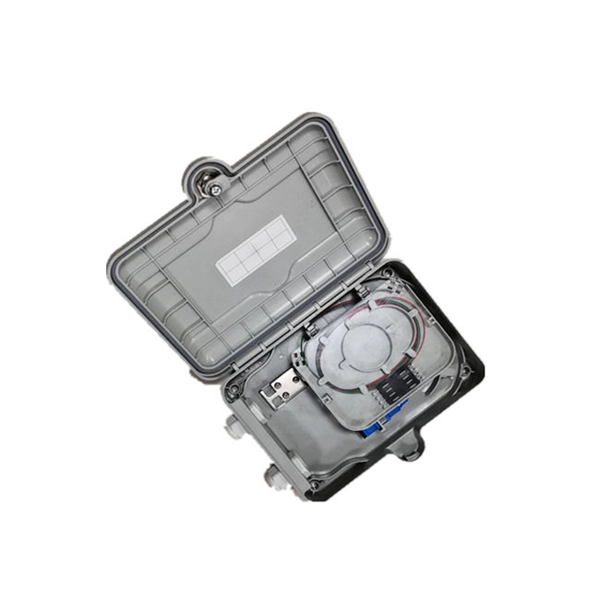
FTTH Grade Optical Switch SFP Selection Guide
A practical, engineer-friendly guide to choosing the right transceiver form factor by speed, port density, power, migration plan, and operational risk—built for 25G/100G networks in 2026. 25G SFP28 is the new access/server baseline; deploy it for port density and long-term...
[PDF Version]
-
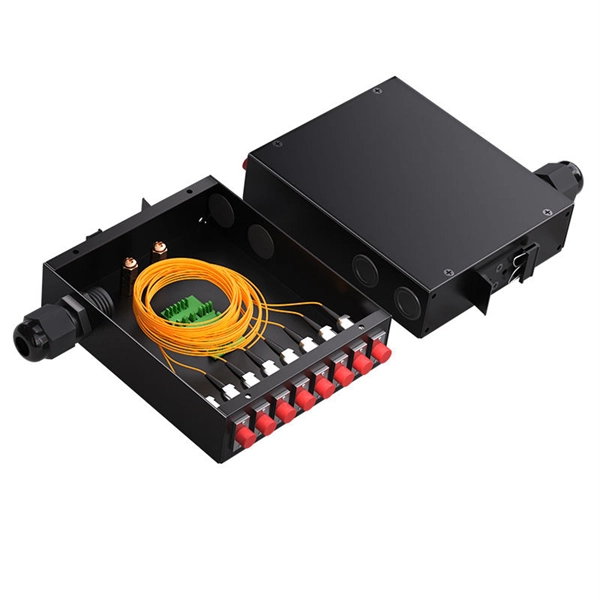
DIN type guide rail terminal box
DIN rail terminal blocks are modular electrical connection devices that can be mounted onto standardized metal rails—DIN rails—with a simple “snap-on” action. Their primary function is to safely connect, distribute, transition, or protect electrical circuits. Primary Types...
[PDF Version]
-
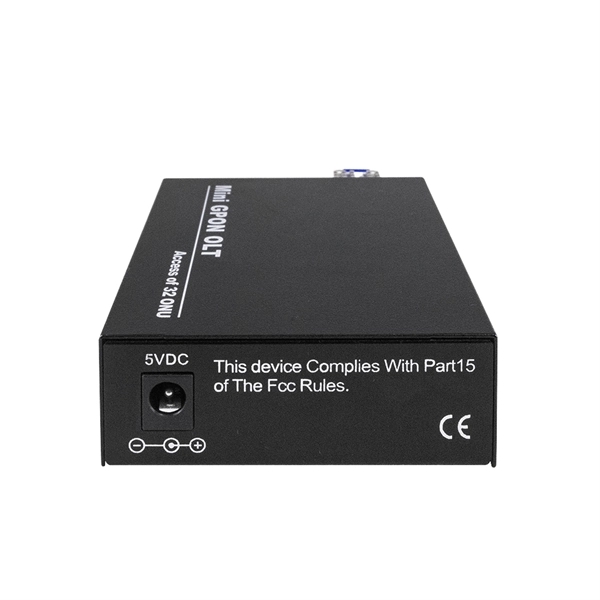
Requirements for Fiber Optic Terminal Box Rack Mounting
FTTH Terminal Box Wall vs Rack Mount: Metal vs Plastic Material. Modern FTTH deployments require terminal boxes that meet specific industry standards for.
[PDF Version]
-
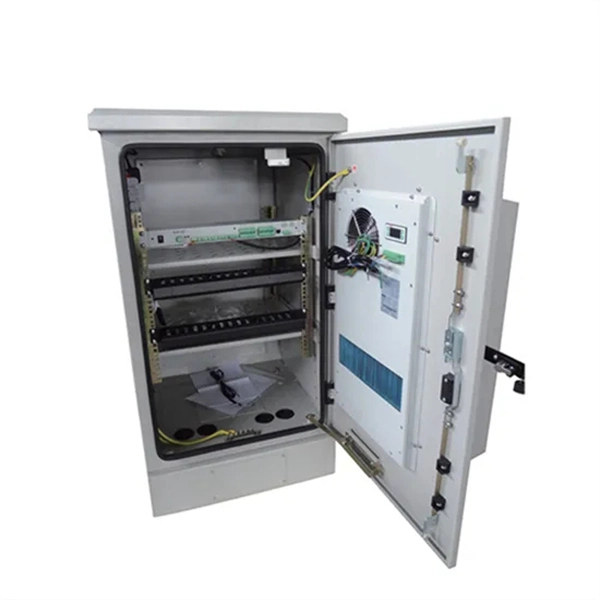
Complete Guide to Fiber Optic Terminal Box Sizes
Fiber Optic Terminal Box Guide: Choosing the Right Learn how environment, capacity, splicing, connector compatibility, and long-term reliability shape your.
[PDF Version]
-
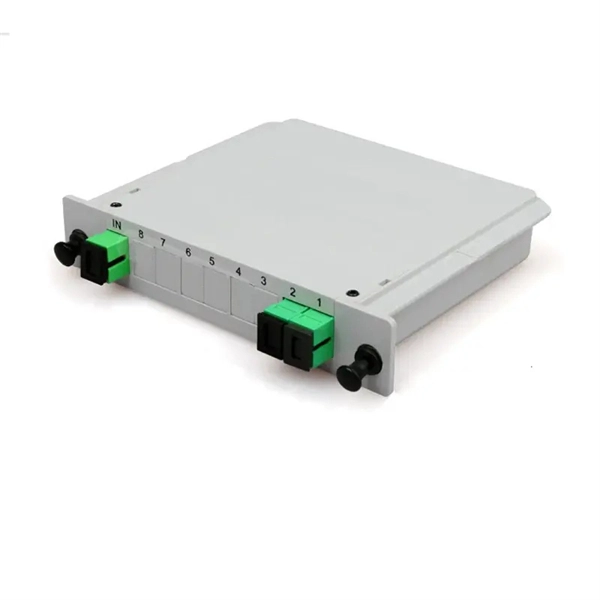
The fiber optic terminal box is directly connected to the server
The wall-mounted FTB is designed for direct connection (procedures like splicing, fusion, terminating will be done before installation) while the rack-mounted enclosures are for cross-connect or interconnect architecture. A Fiber Termination Box, also known as an optical...
[PDF Version]
-
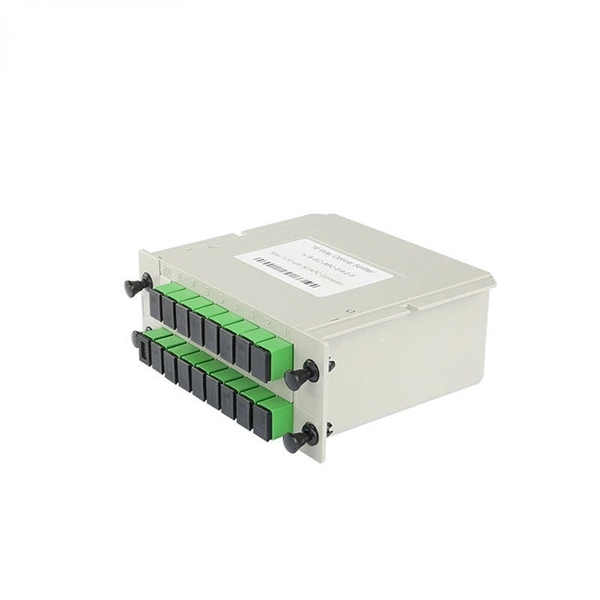
Fiber Optic Terminal Box Direct Fusion Pigtail
The 4 port fiber termination box is designed to joint optical fiber cable and pigtail or splitter, and realize cable direct connection and branch connection. The plastic box offers the functions of fiber mechanical/fusion splice, splitting, and distribution suits both indoor...
[PDF Version]
-
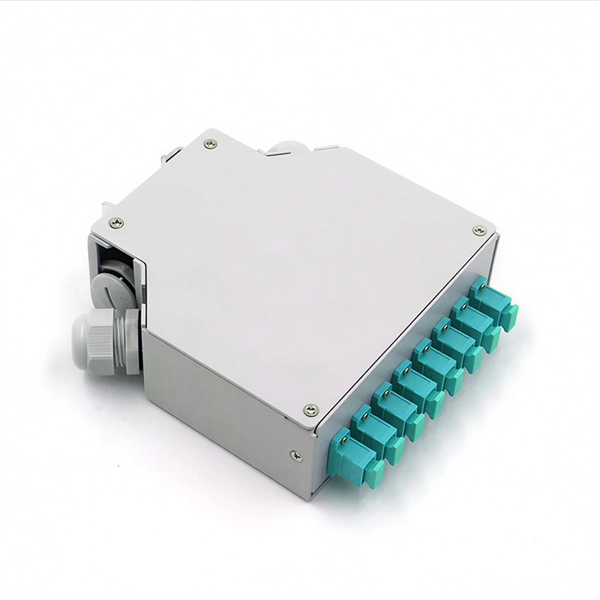
How to unplug the fiber optic terminal box interface
Unplug the power cord: Locate the power cord connected to your ONT box and unplug it from the power outlet. Wait for 30 seconds: Allow the device to discharge any residual power. How to Remove Reinstall Fiber Optic Box Outlet Disconnect Fiber Port for GPON ISP Fiber...
[PDF Version]
-
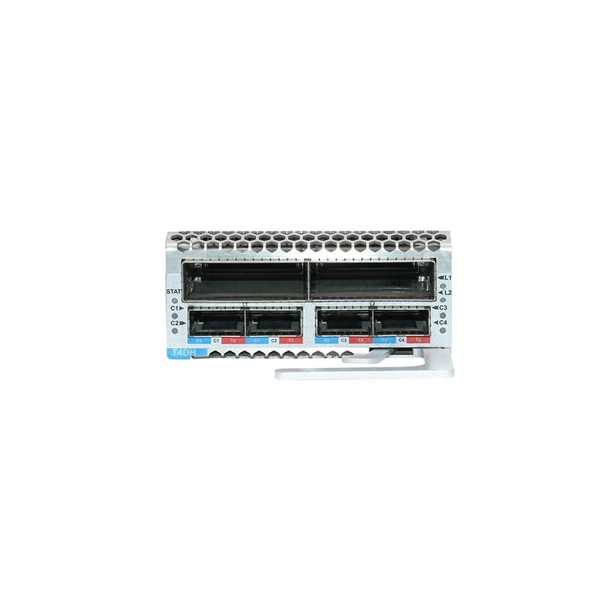
There s no neutral wire at the input terminal of the distribution box right
Connect the phase and neutral wires from the input power supply to the input of the Main MCB. A standard mechanical light switch only interrupts the hot, or ungrounded, wire to turn a light on or off. Arrangement order: The circuit breakers should be arranged from left to...
[PDF Version]
-
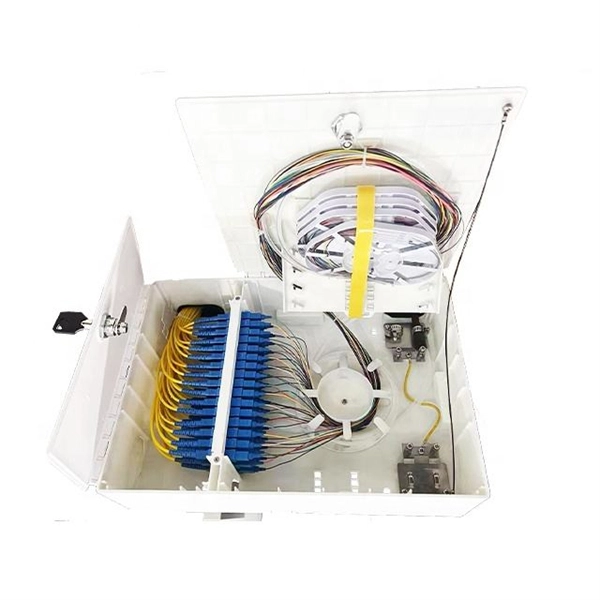
72-pin terminal box grounding
The Central Grounding Box serves as an efficient solution for connecting grounding wires, ideal for use in ESD-sensitive environments or for protective grounding. Our terminal boxes have been designed to offer an easy, fast and reliable solution for core and frame grounding...
[PDF Version]
More from the technical library
- Mine Fiber Optic Cable
- Composite junction box connector
- Principles and Functions of Distribution Network Automation
- Patch Cord Fiber Optic SC-FC Multimode
- Flexible high-current busbar connection
- Cable grounding for broadcasting and telecommunications optical cables
- Cable management via cable tray in computer room mesh