
Comprehensive Guide To Network Patch Panel And Keystone Jack
Search optical fiber, connectivity, cable management and network infrastructure references.
-
The network patch panel is installed at the back
In a patch panel, the cables are terminated at the back, while the front of the panel is used to connect network cables to the ports. Cut off the cross-shaped skeleton of the Cat6 patch cord. They come in a range of sizes, and are typically mountable, whether that's on a...
-
Wiring a 48-port network patch panel
Learn the step-by-step network patch panel and keystone jack wiring methods, including essential tools, T568A/B wiring sequences, and tool-free installation tips. This guide covers everything you need for efficient network setups, from cable preparation to final. 48-Port Cat6...
[PDF Version]
-
How to install a smart patch panel for network cables
Learn the step-by-step network patch panel and keystone jack wiring methods, including essential tools, T568A/B wiring sequences, and tool-free installation tips. This guide covers everything you need for efficient network setups, from cable preparation to final. Our guide...
[PDF Version]
-
Network patch panel bracket
Precision-made from heavy-duty 14-gauge steel with a glossy black finish, this bracket supports universal left- or right-hinge mounting that accepts standard 19-inch patch panels. Two keyhole slots are spaced 16 inches apart to align with wall studs to ensure secure...
[PDF Version]
-
How to wire a non-modular network patch panel
Learn the step-by-step network patch panel and keystone jack wiring methods, including essential tools, T568A/B wiring sequences, and tool-free installation tips. This guide covers everything you need for efficient network setups, from cable preparation to final. Network...
[PDF Version]
-
One network patch panel can hold two cables
A patch panel is a passive network device used to organize, terminate, and manage multiple Ethernet or fiber optic cables in a structured cabling system. It acts as a central connection point where permanent building wiring connects to a network switch using short patch...
[PDF Version]
-
Straight-through 24-port network patch panel
This 24-Port Cat6 Feed-Through Patch Panel provides patching without punching down bulk wire to the back of the panel. Fully meets or exceeds Cat6 specifications. Works with USOC, T568A and T568B wiring. 19-inch width mounts easily in 2-Post Relay Rack or a Wall-Mount Hinged...
[PDF Version]
-
How many ports does a Category 6 network patch panel have
These high-density panels are available in 12 through 96 port versions and feature enhanced front and rear labeling features for easy circuit identification. Category 6+ panels support both T568Aand T568B wiring configurations using an easy to read color-coded wiring label...
[PDF Version]
-
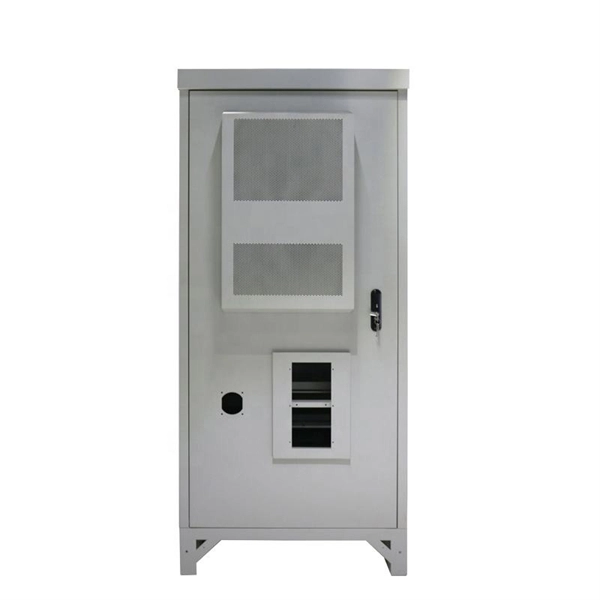
Integrated Network Module Patch Panel
Patch panel for housing female-to-female feed-through interface modules with Snap-In quick disconnect technology. Belden PatchPro® offers a complete intelligent ready physical layer management system that uses RFID (radio frequency identification) technology for wireless...