
Quidway S7706 Switch Optical Transimission Network
Search optical fiber, connectivity, cable management and network infrastructure references.
-
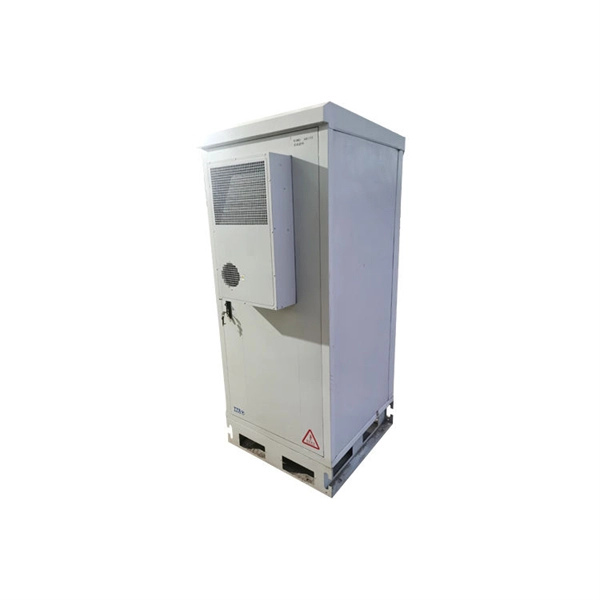
Switch for One Network Multiple Optical Fibers
Multimode fiber optic switches have emerged as a crucial component, enabling seamless connectivity and efficient data transmission. In this comprehensive guide, we will delve into the operation and installation of multimode fiber optic switches, shedding light on their...
[PDF Version]
-
Ring network connection of optical switch
A fiber optic ring network is a physical or logical network topology where devices (usually switches) are connected in a closed-loop using fiber optic cables. Each node is connected to two other nodes, forming a ring-like structure. This design ensures data can travel in both...
[PDF Version]
-
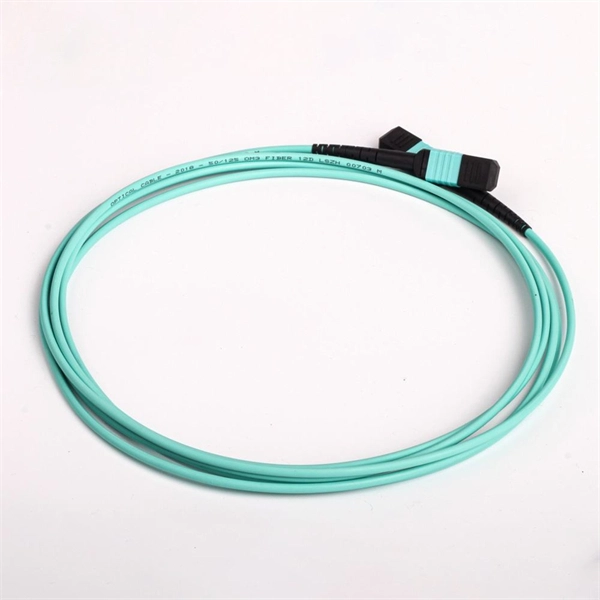
How many optical ports does the S7706 switch support
S7706 If the switch is running V200R006C00 or a later version, its PoE slots support both AC power modules and 2200 W DC power modules. If the switch is ru.
[PDF Version]
-
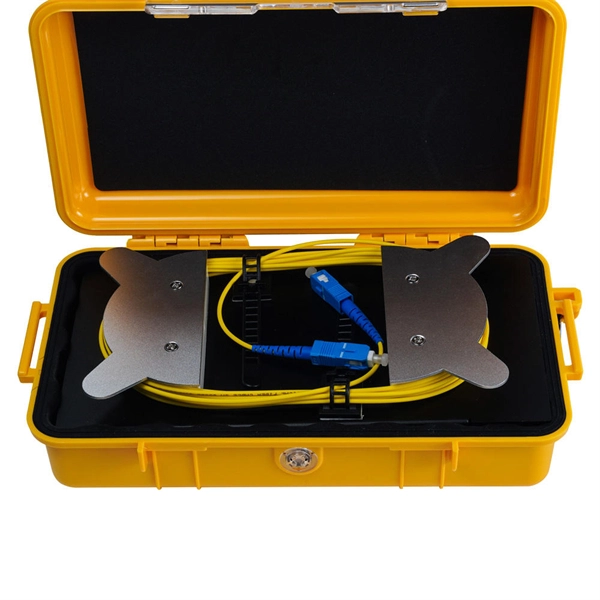
How to connect a 2-to-4 optical fiber switch
Most modern fiber-enabled network switches require an SFP transceiver module featuring a duplex (two strand) multimode OM3 or duplex single mode OS2 connection with LC connectors. Direct attach cables with pre-terminated SFP connections may also be used. Download the...
-
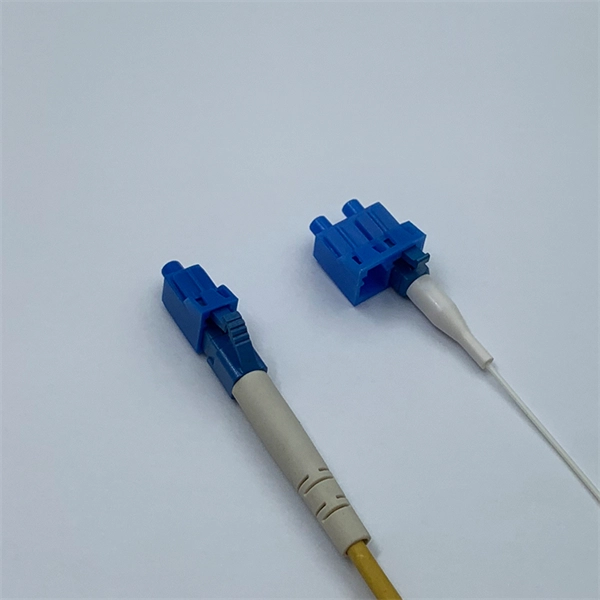
Fiber optic network card without optical module
These cards are designed for an internal PCIe slot of a system, feature small form factor pluggable (SFP) ports and will provide wired connectivity based on Ethernet at speeds up to 100Gb/s. SFP+ and SFP28 PCIe network cards for ultra-fast fibre networking. Fiber NICs come...
[PDF Version]
-
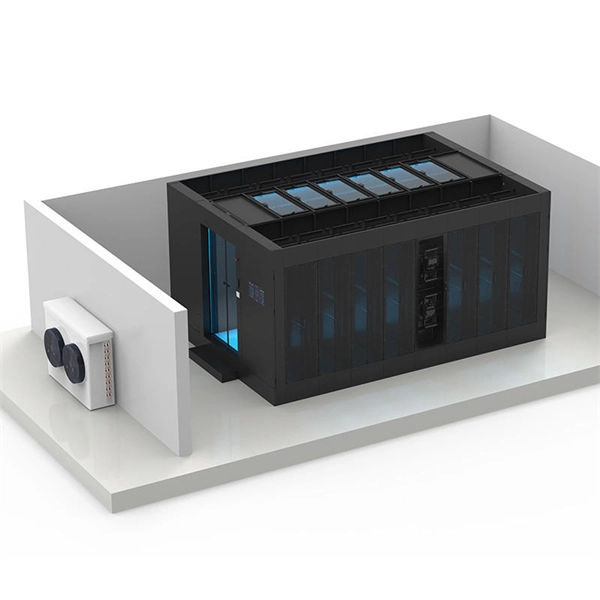
The switch cannot see the optical module
If possible, remove and reinstall the optical modules to check whether the fault is rectified. Based on typical issues encountered with optical modules in daily switch applications, this document summarizes basic troubleshooting steps for resolving common faults: 1. The Cisco...
[PDF Version]
-
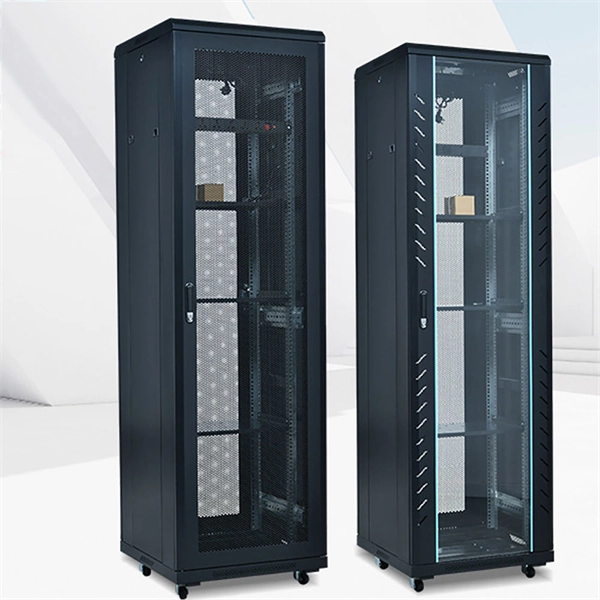
Liechtenstein ONU Optical Network Unit QSFP-DD
The module is designed for ZR 400G DCI / PTN applications and ZR+200G metro long-haul OTN applications. It provides high-speed data channels, IIC interface module control and state alarm reporting with 3. 21 DD1600) connector and cage system. QSFP-DD MSA family of modules and...
[PDF Version]
-
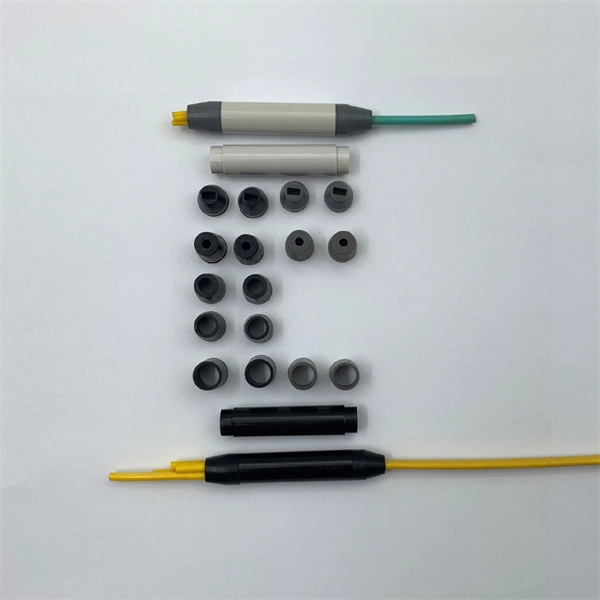
Airport-grade Passive Optical Network QSFP-DD Selection Guide
This guide explains how to choose QSFP-DD transceivers step by step, helping you avoid costly mistakes and ensure compatibility across your network. Cisco QSFP-DD and OSFP 800G ZR/ZR+ digital coherent optics modules enable 800G traffic over amplified Dense Wavelength-Division...
[PDF Version]
-
How to replace the battery in an optical switch
Press and hold the battery cover with your thumb. Secure the battery . Slide the lock to the OPEN position, then hold both sides of the faceplate and pull it away from the back. Here's a handy list to ensure you have everything you need: Safety goggles (To avoid debris...
-
Configure the switch via network cable connection
You'll learn how to: 🔹 Connect to your Cisco switch using a console cable 🔹 Perform basic configuration commands (hostname, interfaces, IP setup) 🔹 Save and verify your configuration This tutorial will guide you through everything you need to know to get started. You'll learn...
[PDF Version]
More from the technical library
- Ranking of African Electrical Distribution Box Brands
- Voltage circuit small busbar
- Price of tray-type cable trays in Jing an
- Principle of a Light Splitter in a Stairwell
- Latest news on cable and optical fiber price list
- Cable tray plane position and levelness
- What are the uses of selling core switches