
Optical Module Not Working How To Troubleshoot In
Search optical fiber, connectivity, cable management and network infrastructure references.
-
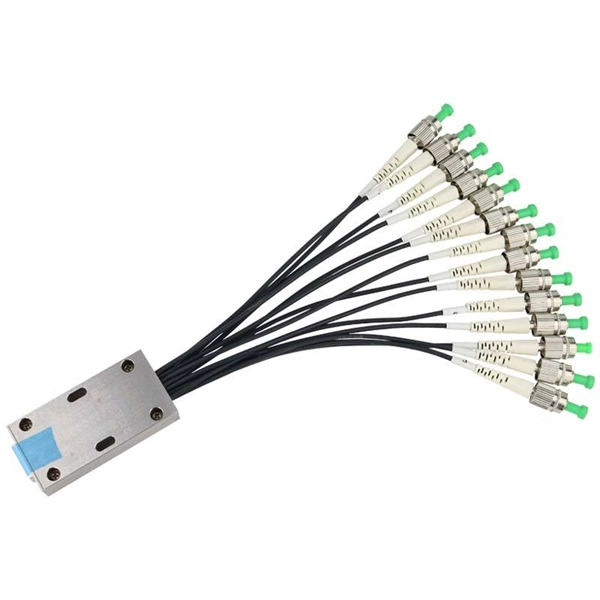
How to test if an optical module is working properly
How to Check SFP Module: Testing and CompatibilityLearn how to check an SFP module using Cisco commands, diagnostics, and compatibility checks. Step-by-ste.
[PDF Version]
-
How to test the light emission and light reception of an optical module
In practice you'll use two complementary tools — an optical power meter (with a stable light source or the transceiver's own transmitter) to measure absolute power and end-to-end loss, and an OTDR to locate events, splices and reflectance along the fiber. Testing these...
[PDF Version]
-
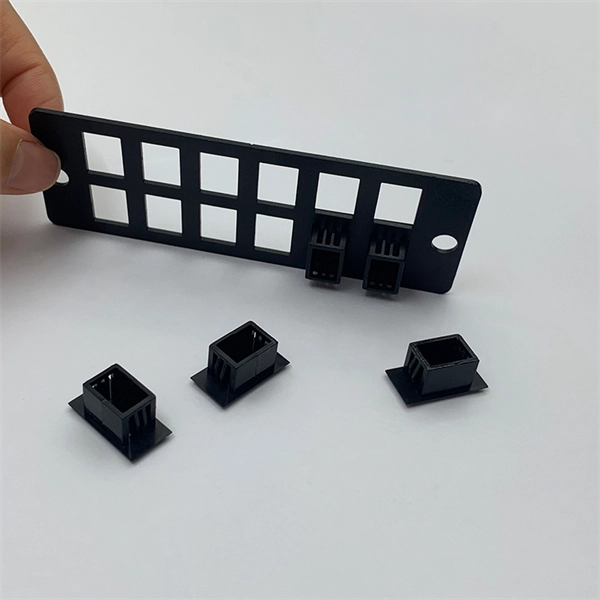
How to identify the model number of a DAC optical module
Run the display transceiver diagnosis interface [ interface-type interface-number ] command to view diagnostic information about a specified optical module. For optical modules used on switches, we read their information via brand-specific terminal commands. This example uses...
[PDF Version]
-
How to resolve the temperature alarm of the optical module
Indicates the optic is operating in a high-temperature environment. If temperature remains high after improving airflow → relocate optic or replace if thermal issues persist. Clear and re-read alarms/DOM; verify link state on both ends. Reseat optics; clean LC connectors on...
[PDF Version]
-
How to check the optical module of a server
Execute the following command to view detailed interface and optical module status: ethtool <devname> The output includes interface rate, module rate, link status (Link detected: yes is required for normal module operation), and interface configuration details. For optical...
[PDF Version]
-
How to test the receiving wavelength of an optical module
Therefore, we need to use a wavelength meter or wavelength sensor to measure the wavelength of the optical module and compare it with the specified wavelength range. Unchecked optical modules can cause: Testing ensures compliance with IEEE 802. From detecting signal...