
Kvm Switch Not Recognizing Usb Devices On Windows 10
Search optical fiber, connectivity, cable management and network infrastructure references.
-
KVM switch cannot shut down
Solution: First, check if the switch's power indicator light is on and ensure the power source is properly connected. If there's a power switch, make sure it's in the “On” position. What Do You Need? Administrator privileges. Name of the inactive KVM instance. For remote KVM...
[PDF Version]
-
Core Switch Connects to Egress Devices
At the egress of a large campus network, core switches are directly connected to upstream firewalls and connected to egress gateways through firewalls. Two firewalls set up a hot standby group to filter service. Providing The Most Competitive Networking Products For Global...
[PDF Version]
-
Does a KVM switch not require a power supply
Many KVM switches draw power from the connected computers and do not require an external power source. The term “KVM” refers to the ability to manage keyboard inputs, video display, and mouse controls from one central setup, eliminating the need for. I do have a slight...
[PDF Version]
-
KVM Switch IP Settings
This tutorial introduces the steps to set a static IP for your GL. iNet KVM directly on the console when its upstream router can't allocate one. Log in to your Comet's console, and navigate to Settings -> Network -> Modify. This guide walks you through six simple steps to set...
[PDF Version]
-
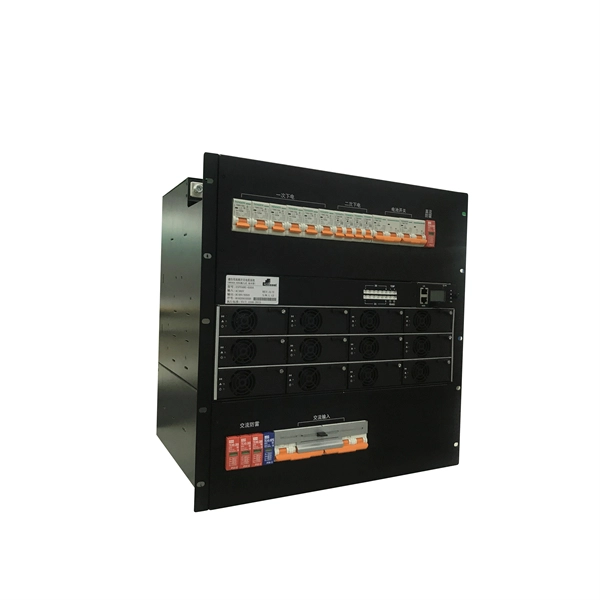
Remote connection to KVM switch
Setting up a KVM over Internet: A Comprehensive Guide Learn how to set up a KVM (Keyboard, Video, Mouse) switch over the Internet for remote access to mult.
[PDF Version]
-
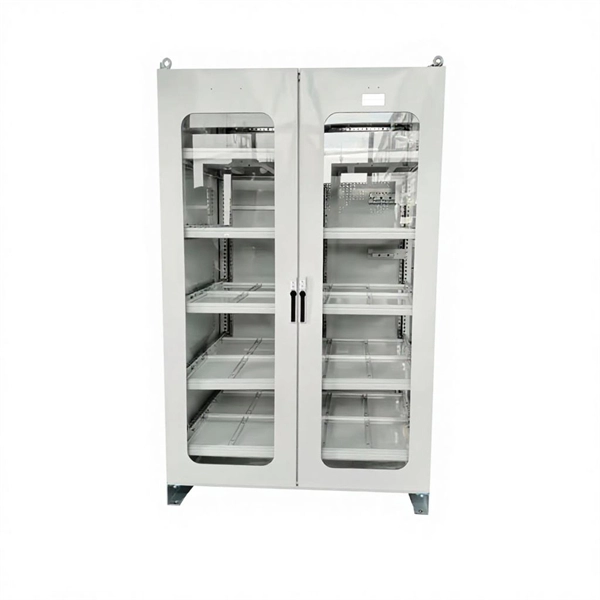
Uplink devices of core switch
In network architecture, uplinks serve as the core channels for communication across hierarchical devices. They manage the vertical data aggregation between access layer switches and aggregation or core level devices (such as core switches and routers) within a Local Area...