
Is Fiber Internet Wired Or Wireless
Search optical fiber, connectivity, cable management and network infrastructure references.
-
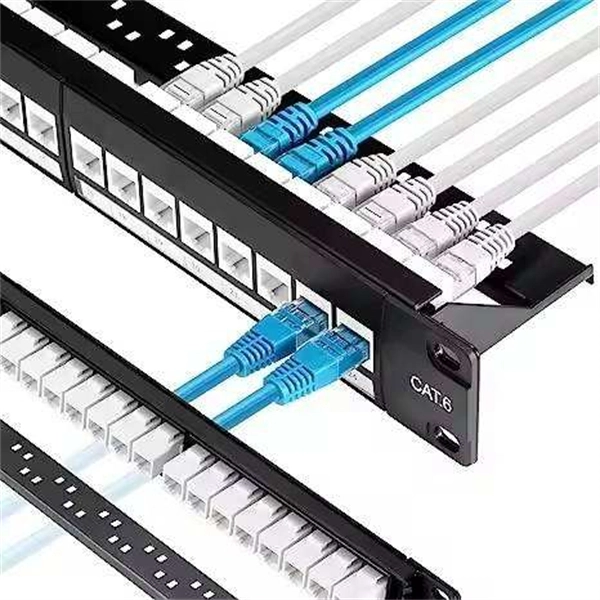
The wireless router connected to the fiber optic cable cannot access the internet
If your router isn't connecting to the internet, here's the quick checklist: Check and secure all cables. Test the modem directly to isolate the issue. Review router settings (WAN/DNS/ISP login). Whether you're relying on a wired Ethernet setup or Wi-Fi, a broken connection...
[PDF Version]
-
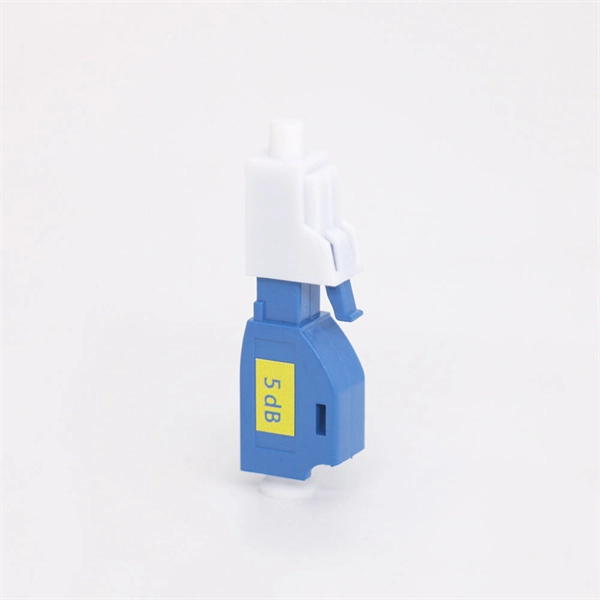
Is fiber optic communication wired or wireless
Modern fiber-optic communication systems generally include optical transmitters that convert electrical signals into optical signals, to carry the signal, optical amplifiers, and optical receivers to convert the signal back into an electrical signal. The information...
[PDF Version]
-
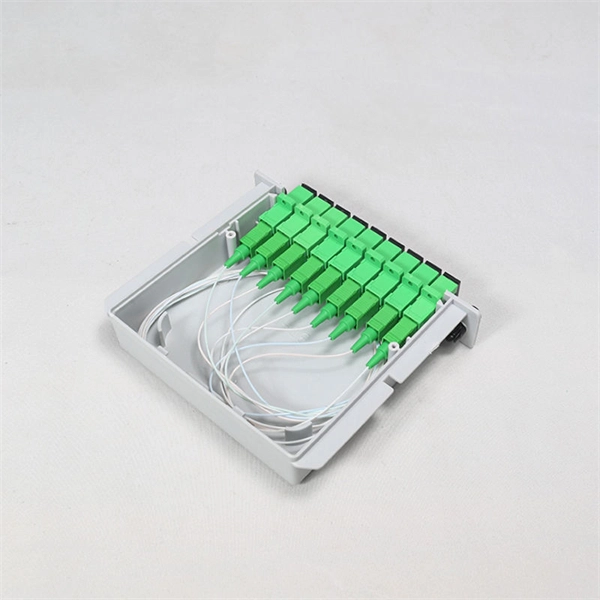
Fiber optic connection to 2 wireless routers
Yes, you can connect two routers to one fiber modem, but understanding the 'how' and 'why' is crucial for optimal network performance. This guide clarifies the possibilities, practical methods, and potential pitfalls, ensuring you maximize your home or small office network...
-
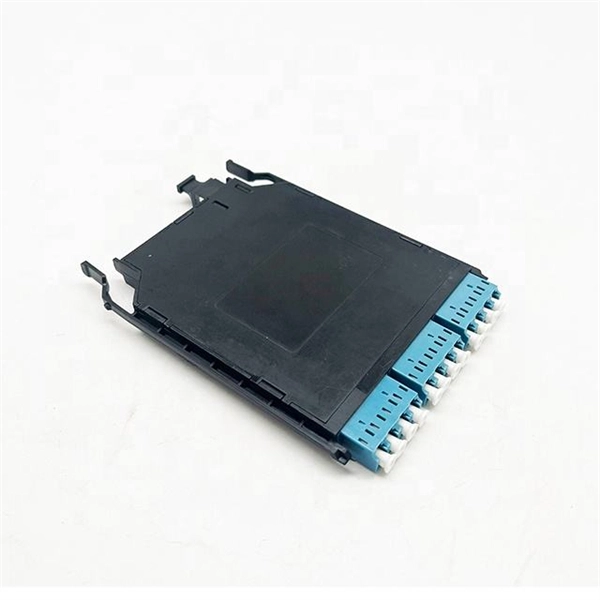
Why not use a cold connector for fiber optic internet access
Connectors are the vulnerable points in a fiber network. Studies and industry research (from sources such as the FCC and IEEE) indicate that extreme cold can affect connectors by causing water ingress to freeze, leading to physical deformation. This method is essentially...
[PDF Version]
-
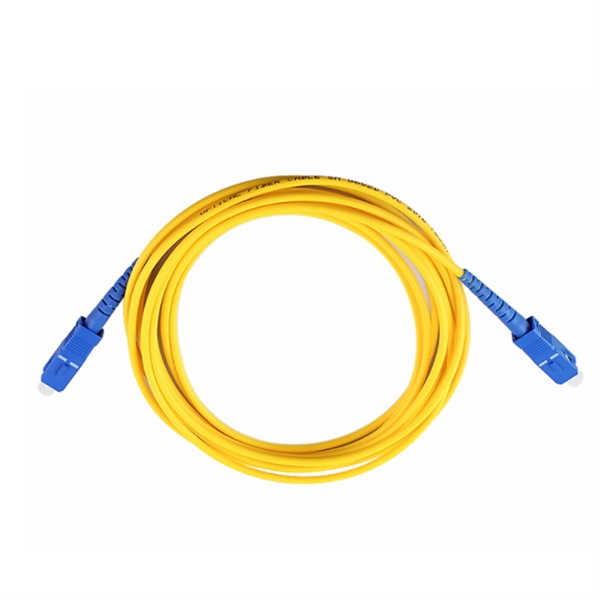
No internet when invisible fiber optic cable is plugged into router
Take a moment to check the following: Examine the LAN cable connections: Make sure that one end of the LAN cable is securely plugged into the WAN port of your router, while the other end is connected to the socket or fiber converter. Despite their robustness, fiber networks...
[PDF Version]
-
100m Fiber Optic Wireless Router Setup Router Setup
To set up your router for fiber internet quickly, connect the router to your fiber modem, access the router's settings via a web browser, and input the provided ISP credentials. This guide walks you through the complete fiber installation process, from checking availability...
-
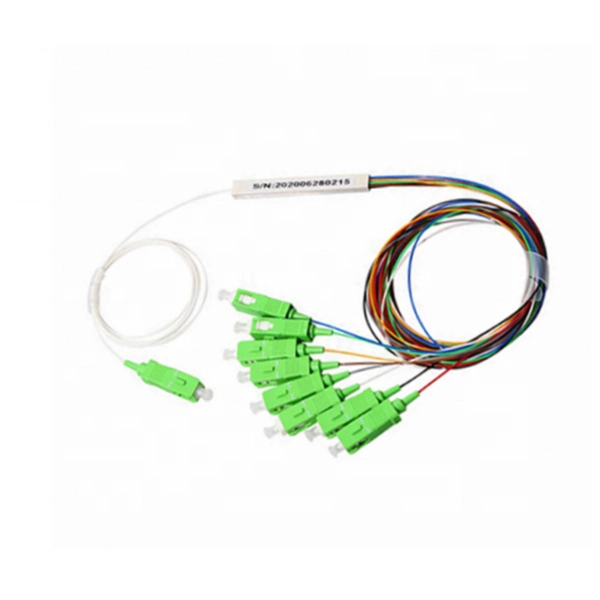
How to configure a TP-Link router after switching to fiber optic internet
This guide walks you through a complete TP-Link router setup using the browser-based web management page. net once your device is connected to the router. Often, your Internet Service Provider ISP will supply a. To connect your fiber optic cable to a router, ensure you have...
[PDF Version]
-
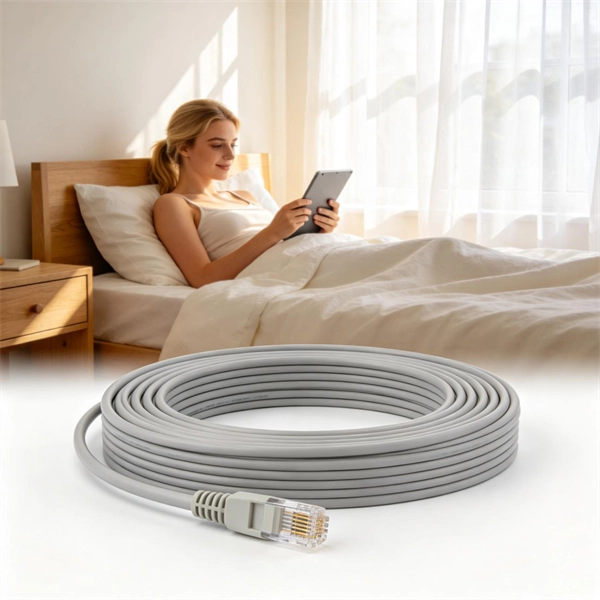
Router fiber optic cable shows blue light but no internet connection
Restarting your router, checking your modem connection, and resetting network settings often resolve the problem quickly. When issues like signal loss, slow speeds, or intermittent connectivity arise, systematic troubleshooting is key. Your fiber optical network terminal...
[PDF Version]
-
Fiber optic router can access the internet wirelessly
Yes, you can connect a fibre optic cable to a wireless router. As internet speeds continue to evolve, fiber optic broadband is becoming the gold standard for ultra-fast and reliable internet connections. Fiber optic internet utilizes thin strands of glass or plastic to...
-

What to do if your router doesn t have fiber optic internet
If you don't have (or want) a physical cable connecting your home to the internet, you can still connect with a wireless internet connection. This guide offers practical, actionable strategies for residents and businesses in areas lacking fibre, exploring alternative...
[PDF Version]