
Introduction To Switch Stack Management
Search optical fiber, connectivity, cable management and network infrastructure references.
-
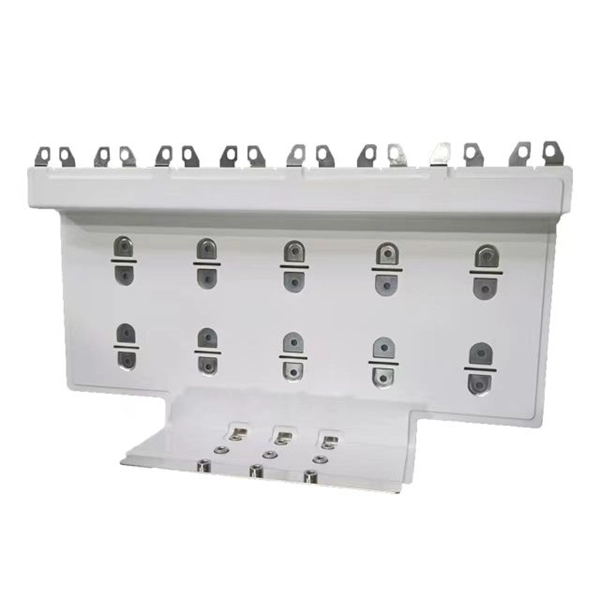
Dual-uplink aggregation switch
In the dual-uplink solution for passive aggregation modules, dual-link backup is achieved between PEN central switches and passive aggregation modules. Uplink. The following information provides an example for configuring dual-uplink interfaces to provide increased link...
[PDF Version]
-
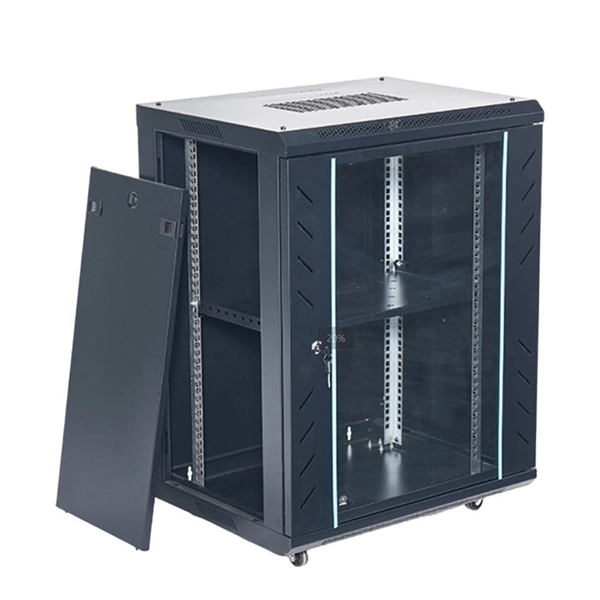
Using the PDU Intelligent Management System
An Intelligent PDU allows for remote management, monitoring of PDU vitals, and control of outlets and networked clients. Power status can be monitored over the network, using the NetAgent Management Console and the RJ45 Ethernet port, or locally by using the digital LCD...
[PDF Version]
-
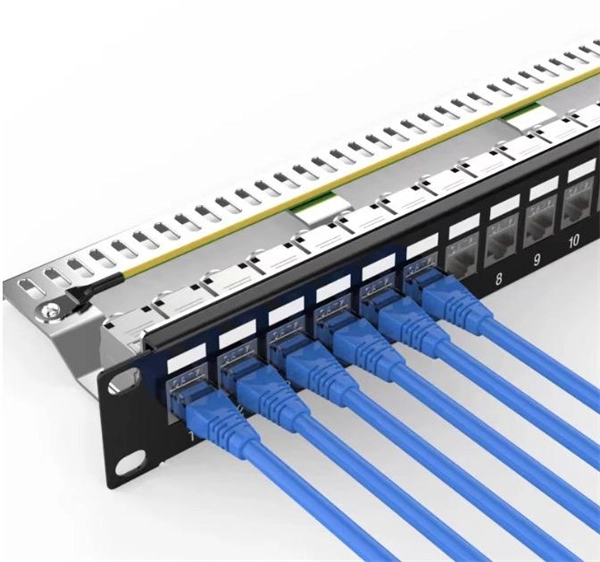
Temporary switch distribution box
Temporary power distribution boxes and carts serve as hubs to connect electrical loads and have multiple outlets to distribute power. WIV DISTRIBUTION BOXES MAXIMUM FLEXIBILITY + MOBILITY. Ask us about the possibilities for the utility connections on your building site. They...
[PDF Version]
-
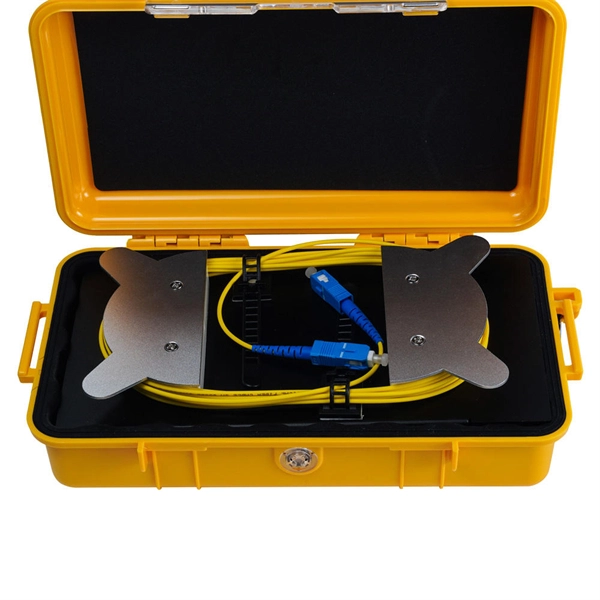
How to connect a 2-to-4 optical fiber switch
Most modern fiber-enabled network switches require an SFP transceiver module featuring a duplex (two strand) multimode OM3 or duplex single mode OS2 connection with LC connectors. Direct attach cables with pre-terminated SFP connections may also be used. Download the...
-
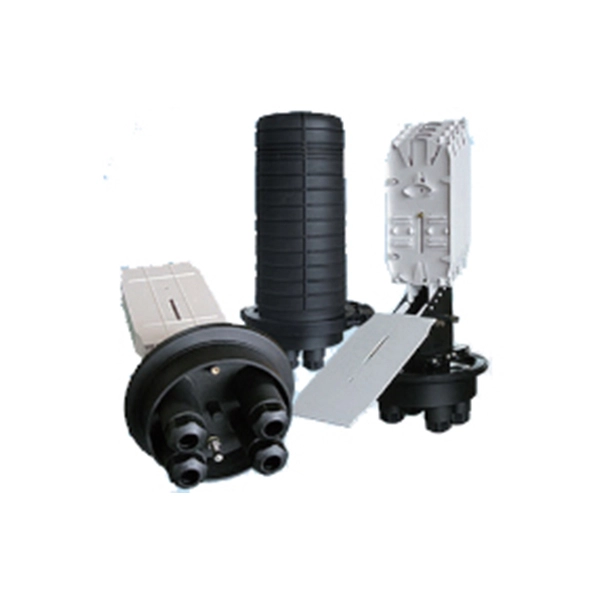
Can dual networks be connected to a switch
A common question that arises is: can two networks use the same switch? The answer is not a simple yes or no. In fact, most modern networks, from your home setup to enterprise-level infrastructures, rely on a hierarchical network architecture. When you connect switches, you...
[PDF Version]
-
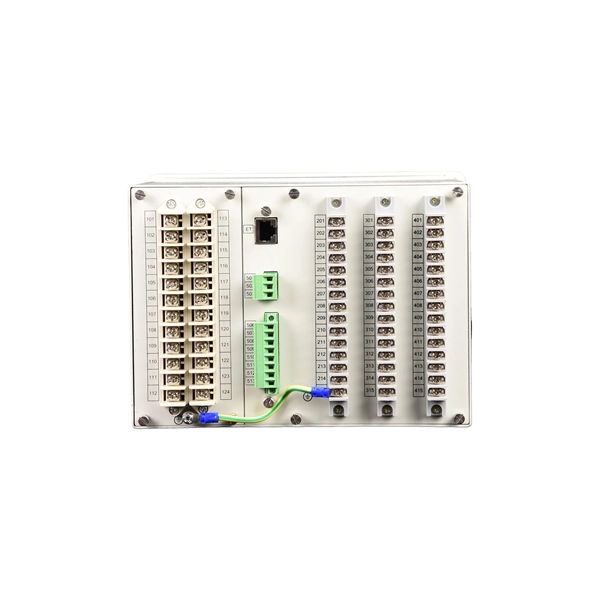
Connect the switch to the distribution box first
Before you connect an access switch to a distribution switch, be sure you have: Installed the two switches. See the installation instructions for your switch. Construct and attach a system ground wire from the building (earth) ground to the system ground point on the chassis...
-
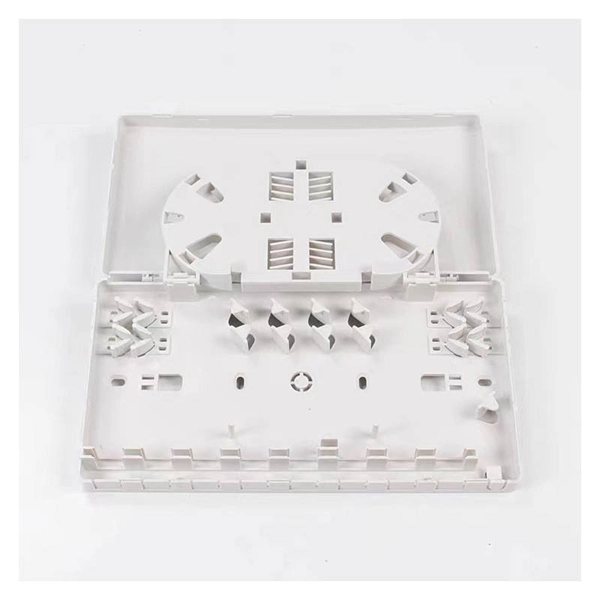
KVM switch cannot shut down
Solution: First, check if the switch's power indicator light is on and ensure the power source is properly connected. If there's a power switch, make sure it's in the “On” position. What Do You Need? Administrator privileges. Name of the inactive KVM instance. For remote KVM...
[PDF Version]