
What is the difference between a router and a modem?
A modem provides the internet connection via the internet provider. A router then distributes the Internet signal to the devices connected to the r...
Search optical fiber, connectivity, cable management and network infrastructure references.
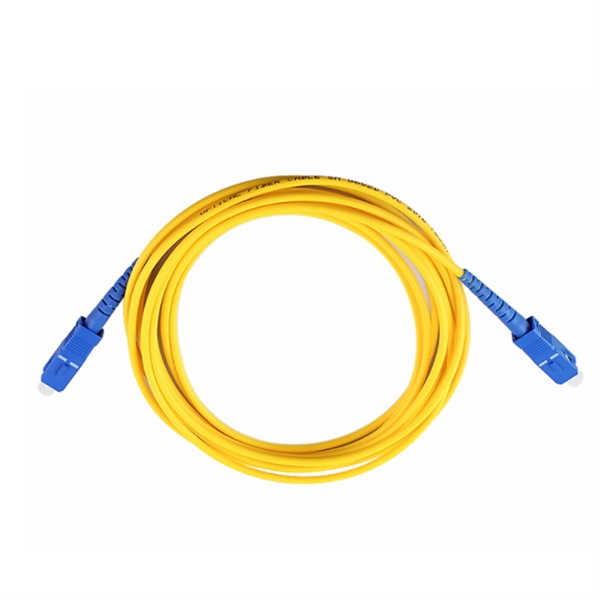
Take a moment to check the following: Examine the LAN cable connections: Make sure that one end of the LAN cable is securely plugged into the WAN port of your router, while the other end is connected to the socket or fiber converter. Despite their robustness, fiber networks...
[PDF Version]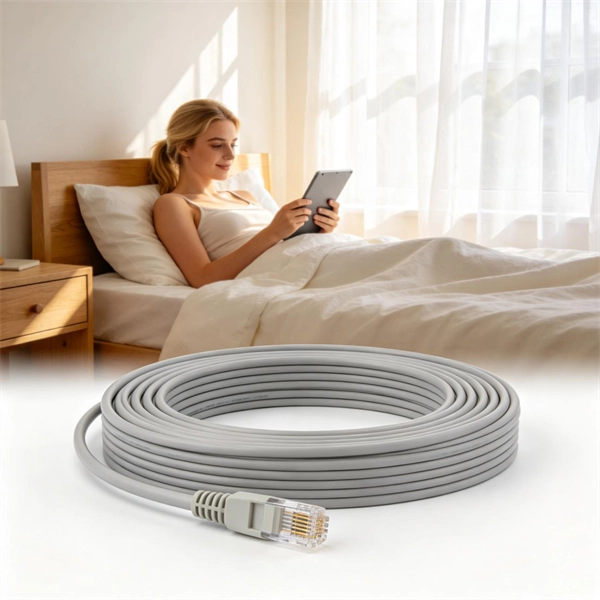
Restarting your router, checking your modem connection, and resetting network settings often resolve the problem quickly. When issues like signal loss, slow speeds, or intermittent connectivity arise, systematic troubleshooting is key. Your fiber optical network terminal...
[PDF Version]
Picking up the best router for fiber internet isn't just about going to the market and choosing one of the best wireless routers. Instead, you need to carefully look at its specs, performance, and the type of securit.
The fiber optic cable does not plug directly into a standard home router because the signal type must be translated. The fiber line terminates at the Optical Network Terminal (ONT), which is typically supplied and installed by the internet service provider. This specialized...
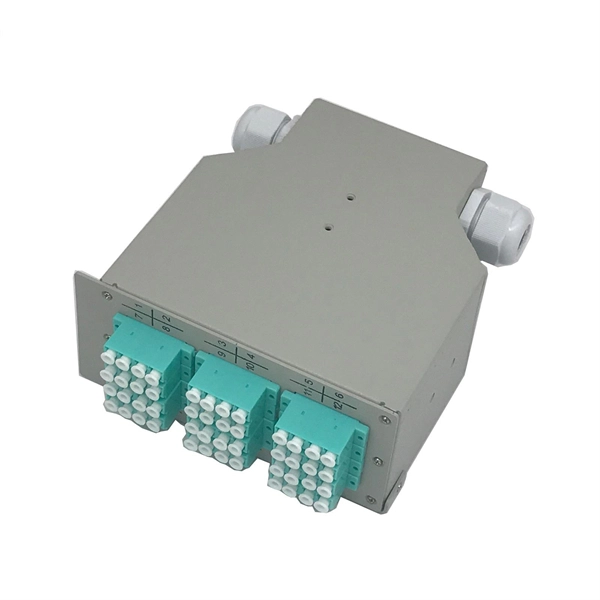
First, plug one end of the fiber optic cable into the transceiver and the other end into the fiber optic network. Low latency for. The process to connect fiber optic cable to router requires careful attention to detail, but I'll walk you through every critical step with the...
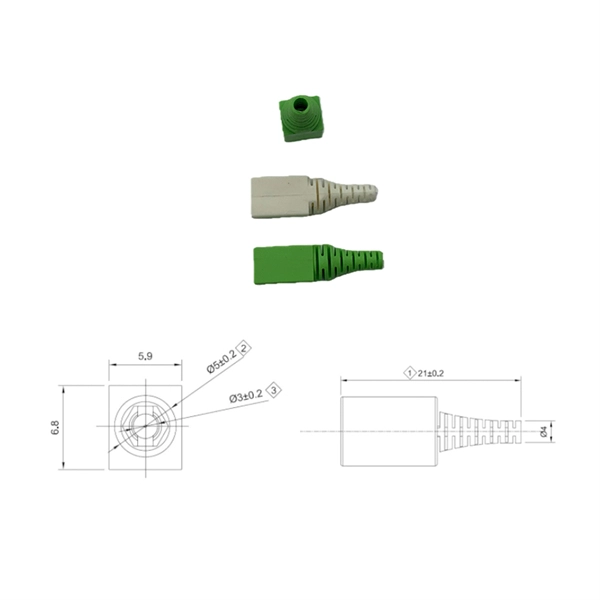
How to Connect Fiber Optic Cable to Router: A Step-by However, setting up a fiber optic connection to your router can seem daunting if you're unfamiliar wi.
[PDF Version]A modem provides the internet connection via the internet provider. A router then distributes the Internet signal to the devices connected to the r...
The download speed on the internet depends on the type of connection you have. If you have a 25 Mb/s connection this means that theoretically you s...
WIFI is a radio frequency signal in the form of non-ionising radiation. This radiation cannot damage cells and tissues and is therefore not harmful...
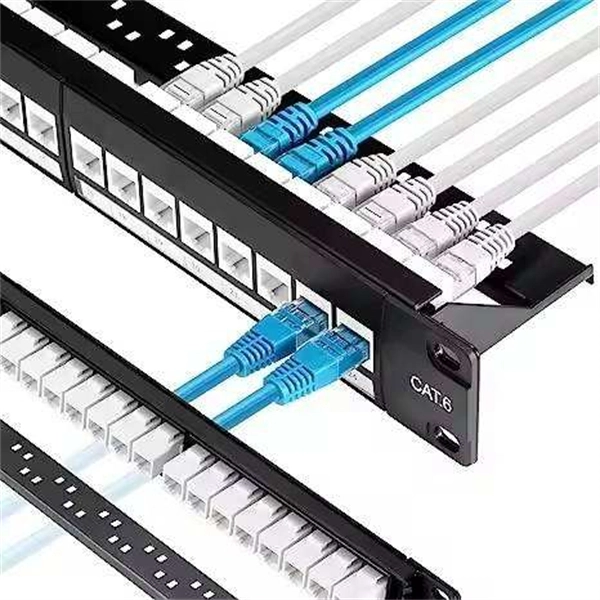
If your router isn't connecting to the internet, here's the quick checklist: Check and secure all cables. Test the modem directly to isolate the issue. Review router settings (WAN/DNS/ISP login). Whether you're relying on a wired Ethernet setup or Wi-Fi, a broken connection...
[PDF Version]
Media Converters for Ethernet to Fiber Connections. Available with single mode or multimode fiber. Power Supplies and Chassis also available. Same Day. Commercial-Grade Tech, Now for Home, Engineered by Industry Leaders, High Speed, Media Converters Included (standard U...
[PDF Version]
First, plug one end of the fiber optic cable into the transceiver and the other end into the fiber optic network. Before diving into the connection process, gather these critical components: Optical Network Terminal (ONT): The cornerstone of most fiber setups, typically...
These cables are made of thin strands of glass or plastic, which is a fundamental difference from traditional internet services that rely on copper wires. This technology allows data to travel at nearly the speed of light, providing significantly higher bandwidth and faster...
[PDF Version]Share the fiber interfaces, termination capacity, cable route and evidence required for handover.