
Fiber Internet Installation Step By Step Guide 2026
Search optical fiber, connectivity, cable management and network infrastructure references.
-
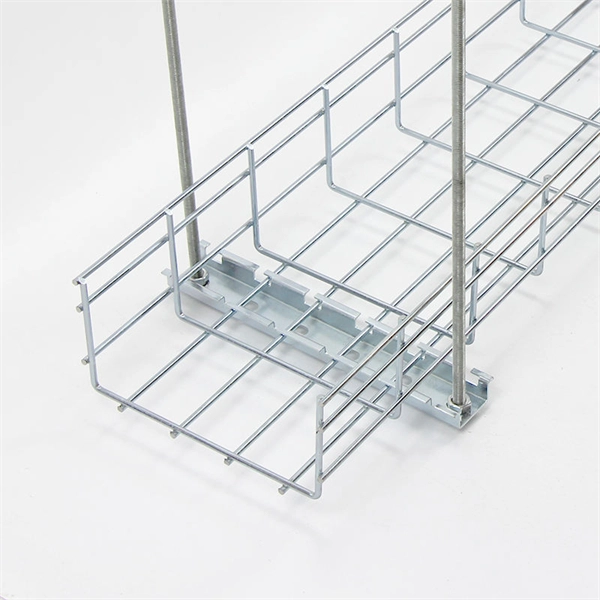
Fiber Optic Cable Installation Tool Kit TC-OC19A
Designed for FTTH installation and network repair, these sets include high-precision fiber strippers, cleavers, and Kevlar shears housed in a rugged, impact-resistant hard case. The ultimate all-in-one solution for fiber optic termination and splicing preparation. Fiber optic...
[PDF Version]
-
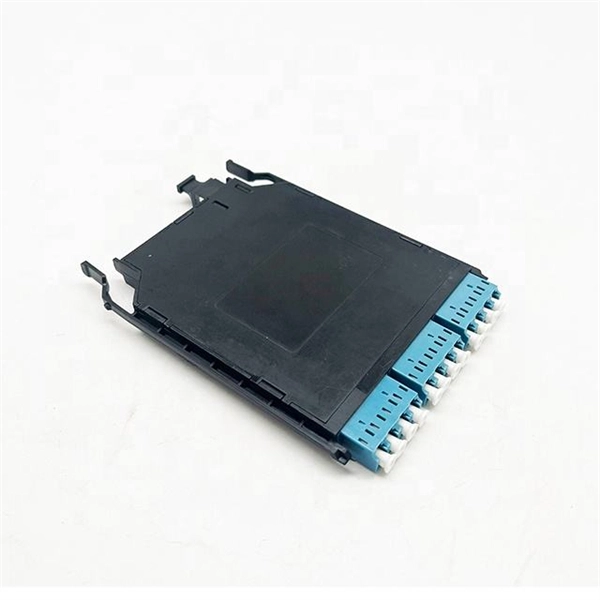
Why not use a cold connector for fiber optic internet access
Connectors are the vulnerable points in a fiber network. Studies and industry research (from sources such as the FCC and IEEE) indicate that extreme cold can affect connectors by causing water ingress to freeze, leading to physical deformation. This method is essentially...
[PDF Version]
-
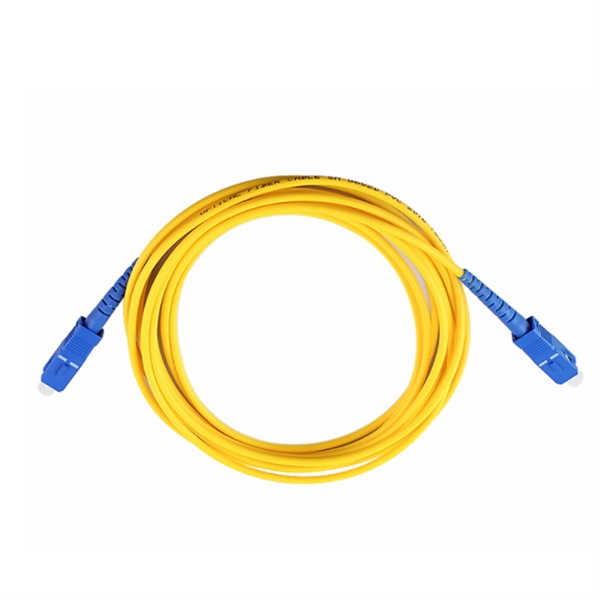
No internet when invisible fiber optic cable is plugged into router
Take a moment to check the following: Examine the LAN cable connections: Make sure that one end of the LAN cable is securely plugged into the WAN port of your router, while the other end is connected to the socket or fiber converter. Despite their robustness, fiber networks...
[PDF Version]
-
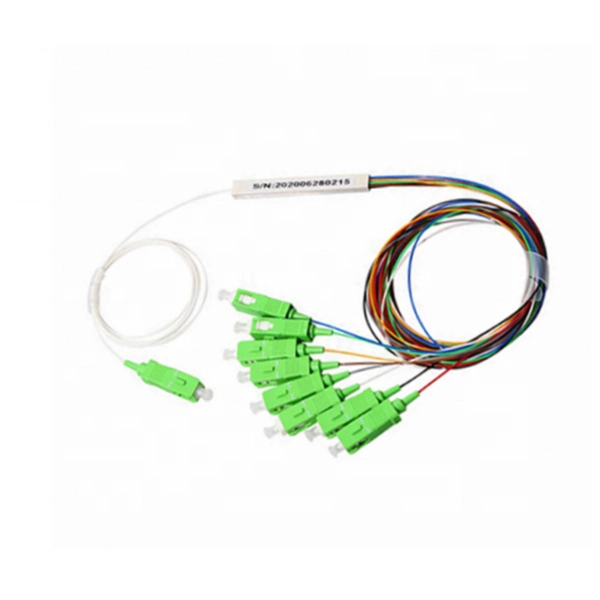
How to configure a TP-Link router after switching to fiber optic internet
This guide walks you through a complete TP-Link router setup using the browser-based web management page. net once your device is connected to the router. Often, your Internet Service Provider ISP will supply a. To connect your fiber optic cable to a router, ensure you have...
[PDF Version]
-
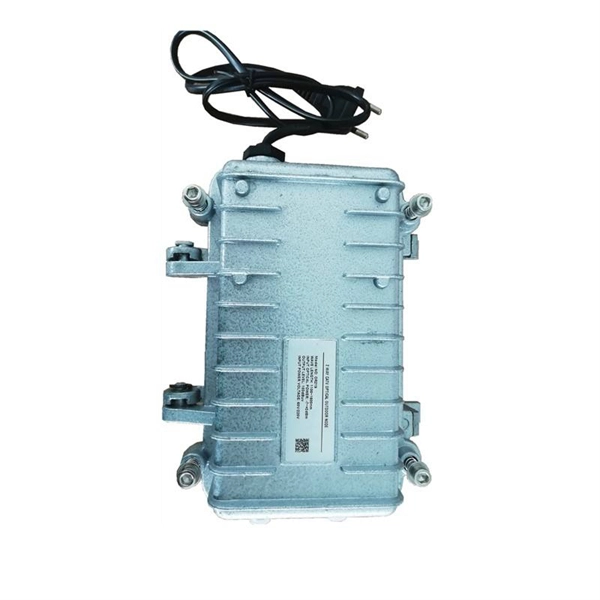
Installation of fiber optic cable multi-purpose junction box
OPGW cable joint box installation involves several key stages: selecting the appropriate location, preparing both the cable and the joint box, splicing fibers, and sealing the joint box properly. Adhering to these steps ensures optimal performance and longevity of the. Fiber...
[PDF Version]
-
Router fiber optic cable shows blue light but no internet connection
Restarting your router, checking your modem connection, and resetting network settings often resolve the problem quickly. When issues like signal loss, slow speeds, or intermittent connectivity arise, systematic troubleshooting is key. Your fiber optical network terminal...
[PDF Version]