
How can one identify a broken fiber optic cable?
To identify a broken fiber optic cable, start by performing a visual inspection for any physical signs of damage, such as bends, cracks, or breaks...
Search optical fiber, connectivity, cable management and network infrastructure references.
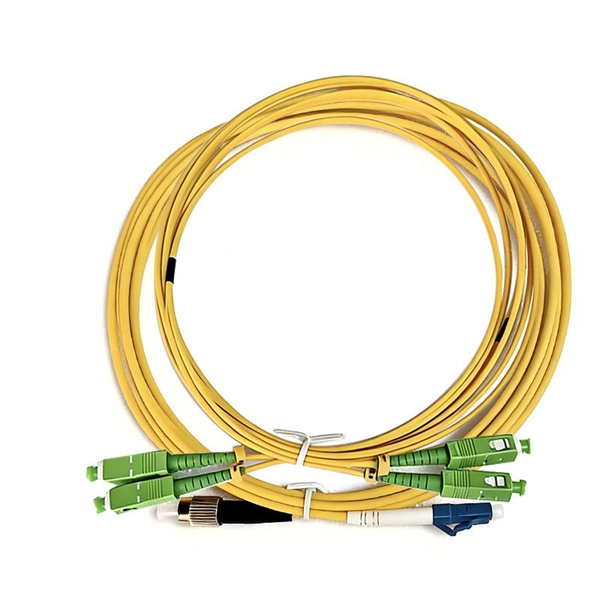
Fiber Optic Troubleshooting: Expert Guide for Common Troubleshoot fiber optic issues like a pro with our expert guide. Resolve common problems and ensure s.
[PDF Version]To identify a broken fiber optic cable, start by performing a visual inspection for any physical signs of damage, such as bends, cracks, or breaks...
There are several methods to test fiber optic cables without a tester. One method is using a visual fault locator (VFL), as mentioned earlier, to v...
Intermittent fiber optic connections can be caused by a variety of factors, including: Poorly terminated connectors or splices that result in unsta...
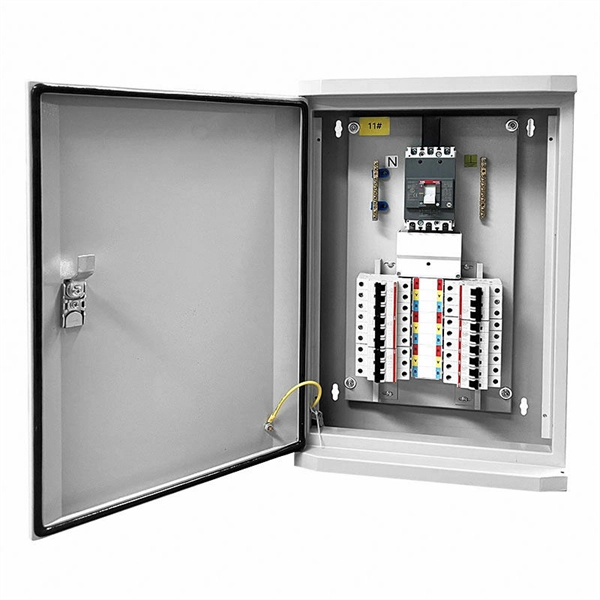
Poor Fiber Cleave: Angled or chipped cleaves prevent proper core alignment. Dirty Fibers: Dust, oil, and residue reduce splice quality. Misalignment: Incorrect positioning of fibers leads to light leakage. Core vs Cladding Mismatch: Using different fiber types without...
[PDF Version]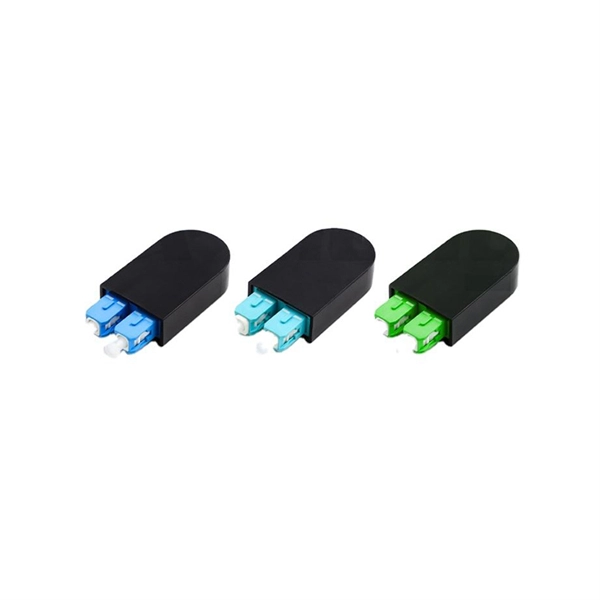
If possible, remove and reinstall the optical modules to check whether the fault is rectified. Query the software version of devices on the live network. The device cannot display any optical module information but services are running normally. If a module is identified as...
[PDF Version]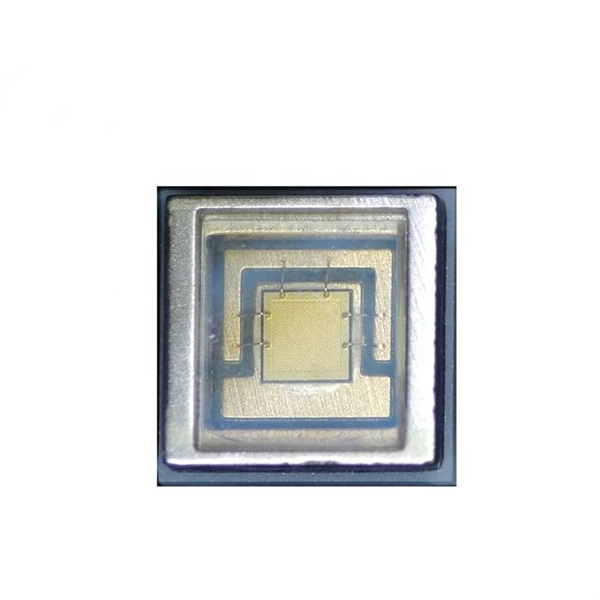
You can configure the device with a static IP address, or you can use a Dynamic Host Configuration Protocol (DHCP) server to set the IP address of the switch. The device supports both IPv4 and IPv6 addresses. Connect the included Power Cord to the Power port. Proceed to the...
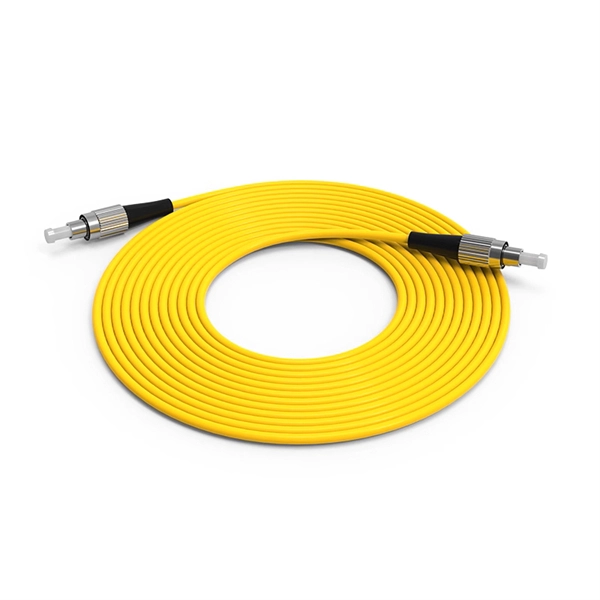
This simple step resolves many issues with sfp optical transceivers in access switches and core routers. Read TX/RX power, bias current, voltage, and. These compact devices convert electrical signals to optical signals and vice versa, enabling data transmission over fiber...
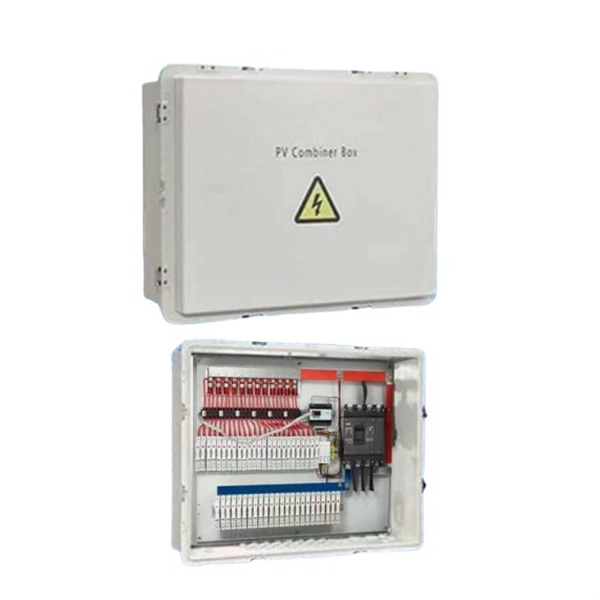
This document describes the configuration of Access Policies, Static Binding (Paths) or Layer 2 Outside (L2Out) using the Static Binding method, L2Out using the Routed Bridged Network method, Layer 3 Ou.
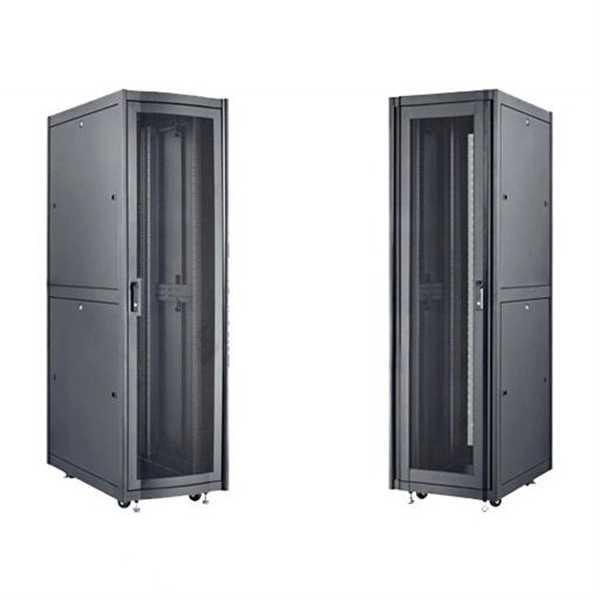
Product Features: Easy to Install / Applications are Zone Damper and Bypass Damper / Available in 120V and 24V / It is Supplied with or without a Damper PIM: Modulates to maintain Static Pressure at points in the Supply Air Ducts set within the Therma-Fuser working Range. The...
[PDF Version]
To view MAC address table information, you can use the command display mac-address. This command can check if there are any packet errors on the ports and whether the negotiation modes and half-duplex modes on both sides are the same. To view port configurations, you. This...
This tutorial introduces the steps to set a static IP for your GL. iNet KVM directly on the console when its upstream router can't allocate one. Log in to your Comet's console, and navigate to Settings -> Network -> Modify. This guide walks you through six simple steps to set...
[PDF Version]Share the fiber interfaces, termination capacity, cable route and evidence required for handover.