
Differences Between Switch Optical Ports And Electrical
Search optical fiber, connectivity, cable management and network infrastructure references.
-
The switch has optical ports but not electrical ports
Differences Between Electrical Port Modules And Optical Port ModulesAn electrical port module, also known as an optical-to-electrical port converter module.
[PDF Version]
-
How many optical ports does the S7706 switch support
S7706 If the switch is running V200R006C00 or a later version, its PoE slots support both AC power modules and 2200 W DC power modules. If the switch is ru.
[PDF Version]
-
Two optical ports on the switch
Introduction of Two Optical Ports and the Role of What are these two ports respectively in the industrial switch? The optical ports on the switch are usual.
[PDF Version]
-
What does 2 optical ports on switch mean
The Best Chocolate Babka Recipe | Pretty. Simple. Sweet.This Chocolate Babka recipe has a rich chocolate filling that is warm and comforting. Traditional b.
[PDF Version]
-
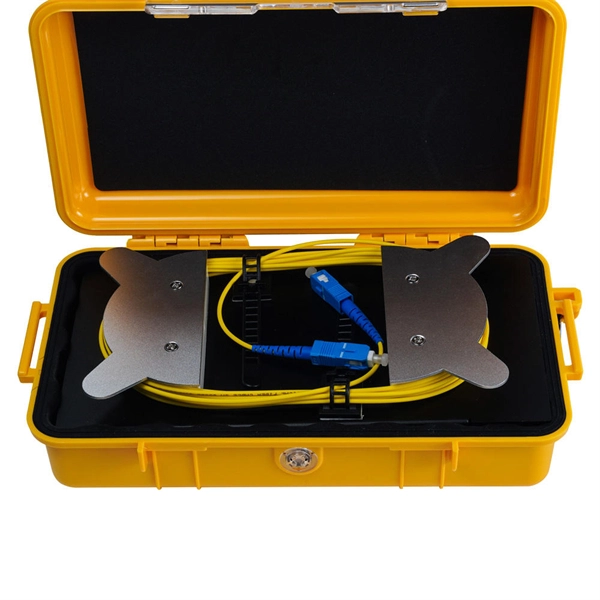
How to connect a 2-to-4 optical fiber switch
Most modern fiber-enabled network switches require an SFP transceiver module featuring a duplex (two strand) multimode OM3 or duplex single mode OS2 connection with LC connectors. Direct attach cables with pre-terminated SFP connections may also be used. Download the...
-
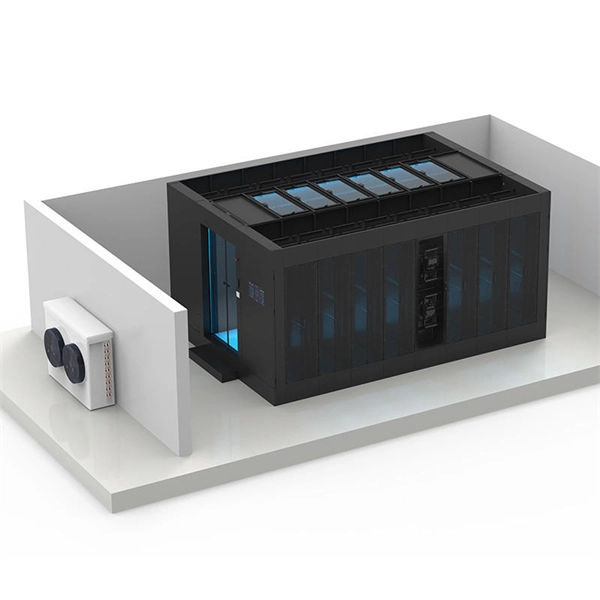
The switch cannot see the optical module
If possible, remove and reinstall the optical modules to check whether the fault is rectified. Based on typical issues encountered with optical modules in daily switch applications, this document summarizes basic troubleshooting steps for resolving common faults: 1. The Cisco...
[PDF Version]
-
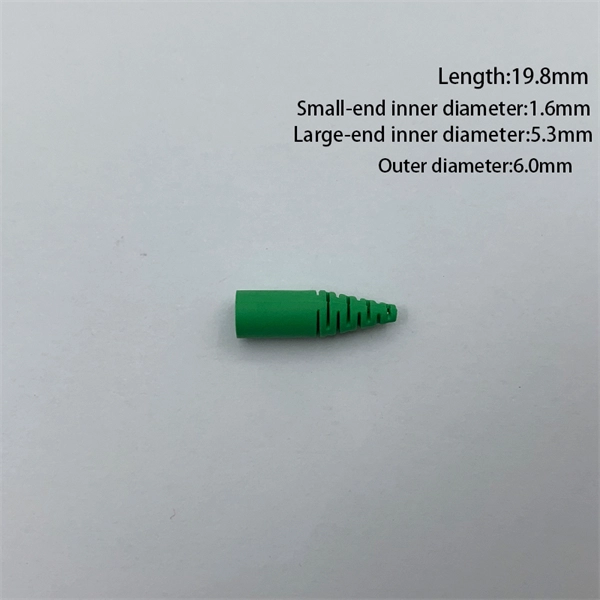
How to replace the battery in an optical switch
Press and hold the battery cover with your thumb. Secure the battery . Slide the lock to the OPEN position, then hold both sides of the faceplate and pull it away from the back. Here's a handy list to ensure you have everything you need: Safety goggles (To avoid debris...