
Cloudengine S5736 S Series Switches Huawei
Search optical fiber, connectivity, cable management and network infrastructure references.
-
How to connect optical switches in series
Yes you could connect the switch outputs in series. emitter of the first is the common negative terminal and the collector goes to the emitter of the second switch and so on with the final collector going via a suitable resistor to the positive supply. Also, we will learn how...
-
How to view IP traffic on Huawei core switches
To view MAC address table information, you can use the command display mac-address. This command can check if there are any packet errors on the ports and whether the negotiation modes and half-duplex modes on both sides are the same. To view port configurations, you. This...
-
How to check optical power on Huawei switches
Displaying Optical Module Information To determine whether optical modules delivered for Huawei switches before January 1, 2016 are certified ones, contact.
[PDF Version]
-
Features of Huawei Industrial-Grade Switches
Huawei CloudEngine S5735I-S-V2 series industrial switches (DIN rail-mounted) are next-generation industrial switches that provide flexible all-gigabit access and GE/10GE uplinks. With advanced features, high reliability, and flexible deployment capabilities, this switch is...
-
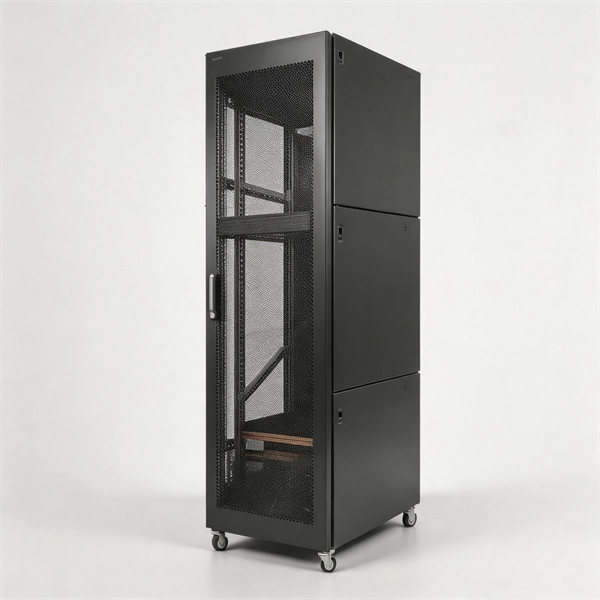
How to insert optical modules into Huawei switches
Installing an Optical Module Install an optical module on a port before connecting optical fibers to the transceiver module. Install dust plugs on idle opt.
[PDF Version]
-
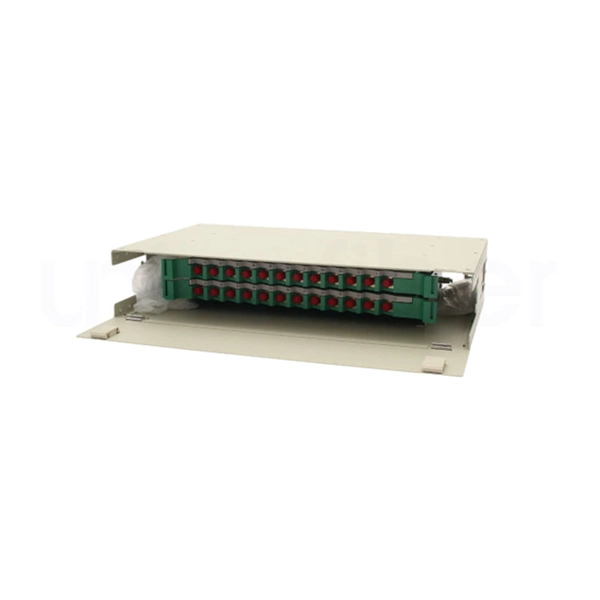
Multiple PoE switches converge
To connect 2 managed PoE switches with a single Cat6 cable, you only need to follow a few simple steps. Connect the Cat6 cable to the LAN port on each switch, and then configure the switches to communicate with each other by configuring VLANs, setting up QoS policies, and...
[PDF Version]
More from the technical library
- Which mesh cable tray is best in Pakistan
- Colorimetric Principles of Optical Cables
- How to make wiring in a home electrical distribution box look neat and tidy
- Automated Wireless Distribution Network
- Chromium Iron Element Spectrometer
- Is a level 3 distribution box a mobile box
- BESS energy storage system with low loss is used in wind power generation