
How can one identify a broken fiber optic cable?
To identify a broken fiber optic cable, start by performing a visual inspection for any physical signs of damage, such as bends, cracks, or breaks...
Search optical fiber, connectivity, cable management and network infrastructure references.
The FTA-02 organizes individual fibers into ribbons for mass splicing. Ribbonizing can be completed in less than 3 minutes, including adhesive drying time. These products allow the user to enter a cable and access one or more fibers, without disturbing the continuity of other...
[PDF Version]
The QSFP-DD full- duplex optical module offers 8 independent transmit and receive channels, each capable of 53. 125Gb/s operation for an aggregate data rate of 400Gb/s on 100 meters of OM4 multi-mode fiber. The Cisco ® family of QSFP-DD modules provide the industry's highest...
[PDF Version]
Designed for FTTH installation and network repair, these sets include high-precision fiber strippers, cleavers, and Kevlar shears housed in a rugged, impact-resistant hard case. The ultimate all-in-one solution for fiber optic termination and splicing preparation. Fiber optic...
[PDF Version]
To find the best router for fiber internet, we used our expertise to select items based on key specs, such as speeds, coverage, wireless standards, security, weight, and additional features. We conduct in-house testing to check their signal strength, speed, and file. A...
[PDF Version]
Industrial switches offer advantages over regular commercial switches due to their ability to withstand harsh working environments, a wide range of product options, and flexible port configurations, meeting the diverse needs of industrial control fields. Industrial switches...
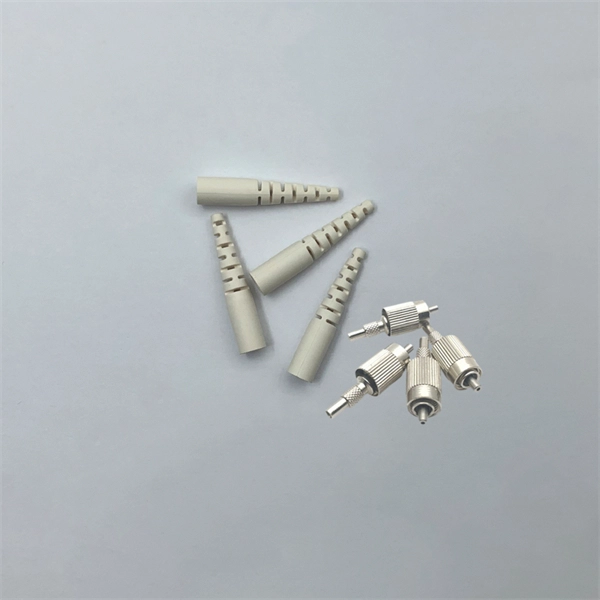
Fiber Network Troubleshooting – Common Issues & FixesLearn how to troubleshoot fiber networks. Identify common issues like high loss, dirty connectors, and.
[PDF Version]To identify a broken fiber optic cable, start by performing a visual inspection for any physical signs of damage, such as bends, cracks, or breaks...
There are several methods to test fiber optic cables without a tester. One method is using a visual fault locator (VFL), as mentioned earlier, to v...
Intermittent fiber optic connections can be caused by a variety of factors, including: Poorly terminated connectors or splices that result in unsta...
It is full fiber stackable routing switch with fixed, built-in 10GbE uplink ports. The fully managed switch provides high availability, scalability, security, energy efficiency, and easy operation with rich L3 features. ✔ The RUTXR1 cellular router was designed with...
[PDF Version]
The operating temperature range of industrial switches is usually -40℃ to 85℃, and even some products may reach -40℃ to 80℃. This wide temperature range enables industrial switches to operate normally in extreme environments, maintaining stable performance in hot deserts...
[PDF Version]
Take a moment to check the following: Examine the LAN cable connections: Make sure that one end of the LAN cable is securely plugged into the WAN port of your router, while the other end is connected to the socket or fiber converter. Despite their robustness, fiber networks...
[PDF Version]
To set up your router for fiber internet quickly, connect the router to your fiber modem, access the router's settings via a web browser, and input the provided ISP credentials. This guide walks you through the complete fiber installation process, from checking availability...
Share the fiber interfaces, termination capacity, cable route and evidence required for handover.