
2 Port Automatic Optical Audio Switch
Search optical fiber, connectivity, cable management and network infrastructure references.
-
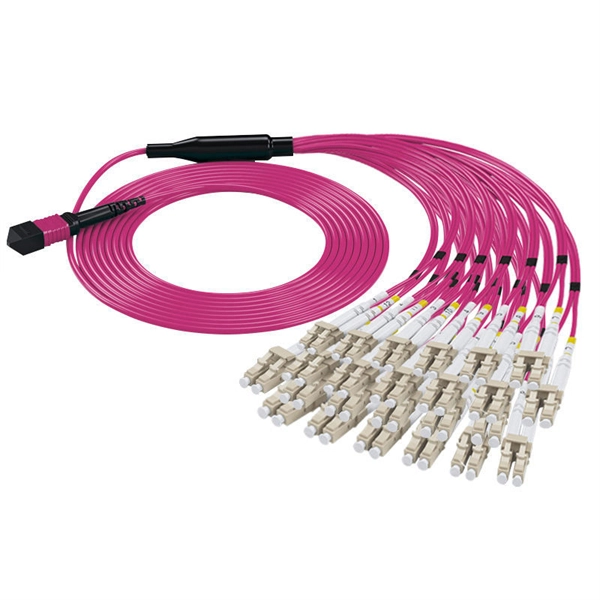
Configure the switch s gigabit optical port
Connect an Ethernet cable to the RJ45 port of a computer, printer, network storage, or other network devices. Plug the compatible SFP transceiver into the SFP port. Connect a fiber optic . ExtremeXOS allows you to specify the medium as copper or fiber when configuring...
[PDF Version]
-
Long-distance 10 Gigabit optical port switch
The transceiver provides 10 Gbps serial optical data transfer rates on a single duplex fiber core up to 10,000 meters at 1,310 nm wavelength, ideal for connecting switches, routers, and servers between and across floors and across business parks and campuses. The LINK-PP...
[PDF Version]
-
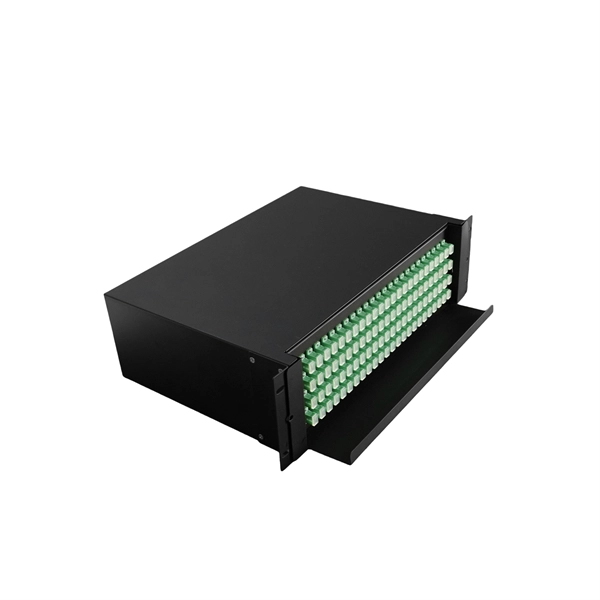
The optical port on the 5735 switch is not working
If optical attenuation is normal but the link still fails, check the switch port settings: • Some switches use combo SFP/RJ45 ports, which require manual optical port configuration. • Some ports are multi-rate multiplexed (e. The AC power cable locking strap is not delivered...
[PDF Version]
-
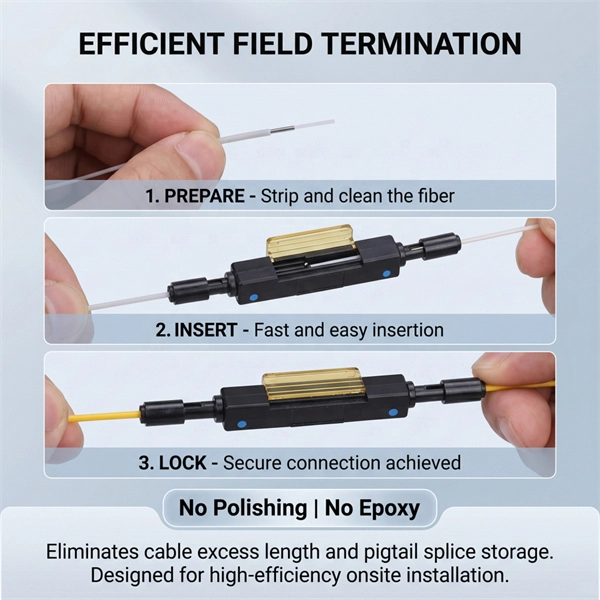
Configure the optical port of a Layer 2 switch
Step1: Open your browser and log in the web interface of you switch. Step2: please go to Switching->Port->Port Isolation->Port Isolation Config. Forward Portlist: choose ports to which packets. See the Cisco Nexus 9000 Series NX-OS Interfaces Configuration Guide, for...
[PDF Version]
-
Switch debugging cable optical port
Move the cable to a known good port to troubleshoot a suspect port or module. Use th show interface command for Cisco IOS to look for errdisable, disable or shutdown status. This document describes how to determine why a port or interface experiences problems. The information...
[PDF Version]
-
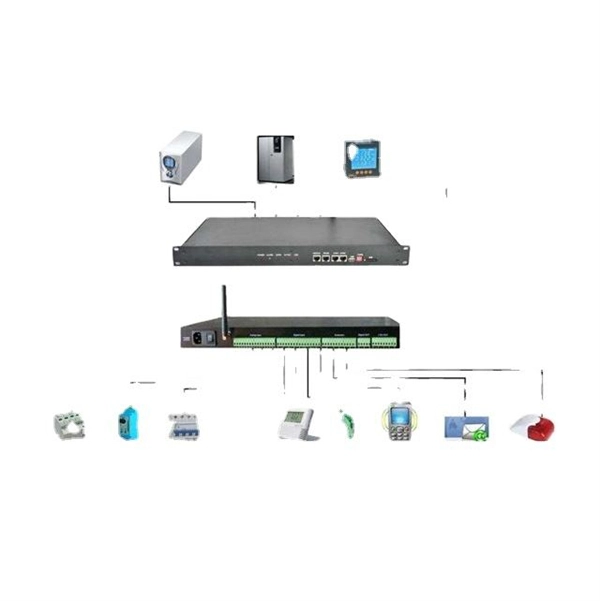
Switch with optical output port
Fiber-optic switches are optical switches in the context of fiber optics. The simplest device is an on/off switch with one input and one output, which allows light to pass with low insertion loss when open, and blocks it completely (or at least causes high insertion loss)...
[PDF Version]
-
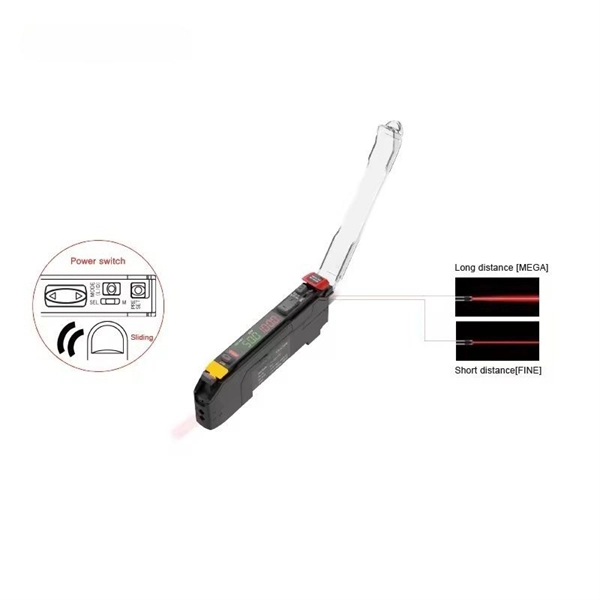
H3CS5000 Switch Optical Port
H3C LS-S5000-16X-EI switch offers 16 full 10 Gigabit optical ports, ideal for SME core networks. Features POE, QoS, VLAN, SNMP, and LACP. Besides high-performance access, it also offers abundant security access policy control and enhanced network manageability and...
[PDF Version]
-
Does the optical port need to be connected to a switch
What is Differences Between Switch Optical Ports and Ethernet PortsOptical ports on switches typically accommodate optical modules for transmitting data vi.
[PDF Version]
-
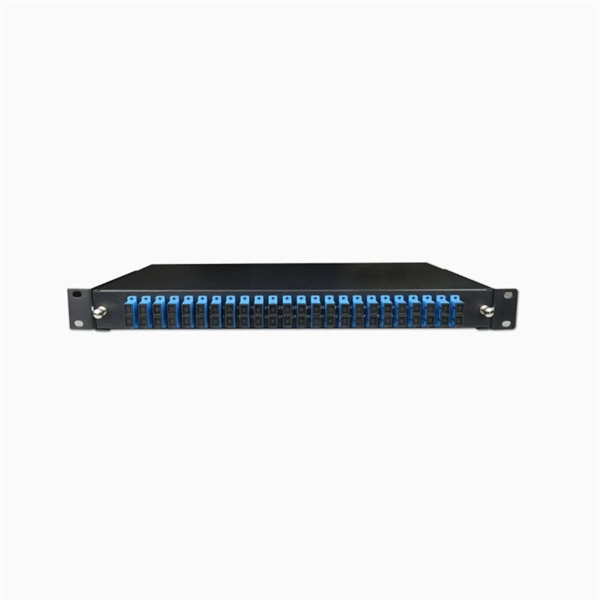
How many pins are connected to the optical port of the switch
Common on cassettes and patch cords. Rule: Male must mate with female. Note: For the three models of IE 4000 switch that support PoE, connector pins 4 and 5 supply +48 VDC and pins 7 and 8 are the DC voltage return lines. The following figure shows the pinouts. It transmits...
-
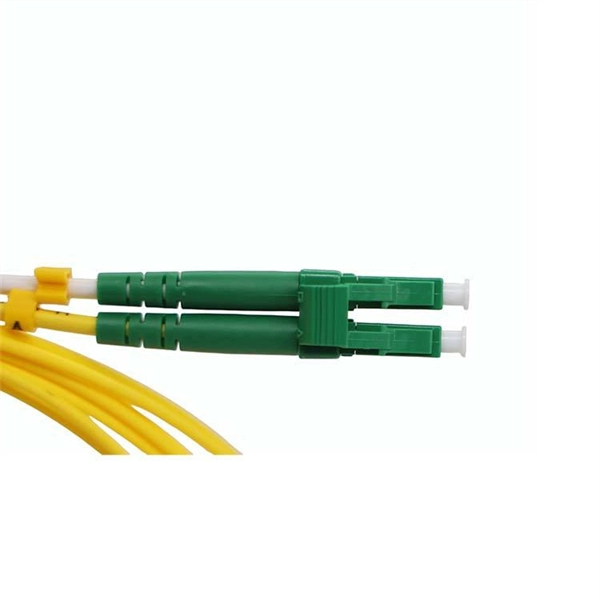
The switch s optical module port is relatively wide
If optical attenuation is normal but the link still fails, check the switch port settings: • Some switches use combo SFP/RJ45 ports, which require manual optical port configuration. • Some ports are multi-rate multiplexed (e. If the optical module is installed on a GE port...
[PDF Version]